

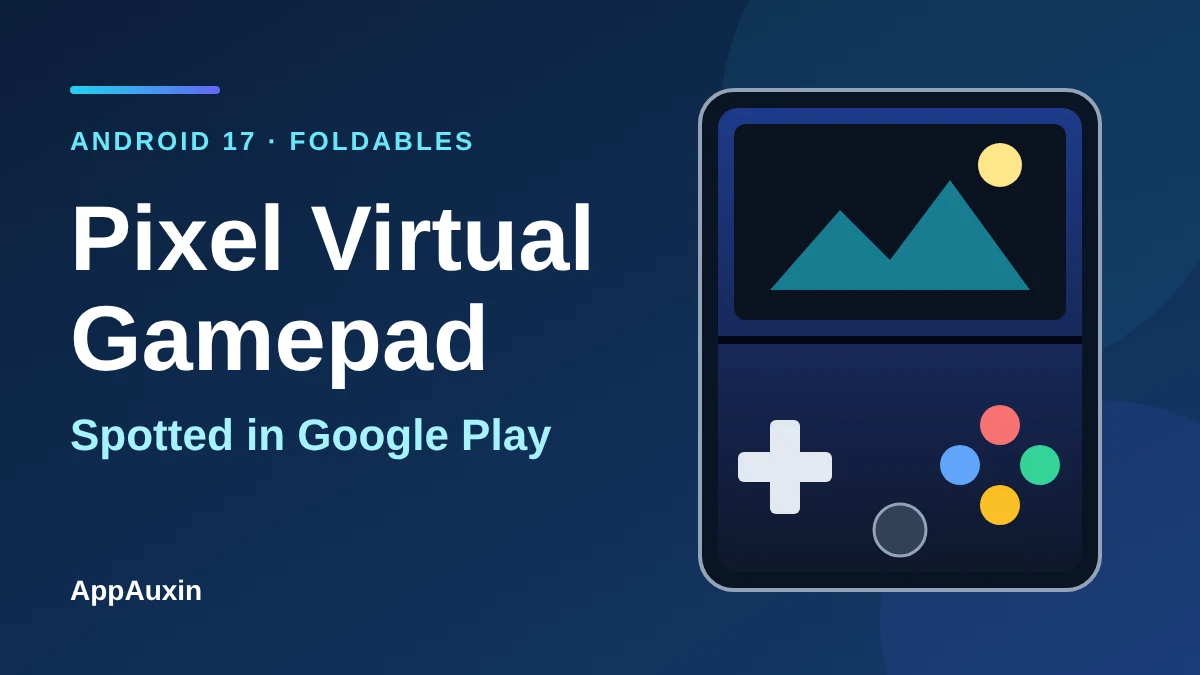
The Pixel virtual gamepad is starting to show up in Google Play, and it could turn an open Pixel Fold into something close to a handheld console. According to 9to5Google’s changelog roundup, Play Store 54.1 adds an on-screen game controller for supported Android games whenever a Pixel Fold is unfolded. Google hasn’t yet said which games or which foldables will get it, so this post separates what’s confirmed from what’s still open.
Here’s the short version before the details:
- What: an on-screen gamepad for supported games, listed in the Play Store 54.1 changelog dated November 16, 2026.
- Works when a Pixel Fold is open, per the changelog.
- Rooted in Android 17’s foldable gaming mode, which Google said in June was coming “in the coming months.”
- No list of supported games or exact Pixel Fold models has been published.
If you only care about whether you can use it today, the honest answer is “maybe, and Google hasn’t said how to tell.”
What the Pixel virtual gamepad does on an open foldable
Foldable gaming mode splits the inner screen in half. The game runs on the top half, and a touch controller fills the bottom half, with the fold acting as the dividing line. Android Authority describes the controller as “dynamic,” so its layout changes to fit the game.
Android Central reported in June that the pad includes the usual face buttons, shoulder buttons, two analog sticks and a D-pad. It says you can resize the controller and choose between centered sticks (PlayStation-style) or staggered ones (Xbox or Switch-style). Haptic feedback was described as a toggle, though nobody has confirmed it will ship in the final version.
The appeal is simple: a game that already supports physical controllers gets a proper control surface, and your thumbs stop covering the action.
Confirmed, reported and still unknown
Most coverage of this feature mixes official statements with a Reddit post and a few assumptions. This table keeps them apart, so you know how much weight each detail deserves.
| Detail | Status | Source |
|---|---|---|
| On-screen controller in Play Store 54.1 for supported games | Listed in changelog | 9to5Google, Nov. 16, 2026 |
| Works when a Pixel Fold is open | Listed in changelog | 9to5Google, Nov. 16, 2026 |
| Included in Android 17 but “coming months” from launch | Stated by Google | Android Authority |
| Resizable pad, two stick layouts, haptics toggle | Reported, not final | Android Central, June 2026 |
| Which games are supported | Not announced | None |
| Which foldables beyond “Pixel Fold” | Not announced | None |
The takeaway: treat the controller design as likely, and treat the game list as unknown until Google publishes one.
Why a Play Store changelog line isn’t a full rollout
9to5Google’s roundup carries a reminder that a feature appearing in a changelog doesn’t mean it’s widely available. Some entries are experimental or limited to certain users. So seeing “Pixel virtual gamepad” in a changelog tells you it exists, not that it’s on your phone.
The timeline so far looks like this. Google said in June that the foldable gaming layout is part of Android 17. Android Central says a Google community employee shared it on Reddit rather than through a formal launch post. Five months later, the Play Store changelog is the first sign of it reaching the store side.
The same Play update cycle also brought other changes, including the Android-to-Windows photo backup we covered in our Quick Share backup guide.
What to check on your Pixel Fold right now
There’s no switch to flip, but a few quick checks tell you whether you’re ready when the feature lands. Work through them in order:
- Open Play Store, tap your profile icon, then Settings > About > Play Store version, and look for 54.1 or higher.
- Check that your phone has the Android 17 update. Our November Pixel Drop rundown covers what else arrived with it.
- Unfold the phone, launch a game you know supports controllers, and look for an on-screen pad.
If nothing shows up, that’s normal at this stage. The pad is tied to supported games, and the supported list hasn’t been shared.
Should you worry about pressing buttons on the inner screen?
It’s a fair concern, but it’s the Android Authority writer’s opinion, not Google’s claim. The article points out that inner foldable displays are usually softer and less durable than cover screens, so heavy button-mashing on a virtual pad might wear them faster. Google hasn’t addressed that publicly.
A screen protector or a Bluetooth controller is the safer choice if you plan long sessions. Android 17 also adds system-level remapping for external controllers, so a physical pad is still a solid option.
Frequently Asked Questions
What is the Pixel virtual gamepad?
It’s an on-screen controller that appears on the bottom half of an unfolded Pixel Fold while a supported game runs on the top half. It was listed in the Play Store 54.1 changelog.
Which Pixel phones support the Pixel virtual gamepad?
The changelog only says “Pixel Fold.” Google hasn’t named exact models, so check back for updates rather than assuming every foldable is covered.
Do I need Android 17 for foldable gaming mode?
Google says the layout is part of Android 17, so you should expect to need it. The company hasn’t published a full requirements list.
Will it work with every game?
No. It targets games that already support physical controllers, and developers mainly need split-screen support, per Android Central. A full compatibility list hasn’t been published.
Worth watching, but don’t buy a foldable for it
The Pixel virtual gamepad is a smart use of a screen shape that most phones don’t have, and the Play Store mention suggests Google is moving from demo to delivery. Still, with no game list, no model list and no firm date, it’s a bonus for people who already own a Pixel Fold rather than a reason to buy one. Check your Play Store version this week, try a controller-friendly game, and wait for Google to publish the supported titles before building any habits around it.
Leave a Reply