

Siri AI usage limits are now spelled out in Apple’s iOS 27.3 beta. The heavier things Siri and Apple Intelligence do on Apple’s servers get a free daily cap, and a bigger iCloud+ plan raises it. Basic commands, like setting a timer, keep working either way.
Here’s the short version before the details:
- Where it shows up: the iOS 27.3, iPadOS 27.3 and macOS 27.3 betas. Apple hasn’t announced a release date.
- The free limit: set per device, reset around midnight local time, and unused allowance doesn’t roll over.
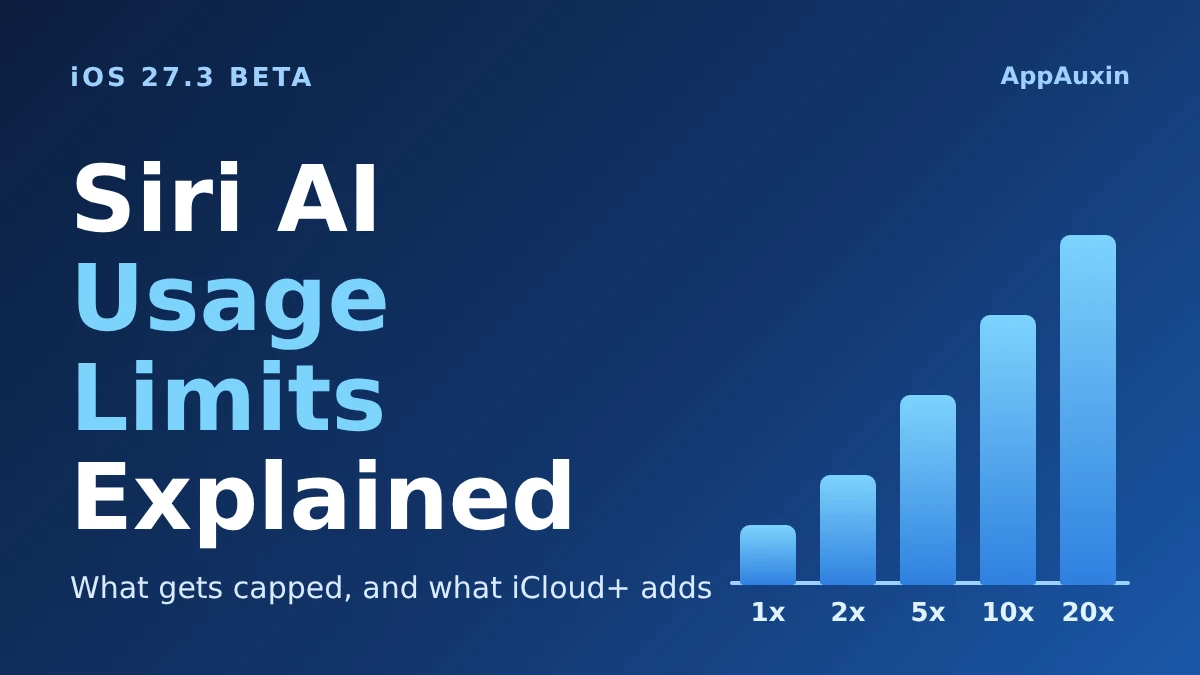
- The paid boost: iCloud+ plans from 200 GB up raise it by up to 2x to 20x, with no price change.
- Still unlimited: basic, single-step Siri requests.
- Not offered everywhere: the iCloud+ boost isn’t available in the UK, EU, Brazil or South Korea.
That’s what a skimmer needs. The rest explains what actually hits the cap and whether a storage upgrade is worth it.
What the Siri AI usage limits actually cap
According to MacRumors, once your free daily allowance runs out, four kinds of server-based features get paused:
- Complex Siri AI requests that use your personal context, such as asking when you need to leave to arrive on time.
- Image generation and editing, including Image Playground and the Photos tools Clean Up, Extend and Spatial Reframing.
- Shortcuts that use Apple’s cloud models (AFM Cloud and AFM Cloud Pro).
- Third-party apps that call Apple Foundation Models through Private Cloud Compute.
The pattern is simple: if the work happens on Apple’s servers and takes real compute, it counts. Quick on-device commands don’t.
Apple’s own support page confirms that list and adds that limits vary by feature category, request complexity and system demand. Each device gets its own limit per category, so burning through image edits doesn’t stop Siri AI requests.
One gap matters here. Neither Apple nor MacRumors says how big the free allowance is. Until that number exists, nobody can tell you how often a normal person will hit the wall. If you want the background on the new assistant, our Siri AI waitlist guide covers who can use it today.
How much your iCloud+ plan raises the limit
The multipliers below come from both MacRumors and Apple’s support page, and prices are the US monthly figures MacRumors reported. They’re “up to” numbers measured against the standard per-device limit.
| iCloud+ plan | US price per month | Limit vs. standard |
|---|---|---|
| 50 GB | Not listed | Standard limit |
| 200 GB | $2.99 | Up to 2x |
| 2 TB | $9.99 | Up to 5x |
| 6 TB | $29.99 | Up to 10x |
| 12 TB | $59.99 | Up to 20x |
Apple says existing plans get the higher limits with no change in pricing, so you’re not paying extra for the AI. You’re just getting more of it as a side effect of storage you may already have.
Apple’s page also lists one oddity: Home app video summaries scale by camera count instead. That’s 1 camera on 2 TB, 2 on 6 TB and 5 on 12 TB.
Don’t mix this up with the $49.99 Apple Intelligence usage packs. Those are a separate one-time top-up for Apple’s creative apps, not an iCloud+ benefit.
Where the boost doesn’t apply
Apple’s support page says the iCloud+ boost for Siri AI isn’t available in Brazil, the EU, the UK or South Korea. For some other Apple Intelligence features, China is on the exclusion list too.
Read that carefully. The page describes the extra allowance for paying customers, and availability of the features themselves still varies by country and language. If you live in one of those regions, a bigger plan won’t raise this limit, so don’t upgrade for it.
When the limit resets and how families share it
Every category resets daily at the same time, and nothing carries over. Apple lists a few exceptions to “around midnight local time”:
- Traveling abroad: midnight in the central time zone of your Apple Account’s country or region.
- Family Sharing: the time zone of whoever bought the iCloud+ plan.
- Not signed in to an Apple Account: about 24 hours after you first used that category.
The family detail is the one to watch. The higher limit is shared across your devices and Family Sharing members, first come, first served, so a teenager’s image edits can use up the pool before you get to it.
Apple says it will tell you when you reach a limit. The company also says limits may change over time, and MacRumors expects the beta period to be used to tune them, so treat every number here as provisional. Apps that lean on Siri are another place you may feel it, and our look at Siri AI app actions in the iOS 27.3 beta shows how much will run through it.
Frequently Asked Questions
Will Siri stop working when I hit the limit?
No. Basic requests such as setting a timer or sending a text keep working. Only the more complex, server-based requests pause until the limit resets or you upgrade.
How big is the free daily Siri AI allowance?
Apple hasn’t said. Neither the support page nor the MacRumors report gives a number, so it’s unclear how quickly a typical user would reach it.
When do these limits start?
They’re in the iOS 27.3, iPadOS 27.3 and macOS 27.3 betas now. Apple hasn’t announced when the final versions ship.
Do I need to pay for iCloud+ to use Siri AI?
No. Apple says the server-based features are free on supported devices and languages, with daily limits. A paid plan only raises the ceiling.
Should you upgrade iCloud+ for this?
Not yet. Nobody outside Apple knows the free allowance, the numbers may shift before iOS 27.3 ships, and the boost is missing in several big markets. Wait until you actually see a limit notification, then decide. If you already want 200 GB for photos, the $2.99 tier is a cheap bonus, but I wouldn’t jump to 6 TB just for Siri.
Leave a Reply