

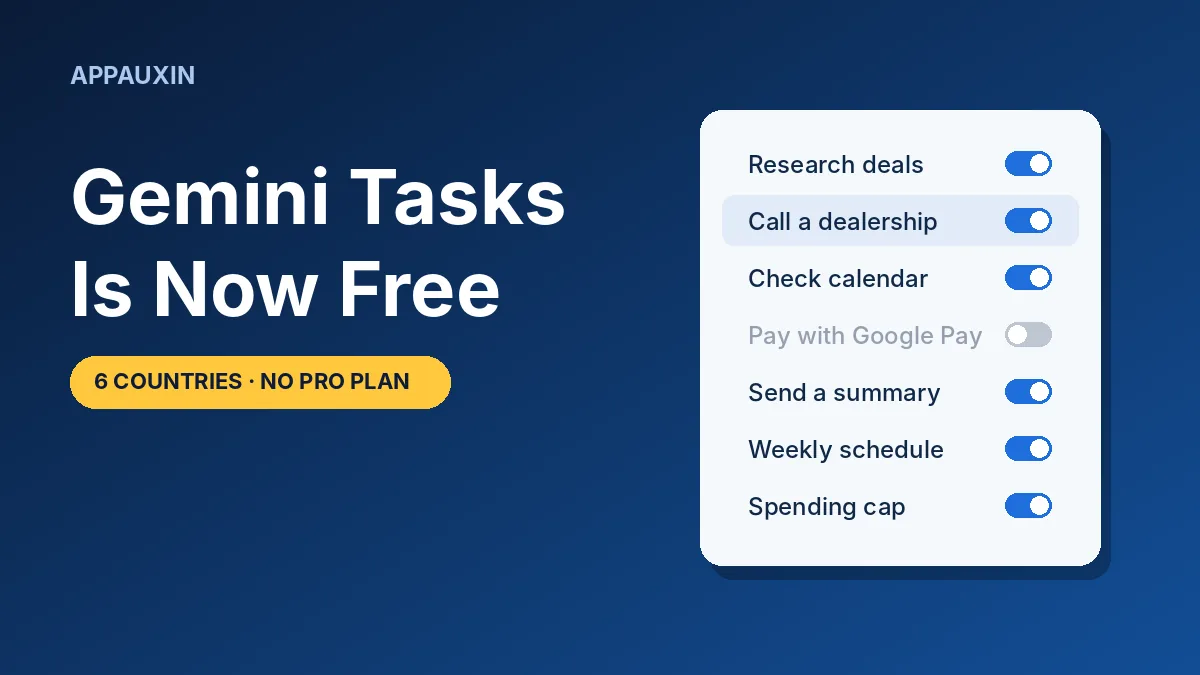
Gemini Tasks is now free. Google announced on November 17 that the background AI agent, formerly called Spark, no longer needs an AI Pro or Ultra subscription in six countries.
That means millions of people can hand Gemini a multi-step job and let it work while they do something else. Calling businesses and paying with Google Pay come with it, but only in the US for now.
Here’s the quick rundown.
- Announced: November 17, 2026
- Free in: the US, Japan, South Korea, Canada, Australia and India (18 and over)
- Powered by: Gemini 4 Hydrogen
- US only for now: calling local businesses and checkout with Google Pay
- Before this: Tasks required a paid AI Pro or AI Ultra plan
The sections below cover what changed, what’s still locked, and how to use it without handing over more control than you mean to.
What Gemini Tasks is, and what changed
Gemini Tasks is an agent mode. You describe a goal, and Gemini works through the steps in the background, then pings you with the result. According to Android Central, it previously required a paid tier.
The feature began life as Gemini Spark. Google’s own announcement talks about a Chat-to-Task toggle, so the Spark link comes from press coverage and Google’s help pages rather than a plain statement. Either way, it’s the same agent with a new name and a bigger audience.
It now runs on Gemini 4 Hydrogen, according to both Android Central and Unite.ai. If you’ve used the older task automation on phones, such as the version in our UK, India and Japan rollout post, this is a broader agent.
Who gets Gemini Tasks free, and who still pays
Free access depends on where you live and how old you are. Pro and Ultra subscribers get it too, including in some countries outside the free six.
| Who you are | What you get |
|---|---|
| Free user, 18+, in the six countries | Tasks at no cost |
| Pro or Ultra subscriber elsewhere | Access in “selected other countries,” which Google hasn’t clearly named |
| Anyone in the US | Calling businesses and Google Pay checkout, rolling out first |
| Free user in the EU, UK or Switzerland | Not listed among the free countries |
One caveat on the last row. Earlier explainers said Spark was blocked in the European Economic Area, the UK and Switzerland, but I couldn’t confirm that against Google’s current help pages. Check the Gemini app before assuming either way.
The new tricks: calls, checkout and email forwarding
The free rollout comes with a handful of new ways to give Gemini work. Most of them start in the US.
- Calling businesses: Gemini phones local businesses, discloses it’s an AI, and can book things like a service appointment. Businesses can opt out, and calling isn’t available in Indiana, Louisiana, Minnesota, Montana or Nebraska, per Unite.ai.
- Google Pay checkout: Gemini can pay with Mastercard and Visa digital tokens, with a hard spending cap you set. American Express support is described as forthcoming.
- Email and text: US users can forward email to gemini@google.com or text Gemini after verifying a US phone number on an eligible carrier.
- Password Manager sign-ins: Gemini can log into approved accounts without sharing your passwords outside Google.
The spending cap is the setting to touch first. An agent that can pay for things should never run uncapped.
If agent payments interest you, our ChatGPT Wallet post covers how OpenAI approaches the same idea.
How to start a task without losing control
Open the Gemini app and flip the toggle from “Chat” to “Task.” It sits above the prompt box on mobile and below it on the web. Type the job, and Gemini starts working.
Google built in a few brakes. Gemini is designed to ask before buying anything or taking other critical steps, and you can add instructions while a task is running. Third-party connections are off by default.
Browsing runs in an isolated virtual machine on Google Cloud, which Google says helps protect against prompt injection. That’s a claim, not a guarantee, so keep an eye on anything involving money or logins.
Expect some misses. Unite.ai notes that Gemini can get most of the way through a job on a site and then hand the screen back for a final click. Some sites block it outright.
One explainer, citing Google’s help pages, puts the limits at 15 tasks running at once and 50 active schedules. Treat those numbers as unconfirmed for the free tier.
Frequently Asked Questions
Is Gemini Tasks really free?
Yes, for users 18 and over in the US, Canada, Australia, India, Japan and South Korea. Google hasn’t published usage quotas, so heavy use may still hit limits.
Is Gemini Tasks the same as Gemini Spark?
Press coverage and Google’s help pages treat them as the same agent, now renamed. Google’s own announcement describes the Task toggle without using the Spark name.
Can Gemini buy things without asking me?
It’s designed to request confirmation before purchases, and you can set a hard spending cap on Google Pay. Routine actions can be set to always allow, so review those settings.
Where do I find Tasks in the Gemini app?
Switch the control near the prompt box from Chat to Task. If you don’t see it, the rollout may not have reached your account yet.
Is it worth trying?
Yes, but start small. Give it research or scheduling jobs first, like comparing products or lining up a booking, and watch how it handles them before you connect payments. A free agent that makes calls and spends money deserves a spending cap and a few supervised runs before you trust it with anything you can’t undo.
Leave a Reply