

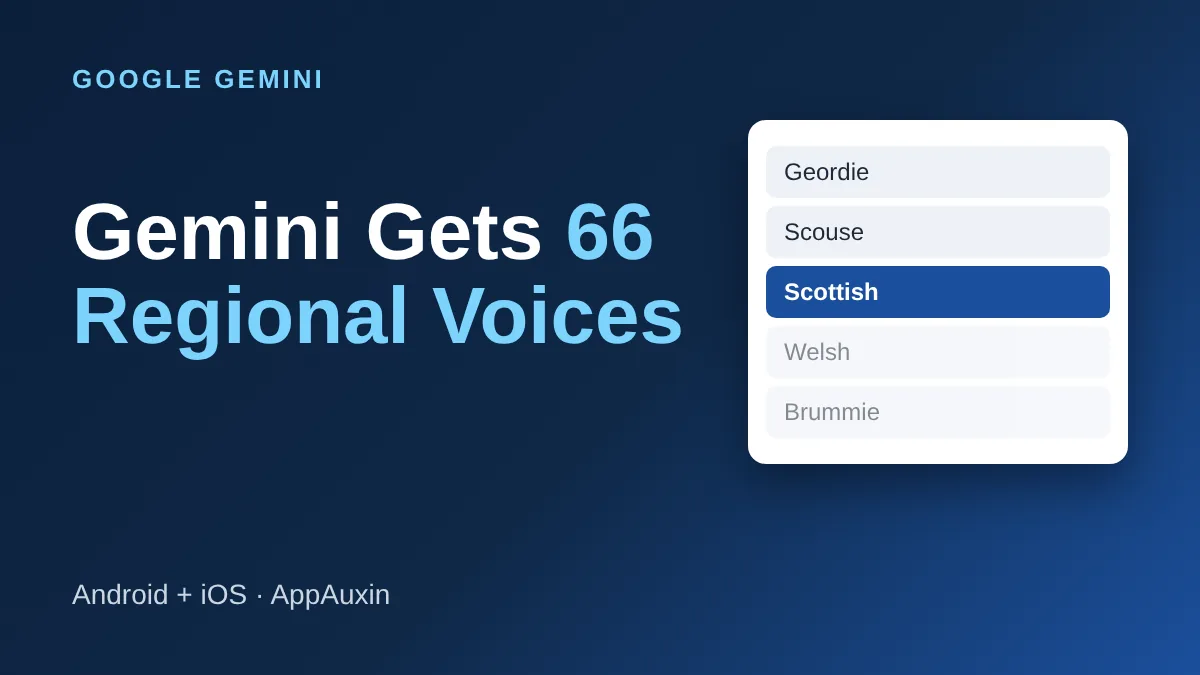
Gemini regional voices are rolling out now, and Google’s assistant can finally sound like it’s from somewhere. The Gemini app on Android and iOS is getting 66 new voices across seven language groups, including Geordie, Scouse and Scottish English.
You pick one in a couple of taps, and it works for both Gemini Live conversations and the read-aloud button. Here’s where to find it and what to expect.
Quick facts first:
- Google is adding 66 regional voices to the Gemini app, according to 9to5Google’s November 16, 2026 report.
- They’re available on both Android and iOS.
- The groups are U.S., U.K. and Indian English, plus Hindi, Brazilian Portuguese, Indonesian and Korean.
- You choose a voice from the three-dot menu in Gemini Live or in the app’s settings.
That covers the basics. The details below explain which accents are named, how the voices behave and what Google hasn’t said.
What Gemini regional voices actually include
According to 9to5Google, the 66 voices follow a preview Google showed at I/O. The rollout started on November 16, and the report doesn’t give a finish date or a percentage of users.
The U.K. set is the one that stands out. Google describes it as more than 10 English voices, but the article names eight of them.
| Language group | What the report confirms |
|---|---|
| U.K. English | Geordie, Scouse, Brummie, Scottish, Welsh, Northern Irish, Modern RP and Multicultural London English |
| U.S. English | Included in the rollout; individual voice names weren’t listed |
| Indian English and Hindi | Included in the rollout; individual voice names weren’t listed |
| Brazilian Portuguese, Indonesian, Korean | Included in the rollout; individual voice names weren’t listed |
Because the report only names the U.K. voices, I can’t tell you how many voices each other language gets. Expect the in-app list to be the final word.
How to switch your Gemini voice
There are two routes. Open the three-dot menu while you’re in Gemini Live, or go to the Gemini app settings and tap “Gemini’s voice.”
Whichever voice you choose applies across the app. That means it speaks in Gemini Live and also when you tap the “Listen” icon to hear a text answer read aloud.
If you don’t see the option yet, the rollout probably hasn’t reached your account. Check again over the next few days before assuming something is wrong.
Don’t expect slang, and don’t expect labels
Google says these voices focus on pronunciation and rhythm, not slang. So a Scouse voice will sound Scouse, but it won’t suddenly start using local phrases on its own.
Prompts help, according to the same report. Asking about local food, culture or sport can bring the dialect out more.
There are two quirks to know about. The voices aren’t labeled by city or region in the app, and Gemini won’t tell you which accent it’s using if you ask directly. You’ll have to rely on your ears and the order of the list.
The reviewer also hasn’t yet tested whether this update fixes older complaints, where regional English accents drifted toward Australian or American mid-conversation. That’s worth watching if you plan to use Gemini Live for long chats.
A simple way to test a voice before you commit
Pick one voice, then ask Gemini something you’d normally ask out loud. A recipe, a football result or a route home all work, because those topics match the local prompts Google suggests.
Next, tap the “Listen” icon on a longer written answer. Since the same voice powers both features, you get a quick feel for how it handles a paragraph, not just a short reply.
Then switch to a second voice and ask the same question. Because the list isn’t labeled by region, side-by-side listening is the only reliable way to tell the voices apart, and it takes about two minutes.
Where this fits with Gemini’s voice upgrades
Gemini’s voice side has been busy lately. We covered the Gemini 3.8 Live voice upgrade in September, and the competition is moving too.
OpenAI recently pushed out new voices of its own, which we looked at in our GPT Live 1.1 voices post. Accents are becoming a real feature, not just a novelty.
For people who use Gemini as a hands-free assistant, a voice that sounds like your neighbours is a small thing that can make long conversations feel less robotic. It’s also a handy accessibility option if you find one accent easier to follow than another.
Frequently Asked Questions
How many Gemini regional voices are there?
Google is adding 66 new regional voices across U.S., U.K. and Indian English, Hindi, Brazilian Portuguese, Indonesian and Korean. The report says the U.K. set alone has more than 10 voices.
Do the new voices work on iPhone?
Yes. The rollout covers both Android and iOS, according to 9to5Google.
Does the voice change apply to text answers too?
Yes. The voice you pick is used in Gemini Live and when you tap the “Listen” icon to hear a written response.
Why don’t I see the new voices yet?
The rollout began on November 16 and the report gives no finish date. It may simply not have reached your account.
My take: try a regional voice for a week before you decide. If you talk to Gemini Live for long stretches, a voice you find easy to listen to will matter more than any new feature, and this one costs nothing to test. Just don’t expect it to replace a proper accent picker, since the lack of labels makes browsing clumsier than it should be.
Leave a Reply