

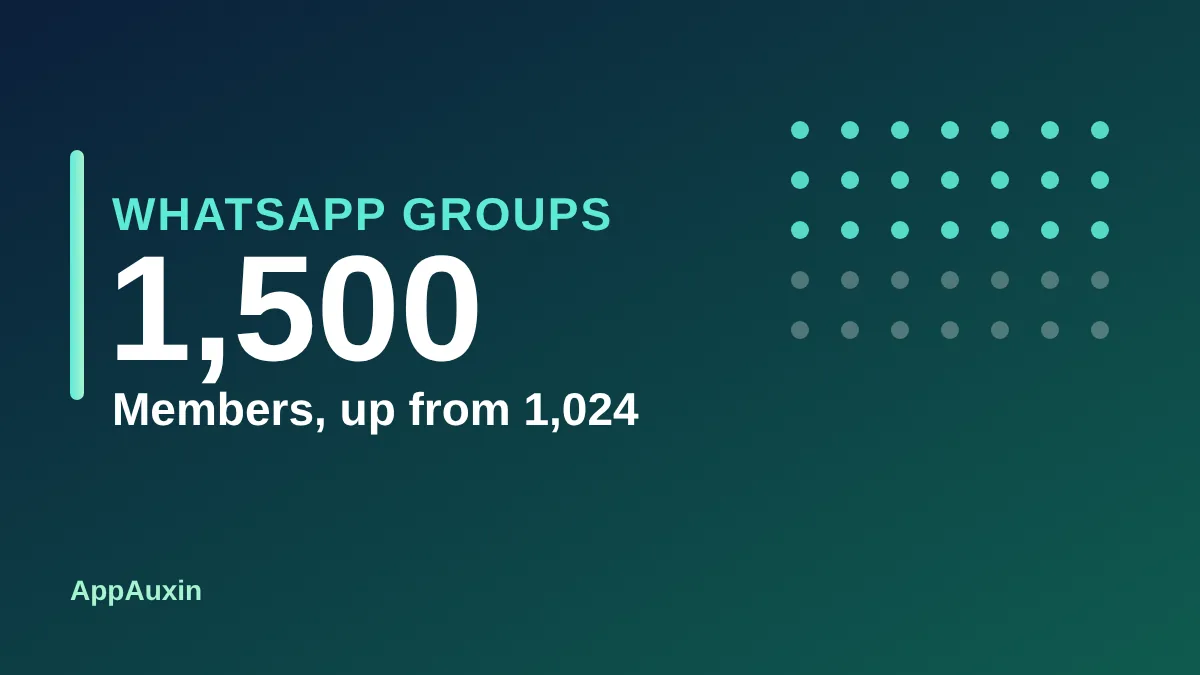
The WhatsApp group limit is going from 1,024 to 1,500 members on Android and iPhone, and it’s reaching accounts in stages. According to WABetaInfo, existing groups upgrade on their own, so admins don’t have to change anything. WhatsApp hasn’t announced the change itself yet.
Here’s what matters at a glance:
- The cap rises from 1,024 to 1,500 members, which leaves room for 476 more people.
- It covers Android and iOS, in regular groups and in group chats inside Communities.
- Rollout is gradual, account by account, with no date for everyone.
- Community announcement groups stay at 2,000 members.
If your group has been bumping into the old ceiling, this is the update you were waiting for. The catch is that you can’t force it.
Why the WhatsApp group limit matters now that it hits 1,500
For most people, a group of 1,024 is already enormous. But schools, housing societies, local sellers’ circles, fan clubs and church or mosque communities hit that wall all the time. When they did, admins had to split the crowd into “Group 2” and “Group 3,” and announcements stopped reaching everyone at once.
A bigger cap means one place for the whole crowd. It also means less copy-pasting the same message into three chats, and fewer people missing a schedule change because they landed in the wrong overflow group.
There’s a flip side. The more people in a chat, the harder it is to keep it useful, so a higher ceiling helps most when a group already has clear rules and active admins.
The limit has crept up slowly. As 9to5Mac notes, groups held 100 people before 2016, then 256, then 512, and reached 1,024 in 2022. This is the first jump in four years.
What changes and what stays the same
The new cap applies to two kinds of chats, while one Community feature keeps its higher number. This table shows where each type stands.
| Chat type | Old limit | New limit |
|---|---|---|
| Regular group chat | 1,024 | 1,500 |
| Group chat inside a Community | 1,024 | 1,500 |
| Community announcement group | 2,000 | 2,000 (unchanged) |
Admins don’t need to flip a setting or create a new group. WhatsApp is updating existing groups automatically once the change reaches an account.
How to tell if your account has it yet
There’s no toggle and no screen that says “1,500 enabled.” The only signal reported so far is practical: you can add a member beyond the 1,024 mark.
That means a group that’s nowhere near full won’t show you anything. If you run a large group, try adding people near the old ceiling and see whether it lets you through.
It’s worth keeping WhatsApp updated from the Play Store or App Store, since WABetaInfo says the change is on the latest versions. But TBreak reports that updating the app won’t speed things up, because access arrives account by account. WABetaInfo expects more accounts to get it over the coming weeks.
What WhatsApp hasn’t confirmed
This story comes from WABetaInfo, a feature tracker with a long record of spotting WhatsApp changes early, and 9to5Mac picked it up. WhatsApp itself hasn’t published an announcement. So treat the 1,500 figure as reported and visibly rolling out, not as an official promise.
Several details are still open:
- When every account will get the higher limit.
- Whether the number differs by country or by business accounts.
- How invite links behave once a group is past 1,024, since the reports don’t mention them.
Those gaps matter if you manage a group that people join through a public link. Check how it behaves before you promote it.
Running a 1,500-person group without losing your mind
More people means more noise. WhatsApp’s October group updates help here: pinned messages can now stay up indefinitely, and a filter shows only chats where you were mentioned or replied to. If you admin a big group, pin the rules and the one link everyone needs.
Media is the other pressure point. A chat with 1,500 people can fill your phone’s storage fast. If you haven’t sorted your backups, our guide to WhatsApp cloud backup on Android explains the new free option.
Large public-style groups also attract spam and scams. Keep admin-only posting on for announcements, and don’t paste a join link into places you don’t control. If you also manage a community on Instagram, our look at the standalone Instagram Direct app covers Meta’s other messaging push.
Frequently Asked Questions
What is the new WhatsApp group limit?
It’s 1,500 members per group, up from 1,024. The change is rolling out on Android and iOS, and WABetaInfo says existing groups upgrade automatically.
Why can’t I add more than 1,024 people yet?
The rollout is gradual, so your account probably hasn’t received it. Keep the app updated and check again over the next few weeks.
Do WhatsApp Communities get the 1,500 limit too?
Group chats inside Communities do, according to WABetaInfo. The Community announcement group is unaffected because it already supports 2,000 members.
Do I need to change any admin settings?
No. Reports say existing groups update on their own and admins don’t need to take any action.
How big could WhatsApp groups get before this change?
The previous cap was 1,024 members, set in 2022. Before that, groups topped out at 512, and earlier still at 256 and 100.
Our take: use the room, but don’t fill it for the sake of it
If your group genuinely outgrew 1,024, the new cap saves you the annoying job of running parallel chats, and it’s worth using. If it didn’t, bigger isn’t better: a 1,500-person chat is mostly noise, and moderating it is real work. Wait until your account shows the change, set admin-only posting and pinned rules first, and only then start adding people.
Leave a Reply