

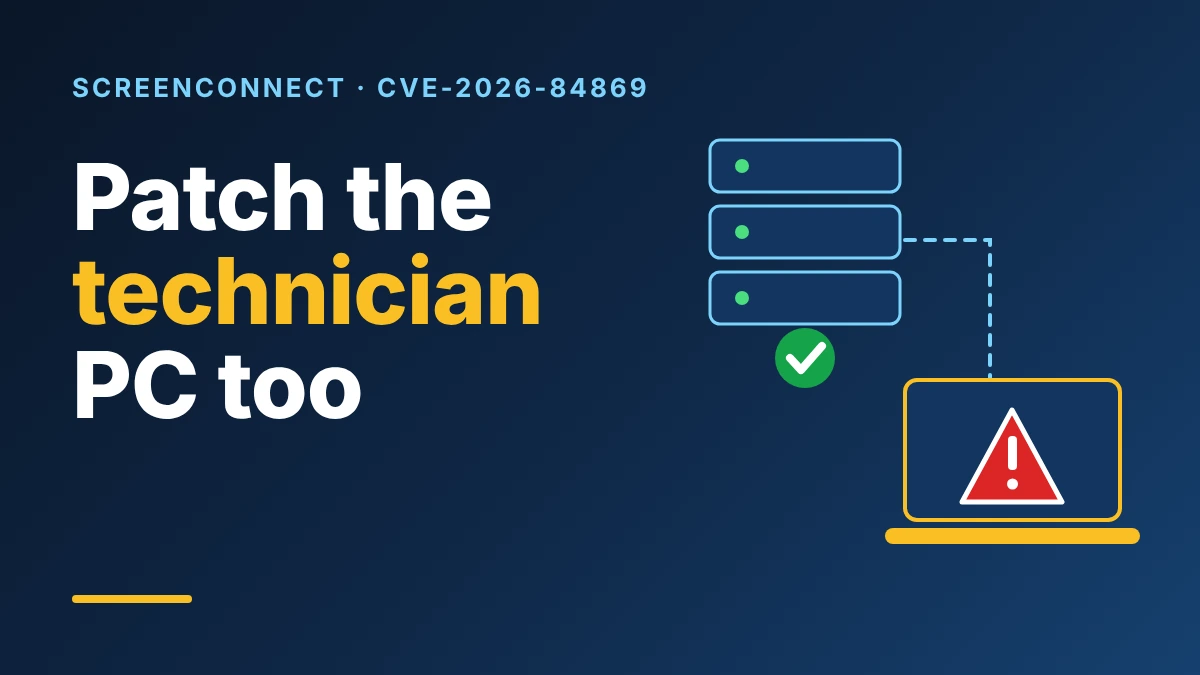
ScreenConnect CVE-2026-84869 lets an attacker run files on an IT technician’s own PC just by joining a remote support session, and Huntress says criminals have been hammering it since October. The catch is that updating the ScreenConnect server doesn’t fix it. The technician’s client software has to be updated too, and Huntress found technicians still running old clients weeks after the fix shipped.
Here’s the short version before the details:
- The flaw is CVE-2026-84869, rated CVSS 9.9 by ConnectWise.
- The fix is ScreenConnect host client and Access agent version 26.6.5 or later.
- ConnectWise published its advisory on September 8, and CISA added the bug to its Known Exploited Vulnerabilities catalog on September 11.
- The people most at risk are IT providers and their technicians, but their customers inherit the danger.
- The stopgap, if you can’t update yet, is removing the TransferFiles permission.
How ScreenConnect CVE-2026-84869 works without a single prompt
Most remote-access attacks go after the server, so this one is easy to misread. The weak point here is the host client, the app running on the support person’s computer. SecurityWeek describes it as a missing-authorization flaw that lets file transfers and execution happen during a connection with no confirmation.
In practice, a malicious guest in a Support or Access session can trigger file-transfer actions. According to Huntress, the technician’s client then handles them without asking, including running the file with elevated rights. The technician sees nothing. Joining the session is enough.
That’s why a patched server doesn’t help. The vulnerable code lives on the technician’s machine, so every host client and Access agent needs 26.6.5 or later. Huntress saw clients on 22.x, 24.2 and 25.8 still in use long after the fix.
Attackers reach technicians two ways: by joining real customer support sessions as an extra guest, or by spraying MSP ScreenConnect servers and waiting for someone to connect.
The 9-second break-in and the 688,000 blind requests
On November 12, Huntress watched a guest-pushed batch file take over an MSP technician’s workstation in roughly 9 seconds. The script hid itself, reported the new victim to a Telegram bot, downloaded an installer and launched a rebranded ScreenConnect client named to look like Windows Update.
A day later, a second MSP’s technician PC received a harmless text file that opened in Notepad++. Huntress reads that as a test run to confirm the exploit works before sending real payloads. The machine went offline 18 minutes later.
The scale is what stands out. From October 20 through November 16, Huntress counted about 688,000 “run file” requests across 42 MSP servers from 29 IP addresses. SecurityWeek quotes Huntress saying the attackers are “spraying servers blindly” and waiting for any technician to join. It also notes Huntress earlier warned that exploitation began on August 20.
Huntress treats two related stories as separate: a worm called SCKit that abuses a third-party server extension, and fake guest sessions named after crypto exchanges on more than 100 servers. Neither is this bug. If you read about ScreenConnect trouble elsewhere, check which one it is.
What to check this week, depending on who you are
If an outside company manages your IT, you can’t patch this yourself, but you can ask three questions today:
- Are our technicians’ ScreenConnect clients and Access agents on 26.6.5 or later?
- Has the TransferFiles permission been removed until they are?
- Has anyone searched the server logs for guest file-run requests since October 20?
A confident “yes, we patched ScreenConnect” may only mean the server. Ask about the technician PCs by name.
If you run ScreenConnect yourself, Huntress’s checklist boils down to four places to look:
| Where to look | What to check |
|---|---|
| Technician PCs | Client version is 26.6.5 or later; no unexpected client named WindowsUpdate.WindowsClient.exe or wclient_ folders under %LOCALAPPDATA% |
| Roles and session groups | TransferFiles permission removed if you can’t update right away |
| Server session database | Guest-started file-run events in a copy of App_Data\Session.db, especially repeated update*.bat requests from blank-named sessions |
| Network traffic | Outbound ScreenConnect relay traffic on port 8041 to domains you don’t control |
If you find a rogue client, treat the technician PC as fully compromised. Isolate it, then rotate every credential reachable from that machine, including RMM, PSA, password vault and customer admin logins. Huntress’s advice is to assume the attacker saw everything the technician could.
This isn’t ConnectWise’s first appearance in our coverage. Our look at the ConnectWise Cloud Backup breach covered a different problem, but it’s another case of ConnectWise tooling in attackers’ sights.
Frequently Asked Questions
Does updating the ScreenConnect server fix CVE-2026-84869?
No. The flaw sits in the technician’s host client, so the server update alone leaves the technician’s PC exposed. Host clients and Access agents need 26.6.5 or later.
Is CVE-2026-84869 being exploited right now?
Yes. CISA listed it as a known exploited vulnerability on September 11, and Huntress documented a confirmed technician workstation compromise on November 12. Its activity data runs through November 16.
How do I find out which client versions my technicians use?
Huntress suggests checking your ScreenConnect connection history for client versions. Anything older than 26.6.5 needs an update.
What’s the quickest stopgap if I can’t update today?
Remove the TransferFiles permission from your roles and session groups. Huntress lists that as the interim mitigation until clients are updated.
The bottom line
Treat this as a client-side emergency, not a server one. Remote-support tools have two ends, and most patch routines only cover the end that sits in the data center. Customers should ask for a version number on the technician PCs rather than a reassuring yes, and providers should assume the spray traffic in their logs is waiting for one technician to join an unattended session. For another example of the gap between a flaw and its fix, see our write-up on vCenter CVE-2026-123890, which was exploited for two months before its patch.
Leave a Reply