

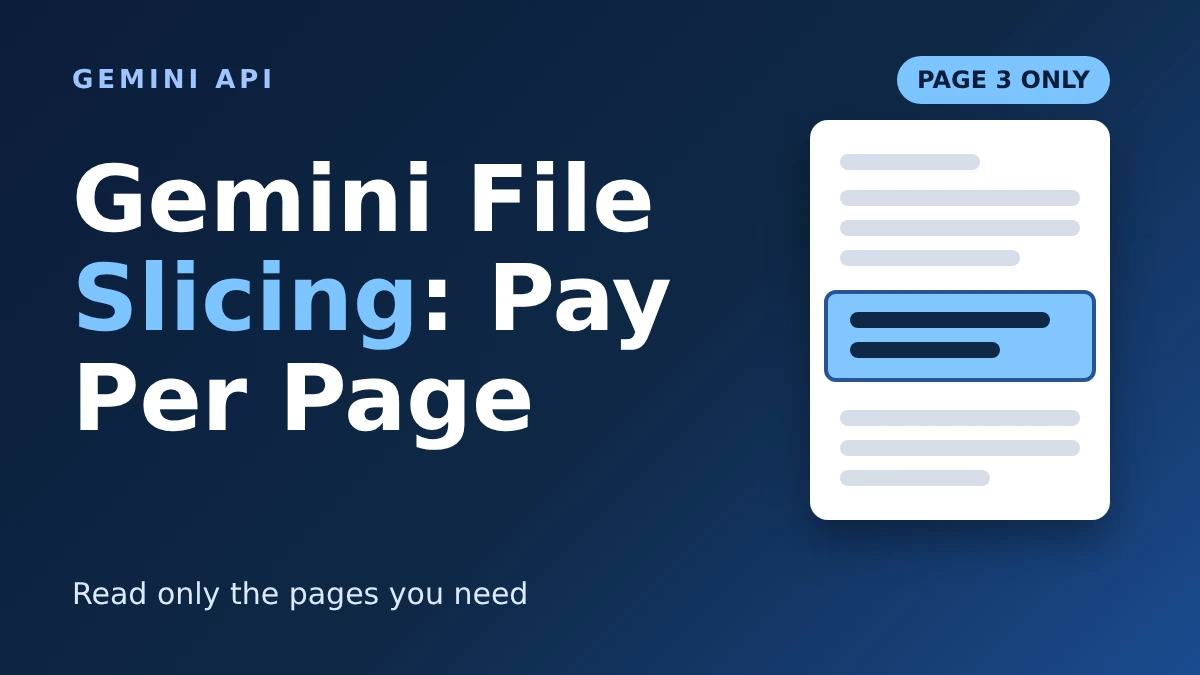
Gemini file slicing lets you tell the Gemini API which pages, cells or time ranges of a file to look at, and you’re billed only for the parts it actually inspects. Google announced it on November 23, 2026, alongside native upload support for Microsoft Office and OpenDocument files.
If your app or agent feeds long PDFs, workbooks or videos to Gemini just to answer one narrow question, this is aimed squarely at you.
Here’s the short version before the details:
- Announced: November 23, 2026, on Google’s developer blog.
- Where: the Gemini API, including Google AI Studio.
- Models: works across all Gemini 4 models, per Google.
- Files: PDFs, Office and OpenDocument files, audio and video.
- Billing: tokens only for the parts Gemini inspects.
How Gemini file slicing works
Until now, the easy way to ask about one chart in a 200-page deck was to send the whole thing and pay for every page. The alternative was splitting the file yourself with a PDF library or LibreOffice before uploading.
Slicing moves that work to Google’s side. You upload a file once with the Files API, get a URI back, and reuse that URI across turns. Each request then says which part to look at.
Google calls the pattern “skim, then zoom.” First you ask for cheap views such as extracted text, low-resolution previews or a transcript. Once the model has found the right spot, you request that one page or segment at high resolution.
The rendering and tokenizing happen server-side, so your own code no longer needs a PDF renderer, LibreOffice or ffmpeg installed. Agents can also choose which part of a file to inspect inside a function response, which matters if you’re building tool-using agents like the ones in our guide to Gemini API tool retrieval.
The settings you get for each file type
Each media type has its own set of controls. This is the table Google published, trimmed to the parameter names you’ll actually type.
| File type | What you can slice | Parameters |
|---|---|---|
| Documents and slides | PDF, Office and OpenDocument pages | start_page, end_page, resolution, content_layers (page_text, page_image) |
| Spreadsheets | .xlsx, .xls and .ods sheets and cells | sheet_index, visible_cells, resolution, content layers (data, formulas, visuals) |
| Video | Time ranges and layers | start_offset, end_offset, fps, resolution, content layers (transcript, frames, audio) |
| Audio | Time ranges | start_offset, end_offset |
Defaults differ too. Documents and slides default to layout-preserving page images, while spreadsheets default to evaluated values, formulas and sheet names across every tab.
In Google’s own example, a Word document goes up once. The first request asks for page_text only, to locate a chart. The second reuses the same URI with start_page: 3, end_page: 3 and high resolution to read that page as an image.
What early adopters say it saves
Google quotes two companies, and both numbers come from the announcement rather than independent testing.
- Vercel says skimming a document page for text extraction used 14x fewer tokens than rendering the whole PDF.
- LiteLLM says slicing cut prompt tokens by 67% for a PDF and 33% for a workbook.
Treat those as best cases. Your savings depend on how much of each file you really need, and a task that needs every page gets no discount. The biggest wins should show up when you ask many small questions about the same large file, since the uploaded URI is reusable.
A fair way to test it is to pick one real workflow, such as answering questions about a 100-page contract or a multi-tab budget workbook. Run it once the old way and once with a first pass on page_text or data only, then compare the token counts in your usage logs. If the sliced version answers just as well, you have your own number instead of Vercel’s or LiteLLM’s.
Long-running agents are where this is likely to matter most. If that’s your area, our piece on Google Agent Compute Engine covers how Google is giving each agent its own microVM.
What Google hasn’t said yet
The announcement leaves a few practical questions open, and they matter before you rewrite a pipeline.
- No per-token rates are listed, so you can’t price the low, medium and high resolution options yet.
- Google says existing file size and page limits still apply, but it gives no numbers.
- The supported video and audio formats aren’t spelled out.
- The Gemini app isn’t mentioned at all.
That last point is worth flagging. Android Central’s coverage describes the change as rolling out across Gemini and AI Studio. Google’s own announcement only describes the API, so don’t assume the Gemini app gets these controls.
Frequently Asked Questions
What is Gemini file slicing?
It’s a set of Gemini API options that let you pick which pages, cells or time ranges of an uploaded file the model reads. You’re billed only for the tokens Gemini inspects.
Which Gemini models support it?
Google says native file slicing works across all Gemini 4 models. Its example uses gemini-4-hydrogen and gemini-4-neon.
Can Gemini now read Word, Excel and PowerPoint files directly?
Yes, through the API. Google added native upload support for Microsoft Office and OpenDocument files, so you don’t need to convert them to PDF first.
Do I need to split PDFs myself anymore?
Not for this purpose. The API renders and tokenizes files on the server, so tools like LibreOffice or ffmpeg aren’t required on your side.
Our verdict
If you pay Gemini to read the same big files over and over, test this this week on your most expensive workflow and compare token counts before and after. Hold off on bigger rewrites until Google publishes pricing for the resolution tiers, because that’s the number that decides whether “skim, then zoom” is a modest saving or a major one.
Leave a Reply