

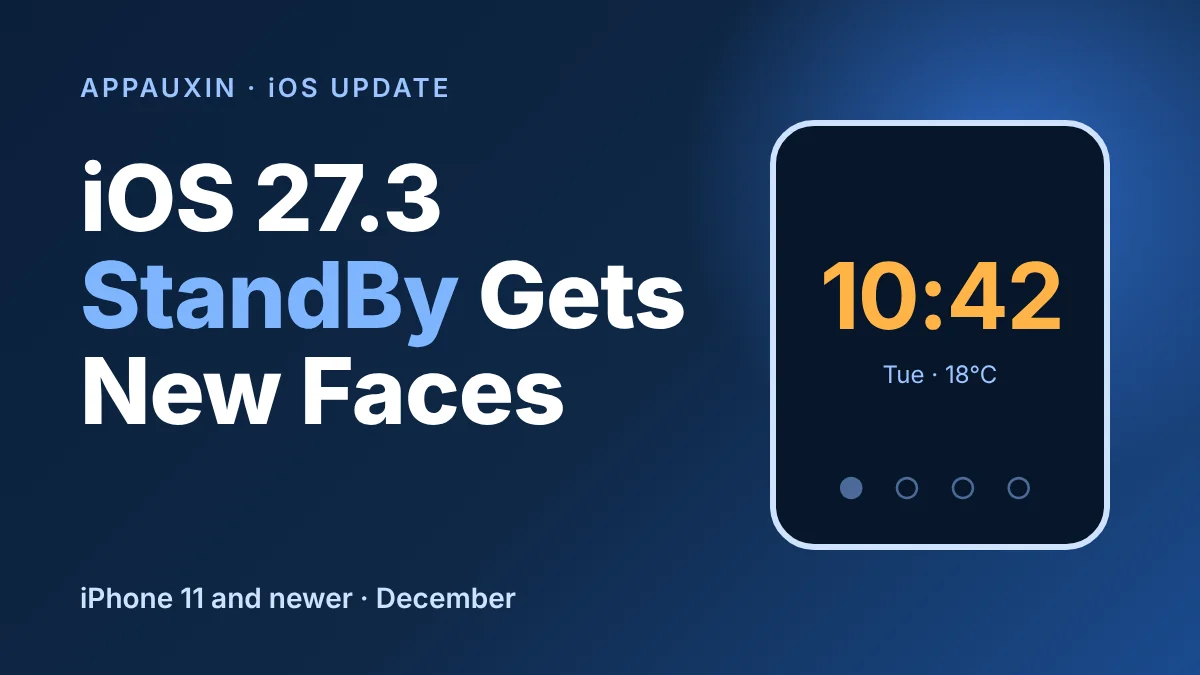
iOS 27.3 StandBy is getting its biggest refresh yet: redesigned clocks, new Calendar and Weather faces, and Shared Album photos. Apple says the features reach iPhone 11 and newer, and the update is due in December. They debuted on the iPhone Duo, so if your phone sits on a charger every night, you’ll see this change daily.
Here are the facts worth knowing before you decide whether to try the beta.
- Who gets it: iPhone 11 and newer, according to MacRumors.
- What’s new: updated Analog and Digital clocks, new Calendar and Weather faces, and Shared Albums on the Photos face.
- When: Apple says December. The first developer beta landed on November 3.
- Still Duo-only, as far as reported: using StandBy while folded and not charging.
Those four lines cover most of what’s confirmed. The rest of this post explains the details and the gaps.
What iOS 27.3 StandBy adds to your nightstand
StandBy turns a charging iPhone in landscape into a bedside clock with extra details. The new update changes what that screen can show. MacRumors reports that Apple is bringing the features first introduced on the iPhone Duo to other compatible models.
Here is the face-by-face breakdown, based on what Apple has described so far.
| Face | Status | What Apple has said |
|---|---|---|
| Analog clock | Updated | More color options and complications |
| Digital clock | Updated | More color options and complications |
| Photos | Updated | You can pick Shared Albums |
| Calendar | New | Layout details not published yet |
| Weather | New | Layout details not published yet |
The multiple-versions change is the one you’ll feel most. You can create several versions of each face type and swipe between them. A dim digital clock for bedtime and a Calendar face for your desk can now live side by side.
Complications are the small data widgets that sit on a clock face, such as a date or a temperature reading. Apple hasn’t listed which ones the updated clocks support, so the real choice of widgets will only be clear once you can test the beta yourself.
Which iPhones get the new StandBy faces?
Apple says the features come to all compatible iPhones, including the iPhone 11 and newer, according to MacRumors. That’s a wide net, since the iPhone 11 is a 2019 phone. If StandBy already works on your iPhone, expect the new faces after you install iOS 27.3.
What’s missing is model-by-model detail. Nothing in the coverage explains how an always-on display changes the experience compared with an older screen. Treat those differences as open until Apple publishes the release notes.
If your phone is older than the iPhone 11, nothing in Apple’s announcement suggests you’ll get these faces. Your StandBy screen should keep working as it does now. That’s an inference from the supported-model list, not a statement Apple has made about older devices.
The Photos face deserves a second look if your family shares albums. Pointing it at a Shared Album means the screen can show pictures that relatives add, not only the ones you saved yourself. Apple hasn’t said how often the face refreshes, so don’t count on it updating in real time.
What the iPhone Duo still keeps to itself
One StandBy trick hasn’t been announced for other phones. On the iPhone Duo, StandBy also works when the device is folded like a book or propped like a tent, even when it isn’t charging.
Every other iPhone still needs to be charging and resting on its side. MacRumors doesn’t say whether the folded modes will ever reach those models. Since they don’t fold, I’d guess not, though that’s my read and not Apple’s word.
For the wider picture on Apple’s folding phone in this release, see what the iPhone Duo does in iOS 27.3 beta 2.
How to try iOS 27.3 beta before December
Apple’s public beta program is open. Public beta 2 arrived on November 19, according to MacRumors. You enroll at beta.apple.com and install through Software Update in the Settings app.
Think twice before you do. Digital Trends advises waiting for the public release, because beta software isn’t ideal for a phone you rely on daily. Apple is also still testing parts of iOS 27.3, so features can change.
If you go ahead anyway, this order keeps you out of trouble:
- Back up your iPhone to iCloud or a computer first.
- Enroll at beta.apple.com with the Apple Account you use on the phone.
- Install the beta from Software Update in Settings.
The backup matters because moving from a beta back to the release version can be messy without one. Safari gets its own change in the same release, which we covered in our Safari vertical tabs post.
Frequently Asked Questions
Does my iPhone 11 get the new StandBy faces?
Yes. According to MacRumors, Apple says the new StandBy features come to iPhone 11 and newer once iOS 27.3 is installed.
When is iOS 27.3 coming out?
Apple says December, but it hasn’t announced an exact date. Public beta 2 shipped on November 19.
Can I use StandBy without charging my iPhone?
Not on a regular iPhone. It still needs to be charging and resting sideways. Only the iPhone Duo can run StandBy folded, even off the charger.
Is the iOS 27.3 beta safe to install?
Betas can have bugs, and Apple is still changing features. Skip it on your only phone, and back up first if you try it.
Our take: wait for December unless StandBy is your daily screen
If your iPhone lives on a charger at night, this is a worthwhile free upgrade, and the multiple-faces option is genuinely useful. But new clock faces are cosmetic, and a beta on your main phone is a poor trade for a nicer nightstand. Wait for the December release, keep your backup current, and use the time to decide which face deserves the spot.
Leave a Reply