

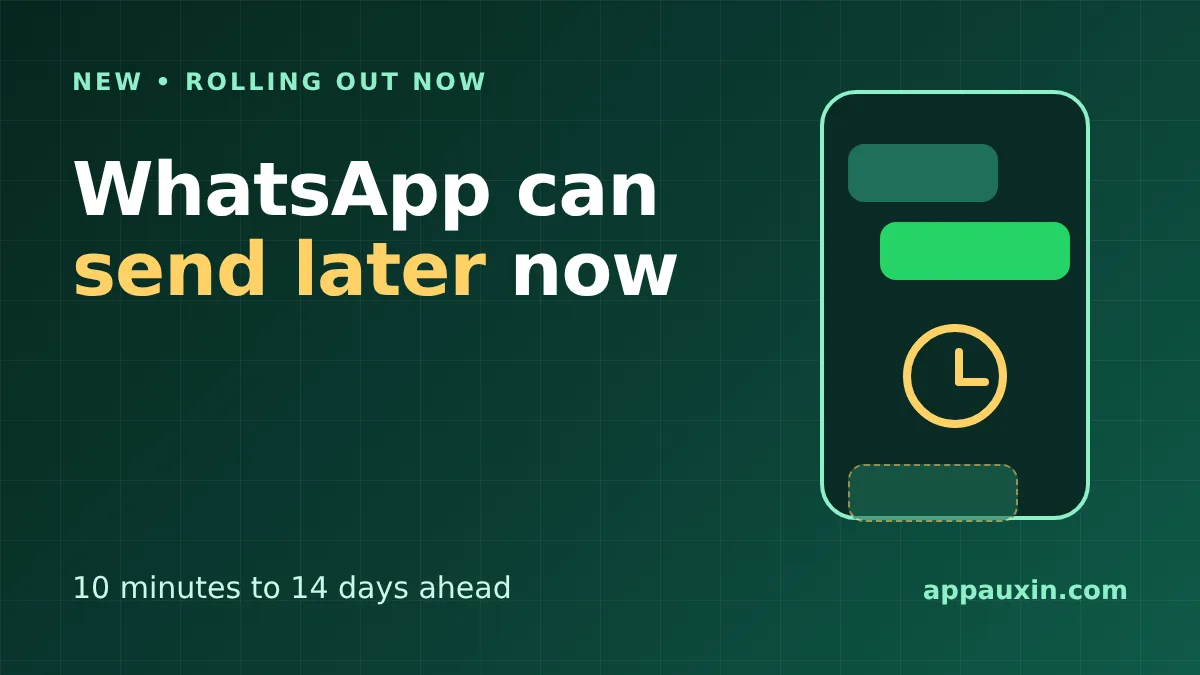
WhatsApp scheduled messages are finally here. On November 25, WhatsApp said you can now write a message, pick a time, and let it send itself, even if your phone is off by then. The rollout is global but gradual, so the option may take a few weeks to reach you.
- Announced: November 25, 2026, on the official WhatsApp blog
- Window: from 10 minutes to 14 days ahead
- Works in: one-to-one chats and group chats
- Content: text, photos and videos
- Rollout: global, “over the coming weeks”
Everything above comes from WhatsApp’s own announcement. Earlier details on the finer print come from beta testing, which I flag below.
How to schedule a WhatsApp message
The trick is hiding in the send button. Type your message as usual, then press and hold send instead of tapping it. A date and time picker opens, and you choose when the message should arrive.
The recipient sees an ordinary message when it lands. Nothing marks it as scheduled, so a midnight birthday note looks like you stayed up for it.
Once you’ve queued a few, you can view every upcoming message and delete any of them before it sends. WhatsApp’s post doesn’t mention editing a scheduled message, so assume the only fix is to delete it and write a new one.
What the beta testing added
Before the public launch, WhatsApp tested the feature on Android and iPhone betas. The table compares what the official post says with what testers and trackers reported, so you can see which details are firm.
| Detail | Official WhatsApp post | Beta reports |
|---|---|---|
| Time range | 10 minutes to 14 days | Same range |
| Phone offline | Sends even if the phone is off or out of battery | Sent from WhatsApp’s servers |
| Groups | Supported | Only members present when you scheduled it receive it |
| Media | Photos and videos | One item per scheduled message |
| Deleting | Delete before it sends | Recipient gets no notice of a deleted one |
The beta details come from WABetaInfo’s iOS beta report and Beebom’s look at the Android beta. WhatsApp hasn’t confirmed them in its launch post, so treat them as likely rather than guaranteed.
Is it private?
WhatsApp says scheduled messages stay end-to-end encrypted like your other personal messages, and that it can’t read them. That is WhatsApp’s own claim, and I haven’t seen an independent audit of this feature.
Beta reports say the message goes out from WhatsApp’s servers, which is how it can send with your phone switched off. If you’ve been tuning your privacy settings, our guide to WhatsApp cloud backup on Android covers where else your chats can end up.
Where scheduling actually earns its place
The obvious use is the birthday message that should land at midnight without you staying up. It also helps when you work across time zones and don’t want a late-evening note buzzing a colleague’s phone at dinner.
Parents and group organizers get something out of it too. A reminder about Saturday’s match or a payment due date can be queued days ahead, then forgotten. The 10-minute minimum rules out quick “send in two minutes” tricks, but that’s a small price for a feature WhatsApp itself describes as one of its most requested.
WhatsApp scheduled messages: catches to know before you rely on them
The launch post leaves a few gaps. These are the ones that could trip you up on a message that really matters.
- Platforms: the post doesn’t list them, though both Android and iPhone beta testers have had the feature
- Time zones: nothing says how a time is handled for a friend in another zone, so check the clock before you pick
- Limits: there’s no stated cap on how many messages you can queue
- Voice notes and files: not mentioned, so don’t count on them
The practical lesson is to schedule one low-stakes test message to yourself or a close friend first. Waiting a few weeks is also normal, since the rollout is staged by account and region.
If you run busy groups, our rundown of the latest WhatsApp group chat features pairs well with this one.
Frequently Asked Questions
How do I schedule a message on WhatsApp?
Type your message, then press and hold the send button. Pick a date and time in the picker that opens and confirm.
How far ahead can I schedule a WhatsApp message?
From 10 minutes up to 14 days ahead, according to WhatsApp’s announcement.
Will it send if my phone is off?
Yes. WhatsApp says the message sends at the chosen time even if your phone is off or out of battery.
Can I edit or cancel a scheduled message?
You can view upcoming messages and delete them before they send. The announcement doesn’t mention editing.
Why don’t I see the option yet?
The rollout is global but gradual, over the coming weeks. Update WhatsApp from your app store and check again later.
It’s a small feature with an outsized payoff: birthday wishes, work messages that shouldn’t land at midnight, and reminders to the group chat. Update the app, test it with a friend, and keep sensitive or time-critical messages on a method you’ve already verified until the gaps above are filled in.
Leave a Reply