

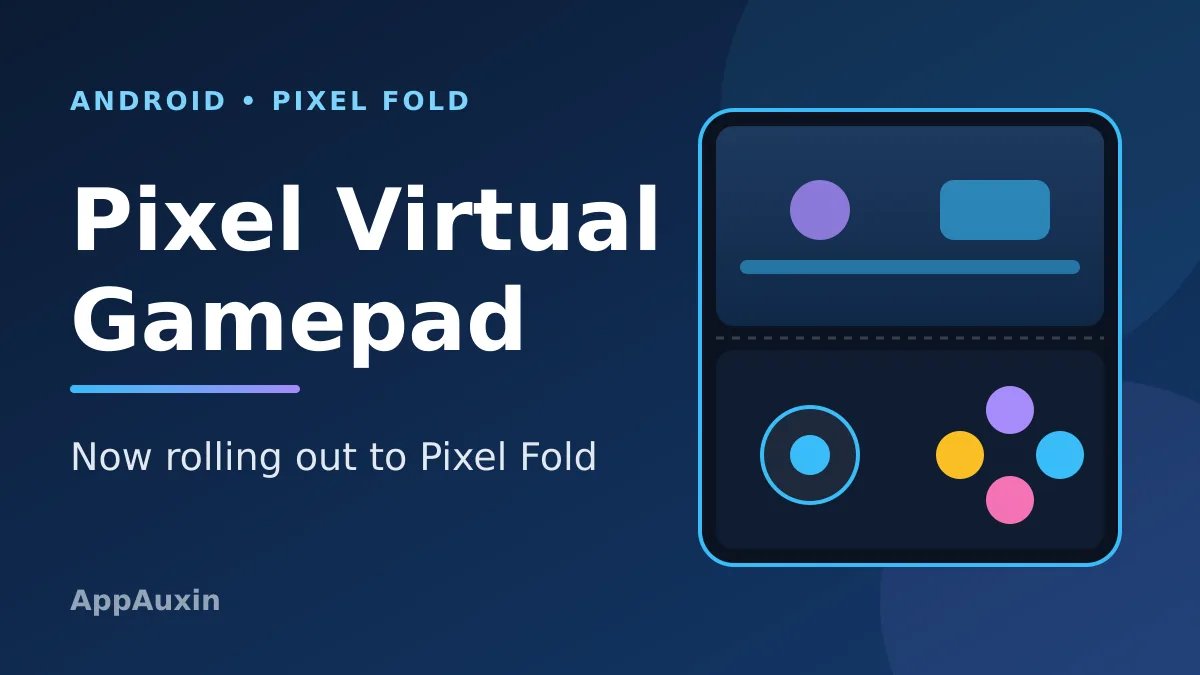
The Pixel virtual gamepad is an on-screen game controller that Google says is now rolling out to the Pixel Fold. When the phone is open, the game runs on the top half of the inner screen and the controls sit on the bottom half. If you have a foldable Pixel and no Bluetooth controller, this is the feature worth checking for this week.
Here are the quick facts before the detail.
- Google listed the feature in the Google Play Store v54.1 release notes dated November 16, 2026.
- The note says it works in supported Android games when your Pixel Fold is open.
- It arrives through a Play Store update, not a full system update, so the rollout is gradual.
- Google has not published a list of supported games or exact model support.
That last point matters. A line in a changelog is not the same as a feature on your phone today.
What the Pixel virtual gamepad actually does
According to the release notes quoted by 9to5Google, you can now use an on-screen game controller in supported Android games when your Pixel Fold is open. It is the follow-through on the foldable gaming mode Google teased in June alongside Android 17, when it said the feature would arrive “in the coming months.”
Android Authority describes the layout as a fixed 50/50 split. The game fills the top half of the inner display, and a dynamic gamepad fills the bottom half. You can’t adjust that split.
The controller also isn’t just a set of touch targets. Talk Android reports, citing Android community engagement manager Mishaal Rahman, that it mimics physical button presses at the system level. That should let games that already understand a hardware controller recognize it without special work.
Controls, layouts and customization
The gamepad covers the full set of buttons a typical console-style controller has. Per PhoneArena, you get a D-pad, two thumbsticks, A/B/X/Y, L1/L2/L3, R1/R2/R3 and Start.
The same report lists two layouts, “Twin stick, Inline” and “Twin stick, Staggered,” in three sizes (small, medium and large), plus a haptic feedback toggle. Here is how the pieces fit together.
| Option | What you get | Source |
|---|---|---|
| Layouts | Twin stick, Inline and Twin stick, Staggered | PhoneArena |
| Sizes | Small, medium and large | PhoneArena |
| Haptics | On/off toggle for vibration feedback | PhoneArena |
| Screen split | Fixed 50/50 between game and controller | Android Authority |
| Delivery | Google Play Store v54.1, gradual rollout | Google release notes via 9to5Google |
Size and layout matter more than they sound. Your thumbs travel less on a foldable’s wide inner screen, and a smaller pad keeps more of the game visible.
Which Pixel Fold models and games work?
This is where Google has said the least. The release note says only “Pixel Fold.” Talk Android points out that the current foldable is the Pixel 11 Pro Fold and that older models exist, so it isn’t clear whether the wording covers every foldable Pixel. Treat the exact model list as unconfirmed.
Games are an open question too. Google hasn’t published a supported-games list or said whether developers need to change anything. Titles that already work with Bluetooth or USB controllers are the likeliest candidates, but that is an inference, not a promise. PhoneArena also notes that games have to cope with the 50/50 layout when the phone is unfolded.
One earlier detail is easy to mix up. Controller support on the Pixel 10 Pro Fold previously worked on the outer display, according to Talk Android. This new feature is for the inner screen.
Should you expect it on your phone today?
Probably not on every device yet. Droid Life noted that the line announcing the feature in the release notes was removed the following day, and suggested it may not be fully ready. 9to5Google separately cautions that a changelog entry doesn’t mean wide availability, and that some features take months to reach everyone.
Google hasn’t published setup steps, so there is no official toggle to point you to. The practical approach is simple:
- Update the Google Play Store from its About section in settings.
- Open a game you know supports physical controllers while the Pixel Fold is unfolded.
- Look for an on-screen controller prompt or a game controls option.
If nothing shows up, that is consistent with a staged rollout rather than a fault on your phone. If you’re chasing other post-update oddities, our guide to the Pixel camera black screen after the November update covers a separate November problem, and the Android 17 QPR2 update rundown shows what else recent Pixel releases changed.
Frequently Asked Questions
What is the Pixel virtual gamepad?
It is an on-screen controller for supported Android games on a Pixel Fold. It appears on the bottom half of the inner display when the phone is open.
Does the Pixel virtual gamepad work on every Android foldable?
No, not as announced. Google’s note names only the Pixel Fold. PhoneArena says Google plans to extend the feature to all Android foldables later, but that is a report, not a dated commitment.
How do I turn on the Pixel virtual gamepad?
Google hasn’t published steps yet. Update the Play Store, unfold your phone and launch a controller-friendly game to see whether it appears.
Which games support it?
There is no official list. Games that already work with physical controllers are the best bet, according to the early reports.
Our take
Don’t buy or upgrade a foldable for this. It is a sensible convenience for casual play, and PhoneArena’s author rightly doubts it will change habits for serious gamers who already own hardware controllers. But if you already have a Pixel Fold, it costs nothing to check, and a fixed 50/50 split with a customizable pad is a better setup than poking at a touch overlay. Wait for Google to publish a supported-games list before judging it.
Leave a Reply