

See your real connection speed live, and know exactly where your data went.
- Live download and upload speed in the status bar.
- Daily, weekly and monthly data usage, per app.
- Speed test with ping, and alerts before you hit your limit.
Is the connection actually slow, or is something quietly eating your data?
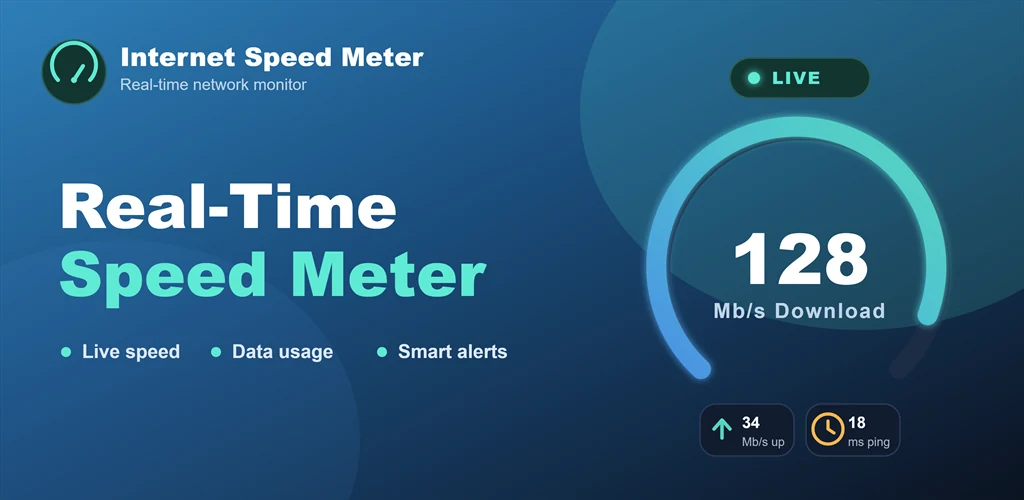
Internet Speed Meter puts your live download and upload speed in the status bar and notification shade, so you can see what your connection is really doing at any moment — no opening an app to find out. Alongside that it keeps a record of how much data you have used, broken down by day, week and month and split between mobile and Wi-Fi, and ranks your apps so the one responsible for a sudden jump is easy to spot.
Here are just a few of the great features of Internet Speed Meter:
- Live speed where you can see it: download and upload speed in the status bar and the notification shade, with a home screen widget and a floating overlay if you want it somewhere else.
- Data usage over time: consumption tracked daily, weekly and monthly, kept separate for mobile data and Wi-Fi.
- Per-app breakdown: your apps ranked by how much data they have consumed, which is usually enough to explain a bill you did not expect.
- Speed test with ping: measure the connection properly when the live figure looks wrong, including ping.
- Alerts before the limit, not after: set your own data limit and get warned at 50, 80, 90 and 100 percent of it.
- Network event log: a timestamped record of what the connection has been doing, for when the problem is intermittent.
Stop guessing at your connection. Download Internet Speed Meter and watch it in real time.