

The iPhone calculator layout, built properly for your Android phone.
- A clean, familiar keypad you already know how to use.
- Scientific functions when you need them.
- Your own colours, and a history you can look back at.
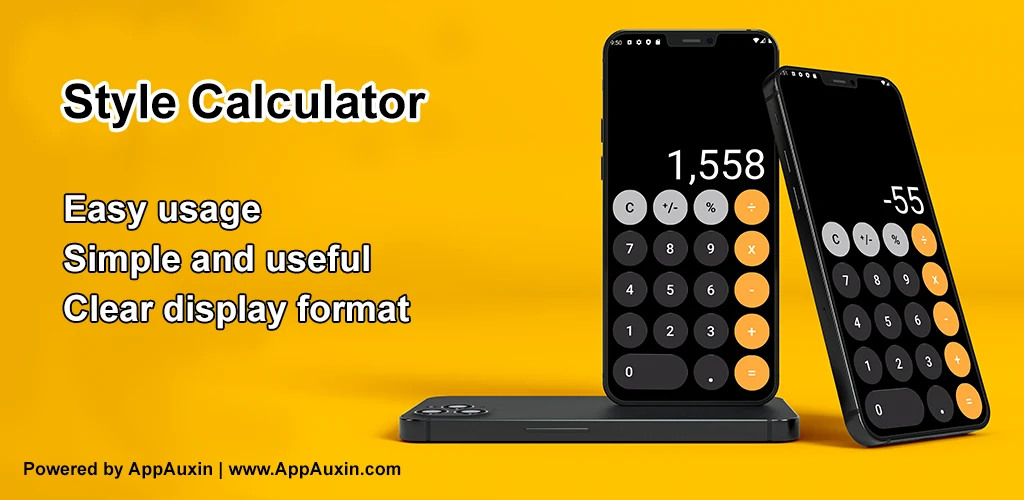
Everyone knows where the buttons are on an iPhone calculator. Why relearn a keypad?
Style Calculator brings that familiar layout to Android: the same clean, uncluttered keypad, the same clear display, and none of the clutter that most Android calculators pile on. It handles everyday arithmetic and percentages, opens up to scientific functions when a calculation needs them, keeps a history of what you have worked out, and lets you set the colours to your taste.
Here are just a few of the great features of Style Calculator:
- A layout you already know: the familiar iPhone-style keypad and display, so there is nothing to learn before you can use it.
- Everyday and scientific: the four operations and percentages for daily use, with scientific functions available for the calculations that need more.
- A history you can go back to: previous calculations are kept on the device, so you can check what you worked out earlier rather than doing it twice.
- Colours you choose: a built-in colour picker so the calculator looks the way you want it to.
- Quick to share: send a result straight to any app on your phone in a tap.
- Fast and light: built for quick answers — open it, tap, done.
If the iPhone calculator is the one you are used to, this is it on Android. Download Style Calculator.
Style Calculator is developed by AppAuxin. It is not affiliated with or endorsed by Apple Inc. It is independently created for Android devices and inspired by the design of popular iPhone calculators.