

Tag: macOS
-
Apple Support Community Closes November 20: Save Your Fixes and Find Help Elsewhere
Apple’s 28-year-old user forum stopped taking posts on November 10 and disappears for good on November 20. Here’s what to save first.
-
Apple Intelligence in China Is Coming to iPad and Mac: What Just Got Cleared
China’s regulator has registered Apple Intelligence for iPads and MacBooks. Here’s what’s confirmed, what isn’t, and what iPhone owners get in December.
-
macOS 27.2.1 Fixes a Certificate Gap curl and git Missed: Update Your Mac Today
Apple’s macOS 27.2.1 closes a hole that let command-line tools trust forged eMudhra certificates. Here’s which update your Mac needs.
-
Don’t Like the New MacBook Pro Glowing Logo? Apple Shows How to Switch It Off
Apple’s new OLED MacBook Pro has a lit logo on the lid. Here’s the one-line Terminal command that turns it off, and how to bring it back.
-
Apple’s AI Agent Warning: What Its 10-K Means for Your iPhone and Mac
Apple’s annual filing says AI agents can act on their own and may go off script. Here’s how to check what yours can touch.
-
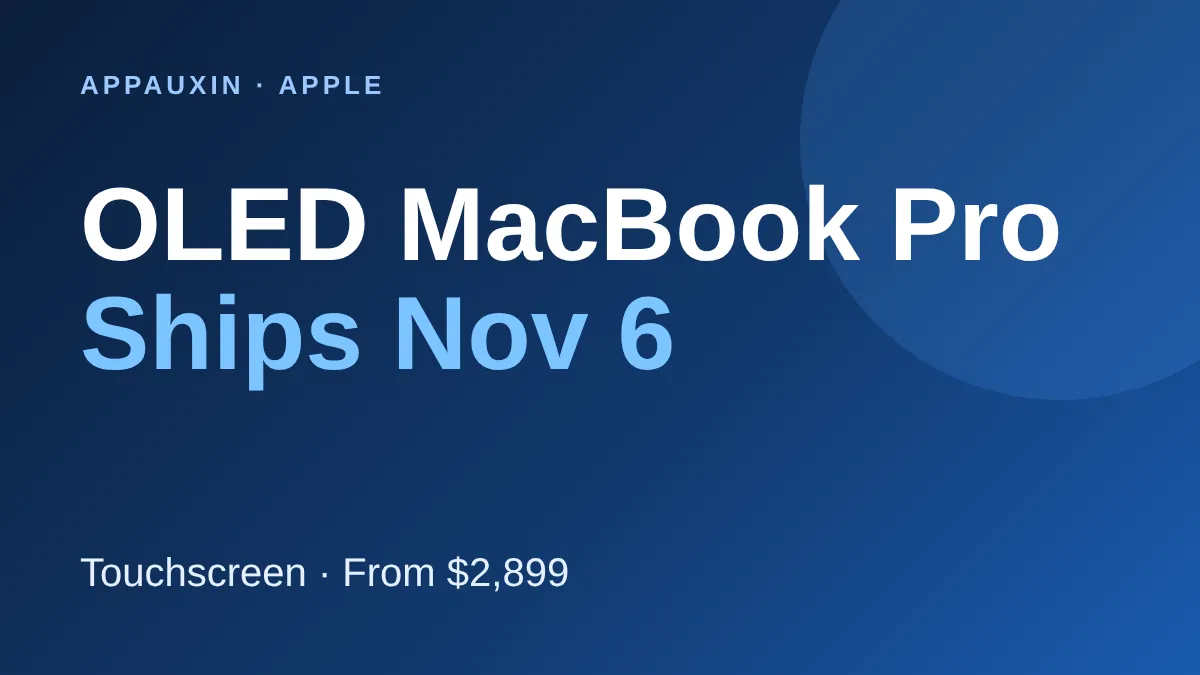
OLED MacBook Pro Ships Nov 6: Prices, Touch Features, and Who Should Buy
Apple’s first touchscreen MacBook Pro ships tomorrow from $2,899. Here is what the OLED screen changes and whether you should buy now.
-
Hark for Mac Is Here: A Free AI Assistant That Runs Your Errands
Hark’s free AI assistant just landed on Mac. Here’s what it does, what it costs, and how to try it safely.
-
macOS Golden Gate 27.2 Is Out: New Siri Languages, Sliders and Who Can Install It
Apple just released macOS 27.2 with Siri AI in five more languages and redesigned sliders. Here is what changed and which Macs can run it.
-
macOS Tahoe 26.7.2 Is Almost Here: What It Fixes and When to Update
Apple is testing a third release candidate of its next Mac security update. Here is what we know and when you should install it.
-

Perplexity Computer Local Mode Brings a Private AI Agent to Your Mac
Perplexity’s Computer agent can now run entirely on Apple silicon Macs. Here’s what you need, how to turn it on, and where it still uses the cloud.