

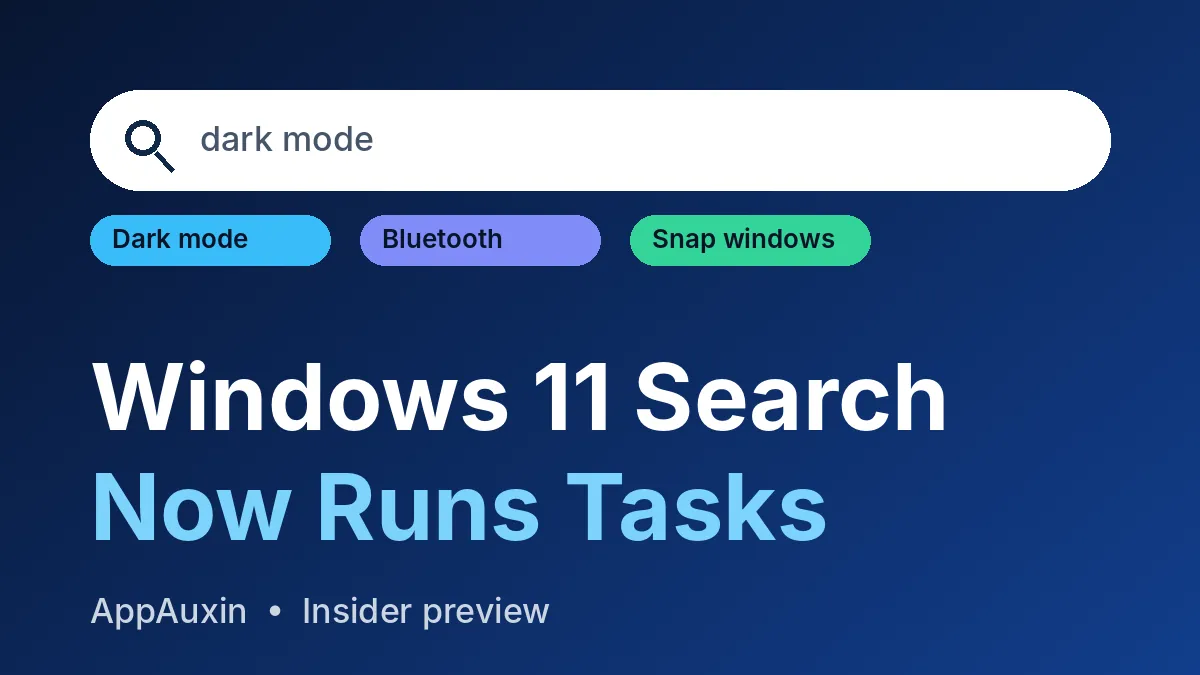
The Windows 11 Search box is getting its biggest rebuild in years, and it can now do things instead of just finding them. Microsoft began rolling out the new version to select Windows Insiders on October 7, 2026. It’s English-only for now and not on regular PCs yet.
Here’s the short version, so you can decide if it’s worth your time.
- Who gets it: select Insiders in the Experimental channels only.
- Built on: WinUI 3, Microsoft’s newer UI framework.
- New trick: inline actions like dark mode, Bluetooth, brightness, mute and window snapping.
- Language: English only in this first release.
- General release date: not announced.
If you’re not an Insider, there’s nothing to install. Think of this as a preview of where the Windows Search box is heading.
What the new Windows 11 Search actually does
Today, typing “dark mode” into search mostly opens a Settings page, and then you click around. The new design lets you flip the switch right from the results list, with no extra window.
Per Windows Central, testers can turn on dark mode or Bluetooth, adjust brightness, mute the device and arrange windows. The same report calls inline action support limited, so expect a short list at first.
Microsoft also says matching is better with typos and synonyms. It plans to keep tuning that over the coming weeks.
New Windows 11 Search vs the one you use today
The table below sums up what changes in day-to-day use, based on what Microsoft and the early hands-on reports say.
| Feature | Current search | New search (Insider test) |
|---|---|---|
| Built on | Older search UI | WinUI 3 |
| Changing a setting | Opens Settings, then you click | Inline action right in the results |
| Typos and synonyms | Hit or miss | Better matching, still being tuned |
| Languages | Many | English only for now |
The big shift is philosophy. Search stops being a door to other apps and becomes a small control panel of its own. That should cut down on trips into Settings for simple toggles.
It also means less clutter in your head. You type what you want, and Windows does it, as long as the action is on the short supported list.
Is it really faster?
Microsoft describes the new search as faster and more efficient, with a cleaner layout that’s easier to scan. That’s the claim, and no benchmark numbers have been published yet.
So treat “faster” as a promise to test, not a result. The WinUI 3 rebuild is a sensible reason to expect gains, but your own PC will tell you more than a press line.
Which builds have it
The list below shows the Insider builds from this round of releases and where the new Search lands.
| Channel | Build | What to know |
|---|---|---|
| Experimental (26H2) | 26340.9616 | New Windows 11 Search arrives here first |
| Experimental (26H1) | 28120.3181 | Same search experience, 26H1 branch |
| Beta | 26220.9606 | No new Search listed; gets Weather lock screen widget |
Microsoft’s own post lists these builds, so double-check the pairings on the Windows Insider Blog before you flash anything. The Experimental channel is also where Microsoft tests rougher ideas, such as the Windows 11 cloud rebuild we covered earlier.
How to try the new Windows 11 Search
First, join the Windows Insider Program and pick an Experimental channel on a spare PC. After the build installs, restart the device. Windows Central says the “New Windows Search Experience” flag only appears after that restart.
Not every Insider gets it right away, because Microsoft is rolling it out in stages. Some testers use the ViVeTool utility to force it on. Pureinfotech lists four feature IDs for that, but it also warns that IDs change often and the Start menu keeps the old search for now.
Forcing hidden features can cause glitches. Use a test machine, not your work laptop.
Other changes in the same Insider wave
The same releases carried a few smaller items worth a quick look.
- A Battery Status widget that shows charge for your PC and connected accessories (Experimental).
- IAKerb turned on by default, which helps Windows rely less on the older NTLM sign-in method (Experimental).
- Weather as the main lock screen widget, with more control over what shows there (Beta).
These are small, but the IAKerb change matters for IT admins moving away from NTLM. If you like Insider-only tweaks, the Windows Hello brightness setting is another one in testing.
Frequently Asked Questions
When will the new Windows 11 Search reach everyone?
Microsoft hasn’t given a date. Features usually spend weeks or months with Insiders before a wider release, and some never ship.
Does the new search work in languages other than English?
No. Microsoft says English is the only supported language for this first release.
Is it safe to install the Experimental build?
It’s meant for testing, so bugs are expected. Use a spare PC and back up anything you care about first.
Will it replace the Start menu search?
Not yet. Pureinfotech reports that the Start menu still uses the legacy search for now.
Our take
Turning search into a quick-action launcher is a smart move, because most people just want to flip a setting and get on with their day. If you live on the Stable channel, skip the hassle and wait. If you already run a spare Insider PC, it’s a low-risk, fun preview, though the 26H2 update on regular PCs, which we covered in our Windows 11 26H2 guide, matters more for most people today.
Leave a Reply