

Tag: Windows 11 26H2
-
Windows 11 8GB RAM Boost: What 26H2 Really Changes for Your PC
Microsoft says Windows 11 now keeps up to 2GB more in memory on small PCs. Here’s what’s real, what’s marketing, and how to check your build.
-
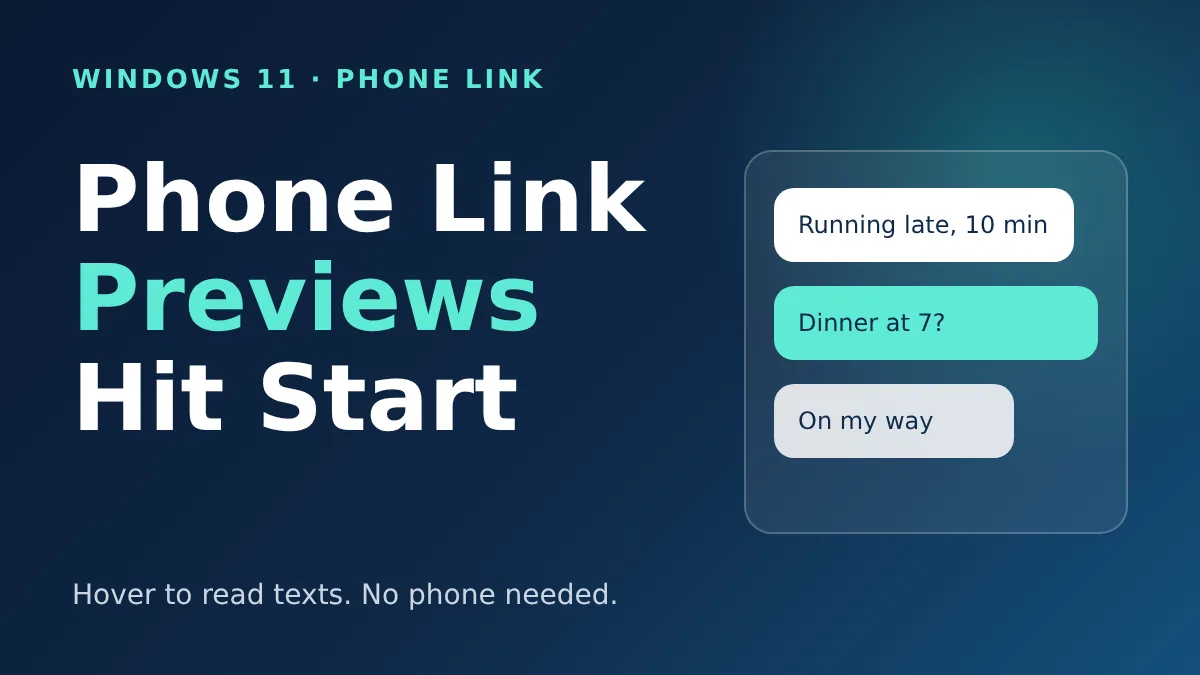
Windows 11 Phone Link Preview Lets You Read Texts in Start Without Picking Up Your Phone
Microsoft’s November update lets you hover over a recent text in the Start menu to read it. Here’s who gets it and how to switch it off.
-
Windows 11’s Redesigned Search Is Here in Beta: Faster Results and Quick Settings
Microsoft rebuilt Windows 11 Search with WinUI 3. It’s faster, forgives typos and can toggle Bluetooth and dark mode. Here’s who can try it.
-
Windows 11 26H2 Is Now Available for Everyone: How to Get It in 5 Minutes
Microsoft’s Windows 11 26H2 update is rolling out to all eligible PCs. It is tiny, quick to install, and resets your support clock.
-
Windows 11 26H2 Is Rolling Out: What Changes and How to Install It
Microsoft’s yearly Windows update is here, and it installs in minutes. Here’s what’s new, who needs it, and how to get it.
-
Windows 11 23H2 End of Support Hits November 10: What IT Teams and Schools Must Do Now
Enterprise and Education PCs on Windows 11 23H2 stop getting security fixes after November 10. Here’s who’s hit and how to move in time.
-
Windows 11 26H2 Is Out: Who Can Install It and How to Get It Now
Windows 11 26H2 is a small update with one restart. Here is who can install it, how to get it, and why 24H2 users should not wait.
-

Windows 11 24H2 End of Support Is Here: How to Move to 26H2 for Free
Home and Pro PCs on 24H2 stopped getting security updates on October 13. Here’s how to check your version and update to 26H2 in minutes.
-
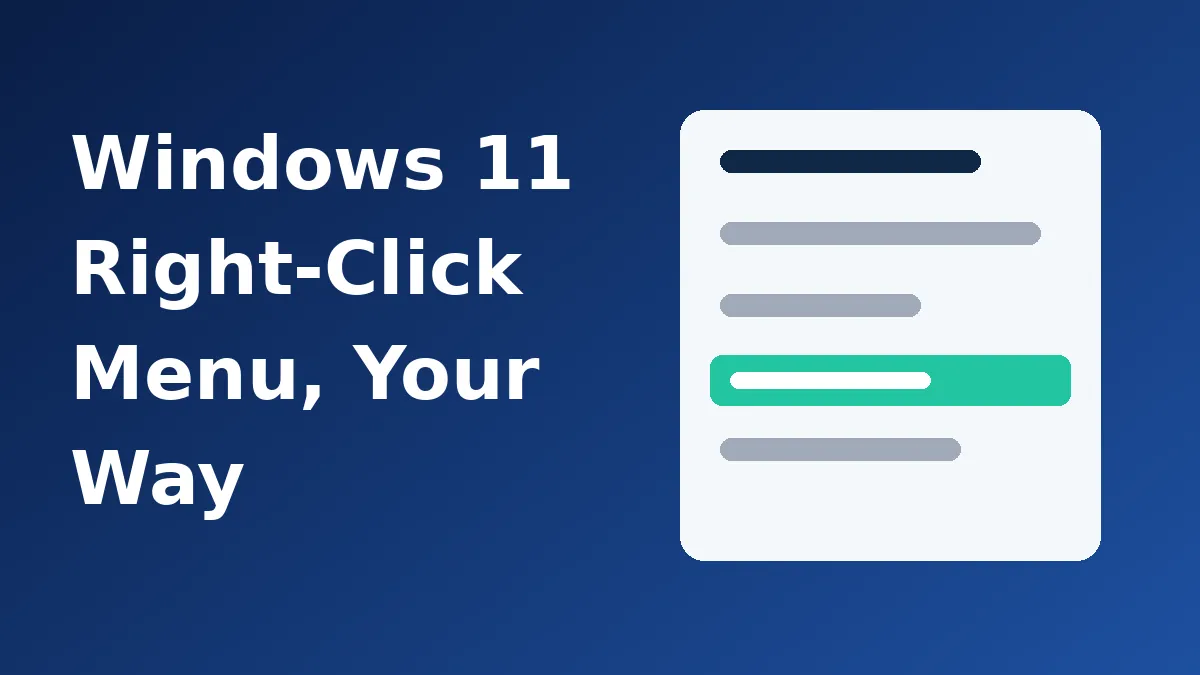
Windows 11’s Right-Click Menu Is Finally Customizable: What You Can Change
A new Release Preview update adds a Customize menu option to the right-click menu. Here’s what you can hide, add and relabel, and when it arrives.
-

Windows 11 26H2 Is Out: How to Get It Now and Why It Might Not Show Up
Microsoft’s yearly Windows 11 update is live as a small enablement package. Here’s the quick way to install it and what to do if it hasn’t appeared.