

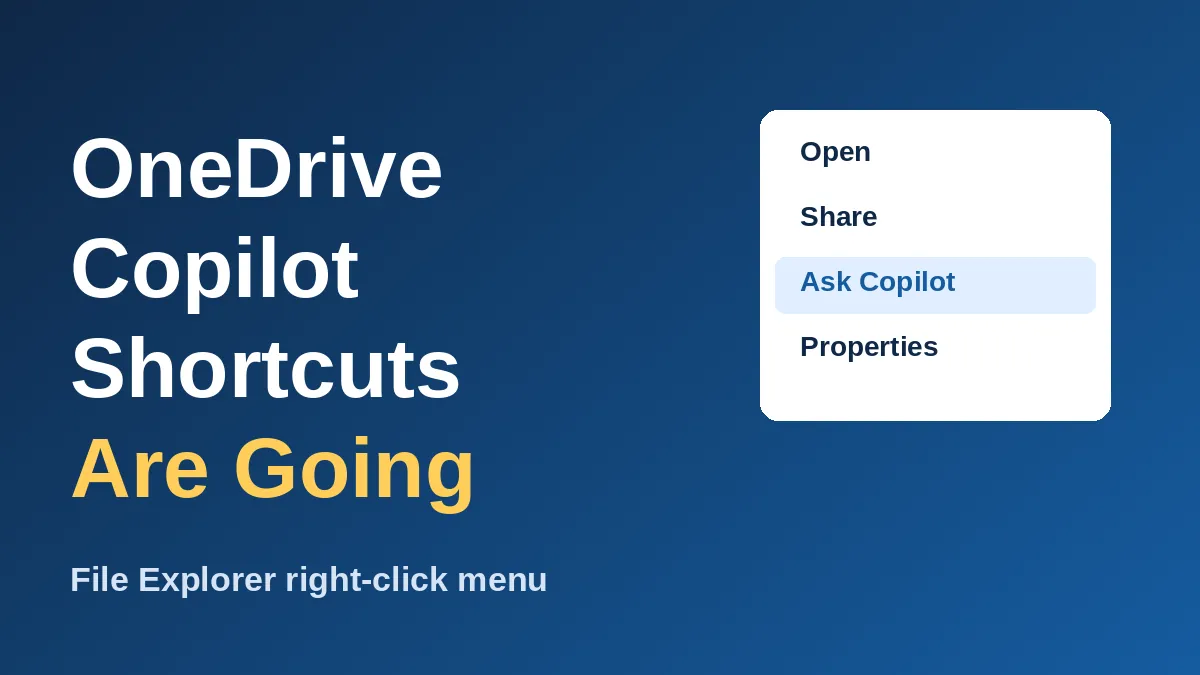
Microsoft is pulling most OneDrive Copilot shortcuts out of the File Explorer right-click menu. Starting in mid-November, only “Ask Copilot” stays, and the old one-click actions like Summarize move elsewhere.
Nothing is being taken away for good. You just need a different route to the same tools, and this guide shows exactly which one.
Here is the quick version of what is changing:
- Rollout starts in mid-November 2026 and should finish by early December 2026, worldwide.
- Removed from the menu: Summarize, Create FAQ, Compare Files, Ask a question, Explain image(s), Compare images, and Extract text.
- Still in the menu: “Ask Copilot.”
- No admin action is required, according to Microsoft’s message center post MC1515940.
If you use these actions daily, expect one extra click. If you never touched them, you’ll probably just notice a shorter menu.
What changes in the File Explorer right-click menu
Microsoft added a separate Copilot entry for each task in September 2025. Every one used the same icon, so the right-click menu got long and cluttered fast.
According to gHacks, Microsoft’s message center note says those entries are being retired. The change affects people who use OneDrive files with a Microsoft 365 Copilot setup.
The table below shows what happens to each action.
| Action | Right-click menu | Where to find it after the change |
|---|---|---|
| Summarize | Removed | OneDrive activity center |
| Create FAQ, Compare Files | Removed | OneDrive activity center |
| Explain image(s), Compare images, Extract text | Removed | OneDrive activity center |
| Ask a question | Removed | “Ask Copilot” or the activity center |
| Ask Copilot | Stays | Right-click a OneDrive file |
What happens to your OneDrive Copilot shortcuts
Microsoft points to three routes. All of them still work with files stored in OneDrive.
- Right-click a OneDrive file and choose “Ask Copilot.”
- Hover over a file in File Explorer Home and click the Copilot icon.
- Open the OneDrive activity center and pick the exact action you want.
The first two open a new Copilot chat with your file attached. After that, you can type “summarize this” or “pull out the text” instead of picking a menu item.
Microsoft says files are attached by reference, so your existing permissions and protections still apply. That’s reassuring if you work with shared or sensitive documents.
Why Microsoft is trimming Copilot from File Explorer
This isn’t a one-off. gHacks notes that Windows chief Pavan Davuluri said in March 2026, “We are reducing unnecessary Copilot entry points.”
The same report says Microsoft is reworking the File Explorer context menu because it felt cluttered and sluggish. It also mentions a planned option to make the menu behave more like the one in Windows 10.
Menu changes like this tend to be small but noticeable. If you want a related example, see how Microsoft let you take your Right Ctrl key back from the Copilot key earlier this month.
What to do before mid-November
If you only use Copilot now and then, you don’t need to do anything. Learn the “Ask Copilot” route and you’re set.
If you rely on a specific action, like Extract text from scanned images, bookmark the activity center path now. That saves hunting for it later.
IT admins have it easy here: Microsoft recommends telling users and updating any help desk guides that mention the old menu entries. And if File Explorer itself has been acting up lately, our post on the File Explorer preview pane fix for downloaded PDFs covers another recent change.
Easy ways to keep your workflow fast
The extra click matters most if you handle lots of documents. A few habits make the new setup painless.
First, write one reusable prompt for the job you repeat most. For example, “Summarize this in five bullet points” works the same as the old Summarize entry, and you can paste it each time.
Second, use File Explorer Home for files you touched recently. The hover icon sits right on the file, so you skip the menu altogether.
Third, remember that image tasks like Extract text now run through a chat or the activity center. If you do that often, pin the activity center path where you can reach it quickly.
Frequently Asked Questions
When do the OneDrive Copilot shortcuts disappear?
Microsoft says the retirement starts in mid-November 2026 and should be done by early December 2026. It hasn’t given exact dates for individual PCs.
Will I lose the Summarize and Extract text features?
No. The same actions remain in the OneDrive activity center, and you can ask Copilot for them in a chat.
Does “Ask Copilot” stay in the right-click menu?
Yes. It’s the one Copilot entry Microsoft is keeping for OneDrive files in File Explorer.
Do I need to change any settings or install anything?
No. It’s a server-side rollout, and Microsoft says no admin action is required.
This is a sensible cleanup. A shorter right-click menu is faster to scan, and “Ask Copilot” covers most of what the old shortcuts did with one entry. The only real loss is for people who ran the same action dozens of times a day, and for them the activity center is a fair trade. I’d call it a small win for everyone else.
Leave a Reply