

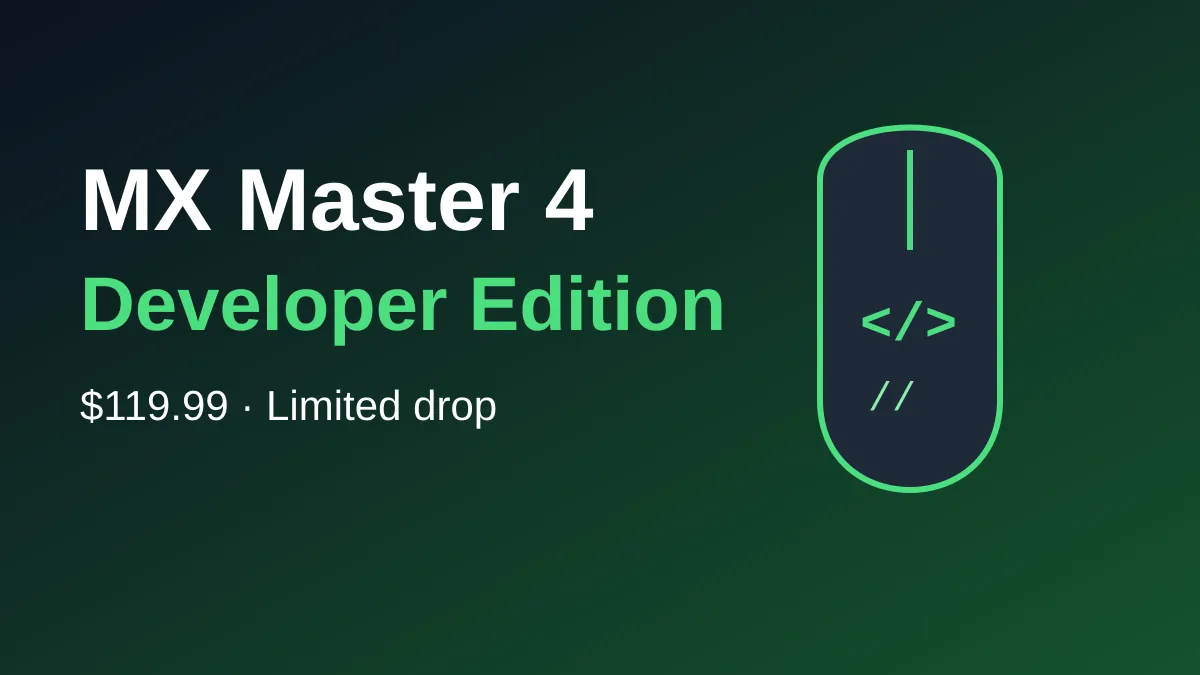
The MX Master 4 Developer Edition is Logitech’s flagship mouse in a coder-themed finish, and it costs the same $119.99 as the regular model. Nothing changes under the hood. You’re paying for the laser-etched look and a few hidden programmer jokes, so it’s worth buying only if you like the style.
Here’s the short version before the details.
- Price: $119.99 in the US (€119 and £119.99 in Europe and the UK).
- Availability: a limited drop that started October 27, 2026, on Logitech.com and select retailers.
- Hardware: the same MX Master 4 feature set, including haptics and the Actions Ring.
- Look: etched code annotations, markup tags, and circuit traces on a matte body.
The takeaway is simple: same mouse, same price, more personality, and a limited run.
What makes the MX Master 4 Developer Edition different
According to Logitech’s announcement, the body carries laser-etched syntax annotations (//) and markup tags (</>). You’ll also see circuit traces and a printed “Hello, World” prompt on the matte surface.
There are Easter eggs too. One reads 0xFF + 1, a nod to World Programmers’ Day. Others are dates: 09.17, the Linux kernel release date, and !04.01, World Backup Day.
It’s a cosmetic variant, and Windows Central confirms it has the same feature set as the standard mouse.
Same hardware, same price: how it compares
If you already own an MX Master 4, this table shows what you’d actually gain.
| Feature | MX Master 4 | Developer Edition |
|---|---|---|
| Price (US) | $119.99 | $119.99 |
| Feature set | Haptics, Actions Ring, MagSpeed wheel | Same |
| DPI range | Up to 8,000 | Up to 8,000 |
| Finish | Standard colors | Etched code marks, circuit traces, matte body |
| Availability | Regular stock | Limited drop from October 27 |
So the only real question is whether the design appeals to you. If it does, there’s no premium to pay.
Features you still get: haptics, scrolling, and the Actions Ring
Logitech says the mouse keeps customizable haptic feedback and the MagSpeed scroll wheel, which it says can scroll up to 1,000 lines per second. DPI is adjustable from 2,000 to 8,000.
The Actions Ring button opens a quick menu for macros and AI coding assistants. You can also set per-app commands, so the same button does different jobs in your editor and your browser.
On Windows 11, the mouse supports haptics, though that depends on supported hardware. The same Windows Central piece notes that the Surface Laptop 8 and the new Surface Mouse support them as well. If you tweak your own setup, our guide on how to remap the Copilot key on Windows 11 is a good companion read.
Where to buy and when it ships
The limited drop opened October 27 on Logitech.com and at select global retailers. Logitech also sold it in person at GitHub Universe in San Francisco on October 28 and 29, while supplies lasted.
Shipping dates vary by source. The Gadgeteer says shipping began October 30, while Windows Central expects it around October 31. Regional availability may differ, so check your local Logitech store.
Because it’s a limited edition, don’t wait too long. Logitech hasn’t said how many units it made.
Who should buy it, and who should skip it
This edition suits two kinds of people. The first is anyone who wants an MX Master 4 and likes the coder look. The second is someone buying a gift for a developer friend, since the Easter eggs make a good talking point.
You can skip it if you already have an MX Master 4 and are happy with it. Nothing about the performance or features changes, so there’s no upgrade reason here.
It’s also not for you if you prefer a plain, quiet desk setup. The etched marks are subtle, but they’re clearly there. If you want a different feel, the standard colors are probably the better choice.
One practical tip: if you want one, order early. Limited drops tend to sell out region by region, and Logitech hasn’t said whether it will restock.
Is it worth it for developers?
For daily coding, the standard model works just as well. The Developer Edition is a desk accessory for people who enjoy that sort of thing.
It fits the mood of the moment, too. Developer culture is front and center right now, as we covered in our look at the GitHub Octoverse 2026 report.
Frequently Asked Questions
How much does the MX Master 4 Developer Edition cost?
It costs $119.99 in the US, €119 in Europe, and £119.99 in the UK, according to Logitech.
Is the MX Master 4 Developer Edition different from the regular MX Master 4?
Only in looks. The features, haptics, and scroll wheel are the same, but the finish has etched code symbols and Easter eggs.
Is the Developer Edition limited?
Yes. Logitech calls it a limited edition and a limited drop, though it hasn’t shared how many will be made.
Does it work with Windows 11 haptics?
Yes, but haptics need supported hardware. The mouse is compatible with Windows 11’s haptic support.
My take: buy it if the etched design makes you smile, because you’re paying nothing extra for it. If you just want the best mouse for work, grab whichever MX Master 4 is in stock and don’t overthink it.
Leave a Reply