

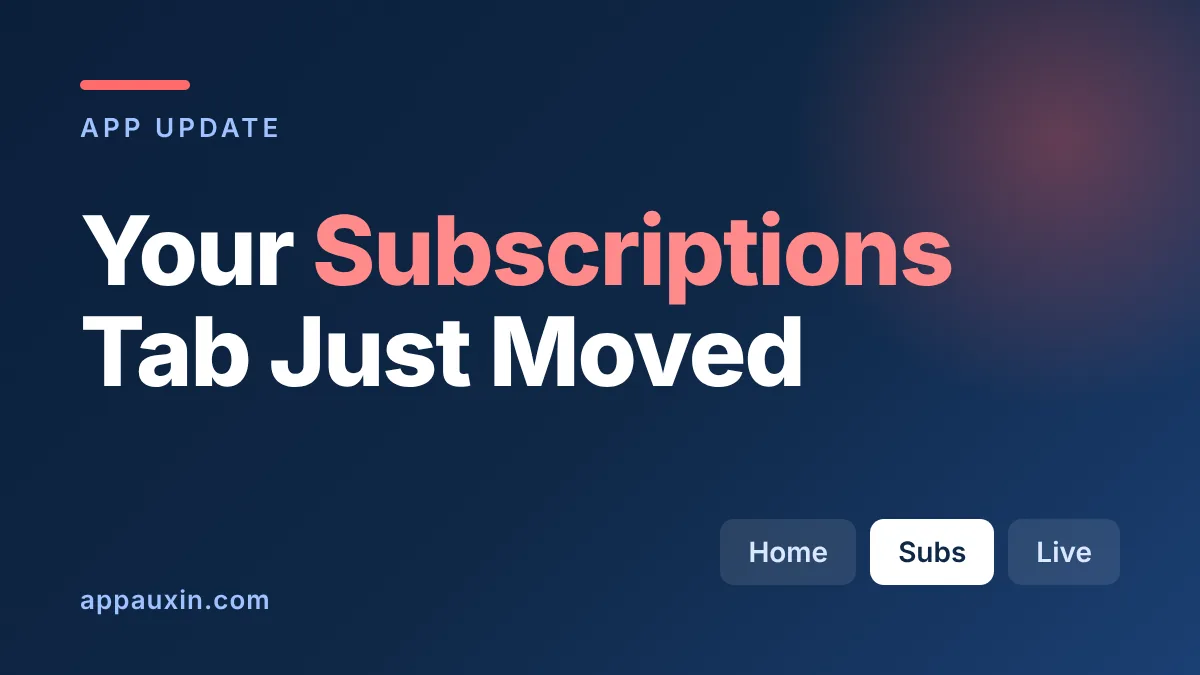
If you opened YouTube on your phone and couldn’t find your channels, you’re not imagining things: the YouTube Subscriptions tab is no longer in the bottom bar. It now lives in a “Subs” tab at the top of the Home screen, next to a new set of custom feeds you can build by typing a description. Here’s where everything went and how to get your routine back.
Here are the details worth knowing before you start swiping around.
- The Subscriptions button is gone from the bottom navigation bar on Android and iOS.
- “Subs” now sits second in the top bar of Home, right after Home itself, with Live, Music and Movies & TV after it.
- Custom feeds are built from a text prompt: 3 saved feeds on free accounts, 8 with YouTube Premium.
- Custom feeds are launching first for signed-in, English-language viewers in the US.
That last point matters, because the layout change and the custom feeds don’t necessarily reach everyone on the same day.
Where did the YouTube Subscriptions tab go?
According to 9to5Google, the Subscriptions tab was removed from the fourth spot in the bottom bar and moved into the top bar on Home, where it’s labeled “Subs” with a red underline. The navigation drawer is gone too.
The same outlet says YouTube tested this layout starting around May. A later 9to5Google report from November 5 calls it the app’s biggest change in roughly a decade, with the bottom bar now built around Shorts and creating videos. It appears to be a server-side switch, so you may see it without updating the app.
This table shows what moved, based on those two reports.
| Feature | Before | Now |
|---|---|---|
| Subscriptions | Bottom bar tab | “Subs” tab at the top of Home |
| Side menu | Navigation drawer | Removed |
| Live, Music, Movies & TV | Scattered across the app | Top-bar feeds after Subs |
| Recommendations | Home tab | Home tab, plus custom feed tabs |
The Movies & TV feed only shows up if you have active subscriptions, such as Primetime Channels.
How YouTube custom feeds work
Tap the “+” at the top of Home and describe what you want to watch, like short meditation sessions or niche woodworking tutorials. YouTube builds a feed from that description and saves it as its own tab, as Ubergizmo describes it.
Each feed has a prompt box at the top, so you can edit or delete it later. Feeds also sync to the web version of YouTube.
Your limit depends on your account type.
| Account | Saved custom feeds |
|---|---|
| Free | 3 |
| YouTube Premium | 8 |
If you already tune what AI tools remember about you, this works the same way: you steer by typing instructions rather than tapping thumbs. We covered a similar control in our look at the Gemini memory summary.
Why people are annoyed, and what you can do about it
The reaction has been rough. The November 5 report quotes Reddit users calling the redesign “sloppy” and “the worst UI that has ever been made by Google,” and much of the anger is about the missing tab.
The complaint is understandable. If you open YouTube mainly to watch the channels you follow, that’s now one extra tap away, and the bottom bar spends its space on Shorts and uploads instead.
A few workarounds are worth trying:
- Tap “Subs” right after opening the app and treat it as your default landing spot.
- Create a custom feed that names the channels you care about, so they get their own tab.
- Use the web version, where custom feeds also appear.
None of these restores the old one-tap tab, but they get you most of the way back.
Who has the new layout, and who is still waiting?
The layout change shows up on both Android and iOS, and it’s arriving gradually rather than all at once. Custom feeds are the more limited piece: 9to5Google says they’re rolling out first for signed-in viewers in the US, in English, with more countries to follow.
I couldn’t find an official date for other regions, so treat any timeline you see elsewhere as a guess. If you don’t have the “+” button yet, there’s nothing to toggle; it’s switched on from YouTube’s side.
YouTube isn’t the only video platform reworking how viewers find things. Instagram is also testing longer formats, as we covered when it began testing 90-minute videos.
Frequently Asked Questions
Where is the Subscriptions tab on the YouTube app now?
Open Home and look at the top bar. “Subs” is the second tab, right after Home, with a red underline when it’s selected.
Can I get the old bottom navigation bar back?
None of the reports I read mention a setting to restore it. Because the change looks server-side, uninstalling or rolling back the app is unlikely to help.
How many YouTube custom feeds can I make?
Free accounts can save up to three active custom feeds. YouTube Premium members can save up to eight.
Do I need YouTube Premium to use custom feeds?
No. Premium only raises the limit from three feeds to eight, according to 9to5Google.
Is the new layout available outside the US?
Reports say many Android and iOS users are seeing the layout change, but custom feeds are US and English first. No dates for other countries have been announced.
Should you stick with the new layout?
You don’t get a choice, so the useful question is how to adapt. Make “Subs” your first tap, build one custom feed for the topic you binge most, and ignore the Shorts-first bottom bar. If YouTube lets you hide or reorder tabs later, that’s the fix people will actually want, and I’d expect the complaints to keep coming until it does.
Leave a Reply