

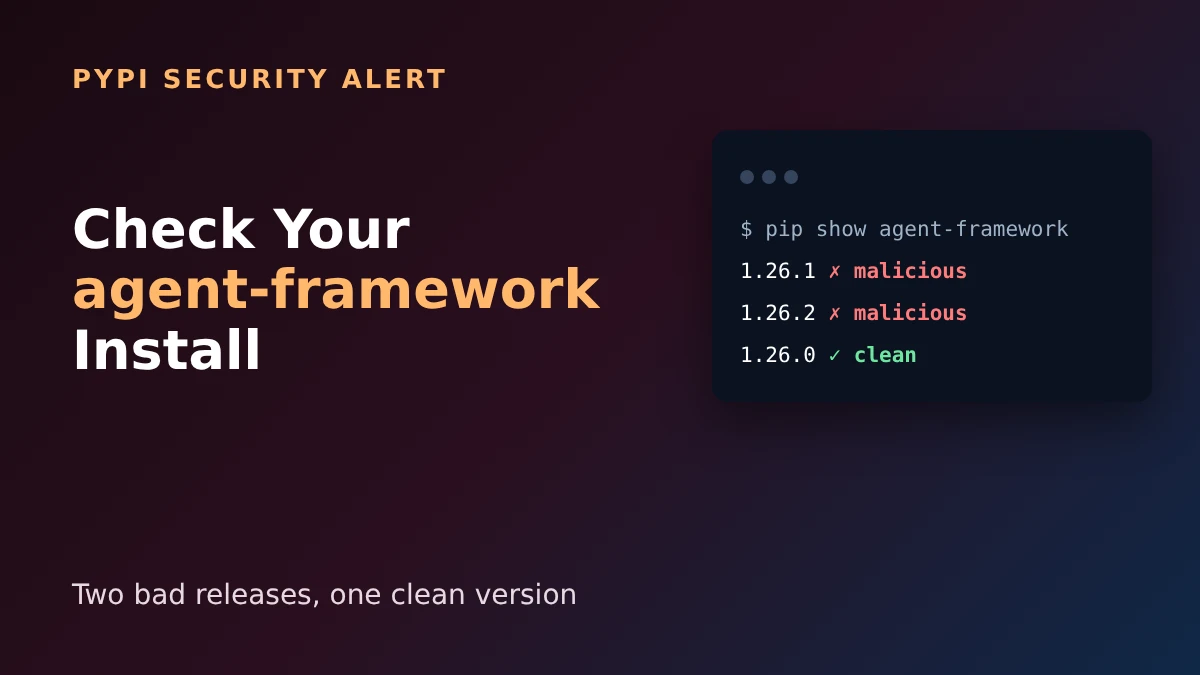
The agent-framework PyPI malware hit two releases, 1.26.1 and 1.26.2, of the Python meta-package for Microsoft Agent Framework. If either one was installed on November 17, treat every secret that machine could reach as exposed. Version 1.26.0 is the clean release.
Here are the facts you need before you start checking.
- Bad versions: 1.26.1 and 1.26.2, published about 33 minutes apart on November 17, 2026.
- Safe version to pin: 1.26.0, which is the latest release again.
- Exposure window: roughly 45 minutes, from about 20:35 to 21:20 UTC.
- The package gets around 190,000 downloads a month.
All of this comes from security firm Aikido, so the details rest on one vendor’s analysis. Its full write-up is worth bookmarking.
What the agent-framework PyPI malware actually did
According to Aikido, both releases carried a credential stealer. It ran every time Python started, so you didn’t have to import the package. Running pip or pytest in the same environment was enough.
The stealer hunted for secrets in two places. It grabbed environment variables whose names contain words like TOKEN, SECRET, KEY, AZURE or GITHUB. It also read dozens of credential files, including .npmrc, .netrc, .git-credentials, Docker config, Hugging Face tokens and .env files.
On cloud machines it went further. Aikido says it tried to request Azure managed-identity tokens, and in Azure DevOps it tried to capture the pipeline access token. The second release added attempts to get GitHub Actions OIDC tokens.
Stolen data was compressed and sent to a webhook.site address. Pulling the package from PyPI stops new runs, but it doesn’t pull back anything already sent.
How to check whether you installed a bad version
Start with the machines most likely to have pulled a fresh install: CI runners, build containers and developer laptops. Check them in this order.
- Run
pip show agent-frameworkand look at the version number. - Search
site-packagesforagent_framework_meta.pth,af_runtime_diag.pthandaf_runtime_diag.py. - Check CI caches and container images built since November 17, not just live servers.
- Look for the environment variable
_AF_TEL=1in running Python processes.
If you find 1.26.0 or older and none of those files, you’re most likely fine. A clean-looking machine that was rebuilt from a cached image is the case people miss.
To fix an affected environment, pin agent-framework==1.26.0 and rebuild it from scratch. Don’t just uninstall the package on the same box.
Which secrets to rotate first
Rotation is the part that actually protects you. Work from the most powerful credentials down, using Aikido’s list of what the code targeted.
| Where it looked | What to rotate |
|---|---|
| Azure DevOps pipelines | Service connections and system access tokens |
| Azure managed identity | Service principal credentials and federated credentials |
| GitHub Actions workflows | GitHub tokens and any secrets those workflows could read |
| Developer machines | npm, PyPI and Hugging Face tokens, plus Git credentials |
| Containers and servers | Docker registry logins and every value in .env files |
After rotating, check Entra ID sign-in logs for the identities your pipelines use. Search proxy and DNS logs for webhook.site traffic, too, since that’s where the data was sent.
If this feels familiar, it is. We covered the same cleanup steps after the malicious LiteLLM release on PyPI and the Railway breach.
Why AI developer tools keep getting targeted
Agent projects tend to sit next to a lot of valuable secrets: model API keys, cloud tokens and repository access. That makes any package in that stack a rich target for an attacker with a stolen publishing login.
Automated builds make it worse. A CI job that installs dependencies without a pin can pull a bad release within minutes, long before anyone notices. Here, the second malicious version appeared just 33 minutes after the first.
The lesson isn’t to avoid one vendor’s packages. It’s that every unpinned dependency in an automated build is a trust decision made by a script, and most teams never review those.
What we still don’t know about the attack
Aikido doesn’t say how the attacker got valid publishing credentials. It also can’t say how many installs ran the payload, or whether any organization lost data.
The write-up doesn’t cite a statement from Microsoft either. Treat the attack details as reported, not officially confirmed, until the package maintainers publish their own account.
One more caveat: the Azure DevOps token request may fail depending on how a pipeline is set up. Don’t read that as permission to skip rotation.
Frequently Asked Questions
Is agent-framework on PyPI safe to use now?
Version 1.26.0 is the latest release again, and the two bad versions were removed from PyPI. Pin 1.26.0 explicitly and rebuild anything that pulled a newer version on November 17.
Was I affected if I only installed it in a virtual environment?
Yes, you could be. The malicious file ran whenever Python started in that environment, and it could read environment variables and credential files the process could reach.
Do I need to rotate keys if the package is gone from PyPI?
If a bad version ran on that machine, yes. Removal stops future runs but doesn’t recall data that was already sent.
How can I avoid this kind of attack?
Pin exact versions, use lockfiles with hashes, and delay adopting brand-new releases by a day or two. Keep secrets out of CI environments that don’t need them.
Our verdict: pin versions, then rotate
If you touched this package on November 17, don’t wait for perfect proof. Rotate the secrets, rebuild from clean images and keep exact version pins from now on. Better yet, make a dependency “cooldown” a standing rule: a 24-hour delay on new releases would have sidestepped this entire 45-minute window.
Leave a Reply