

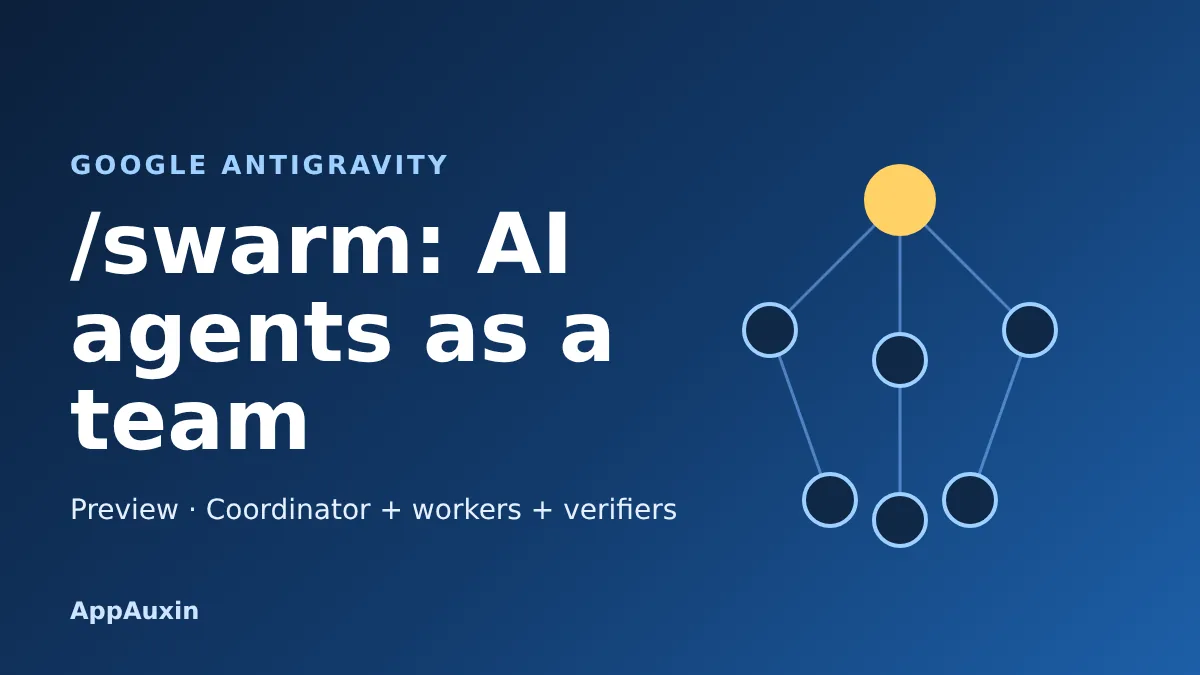
Google’s Antigravity swarm preview turns one prompt into a small team of coding agents: a coordinator, several workers and a verifier, all posting to a shared board. It launched on November 10 and it can finish big jobs faster, but it also burns through your plan’s quota much faster than a normal chat.
Here’s the short version before we get into the details.
- Status: preview, available in the Antigravity app and CLI
- Start it with: typing
/swarmin the composer - Who gets Gemini 4 Carbon: Google AI Ultra subscribers, or enterprises through Gemini for business
- Cost: no separate price, but swarms draw down your plan quota quickly
That’s the whole pitch, and the catches are in the fine print below.
What the Antigravity swarm command actually does
Normally you chat with one agent and wait while it works through a task step by step. With /swarm, your current conversation becomes a coordinator that splits the job into independent pieces and hands each one to a named worker.
Google describes this in its Gemini 4 Carbon and /swarm announcement. Each worker runs in its own isolated git worktree, so in theory two agents don’t overwrite each other’s edits. Adversarial verifier agents then run tests and challenge the diffs before you see the result.
The idea behind this kind of multi-agent coding is simple: a second pair of eyes catches mistakes that the author misses. Here the second pair of eyes is another model.
How the team splits up and checks its own work
Every agent talks through one shared, append-only message board instead of private chats. Assignments, questions, diff summaries and test results all land there, so you can read the whole history afterward.
Google says idle agents use zero tokens while they wait, then wake up when another agent mentions them. You can watch it all in a Swarm side pane with three views.
- Board: the live feed of everything the agents post
- Members: a roster where you can steer any individual agent
- Graph: a timeline for replaying how the team reached its result
In the CLI, /swarm board or Alt+S opens a full-screen terminal version of the same board. Being able to steer one agent mid-run is the feature that keeps a swarm from feeling like a black box.
Each agent can also be pinned to a different model. Google suggests Gemini 4 Carbon for the coordinator, architecture and verification roles, and lighter models for routine file edits.
Who can use it, and what it costs you in quota
The Antigravity swarm feature is in preview in both the app and the CLI. Gemini 4 Carbon, the model Google recommends for it, is open to Google AI Ultra subscribers in the app, CLI and IDE extensions. Enterprises can reach it through Gemini for business.
That’s a change from a few days ago. Our earlier post on Gemini 4 Carbon access covered the cyber-defenders-only launch, and Google has since opened it to paying users. Google also says researchers and scientists can apply for six months of free Argon and Carbon access at the highest usage tier.
The real price is quota. Google warns that parallel runs consume it much faster than a standard chat, and it gives no figure. A walkthrough from Cellcog adds that there is no published maximum team size and no separate charge.
When /swarm is the wrong tool
Antigravity now has several ways to run more than one agent, and picking the wrong one wastes quota. The table below uses the guidance reported by Hermes AI, an unofficial site that indexes an AlphaSignal report, so check Google’s docs before relying on it.
| Option | Best for |
|---|---|
| Subagent | One small side task |
| /swarm | Independent changes across files, packages or research questions |
| /boost | Difficult bugs and tricky refactors |
| /teamwork | Repository-scale migrations |
The pattern is that a swarm shines when the work splits cleanly. If two workers would need to edit the same tightly coupled code, expect collisions and wasted tokens.
Two catches to know before you start
First, Google’s own pages don’t agree on isolation. Cellcog notes that the blog says workers use separate git worktrees, while the docs say they share your workspace by default. If parallel edits matter, tell the coordinator explicitly and check what it did.
Second, a worker that runs out of quota pauses and doesn’t resume on its own. It needs a new board post, a model change or a direct message from you. And because it’s a preview, commands, limits and recovery behavior can change.
Integration and code review also stay your job. A verifier agent isn’t a substitute for reading the diff, especially where workers touched related code. If you’ve been following the rise of agent harnesses, our post on the DeepSeek harness and its plugin store shows how fast this space is moving.
Frequently Asked Questions
How do I start a swarm in Antigravity?
Type /swarm followed by your task in the composer. In the CLI, /swarm board or Alt+S opens the live board.
Do I need Google AI Ultra to use it?
The feature itself is in preview in the app and CLI, and swarms draw on your Google AI Pro or Ultra quota, according to Cellcog. Gemini 4 Carbon, Google’s recommended model for coordinator roles, requires Ultra for individual users.
How much quota does a swarm use?
Google says much more than a single chat but publishes no number. Start with a small, easy-to-check task and see how much your plan drops.
Is /swarm the same as subagents?
No. Google describes dynamic subagents as the earlier approach that /swarm builds on, adding a shared board, verifiers and a team structure.
My take
If you pay for Ultra and have a chore that splits into independent pieces, like writing tests across several packages, try a small swarm this week and watch the quota meter. If you’re on a lower plan or your work is tightly coupled, skip it until Google publishes real limits and settles the isolation question.
Leave a Reply