

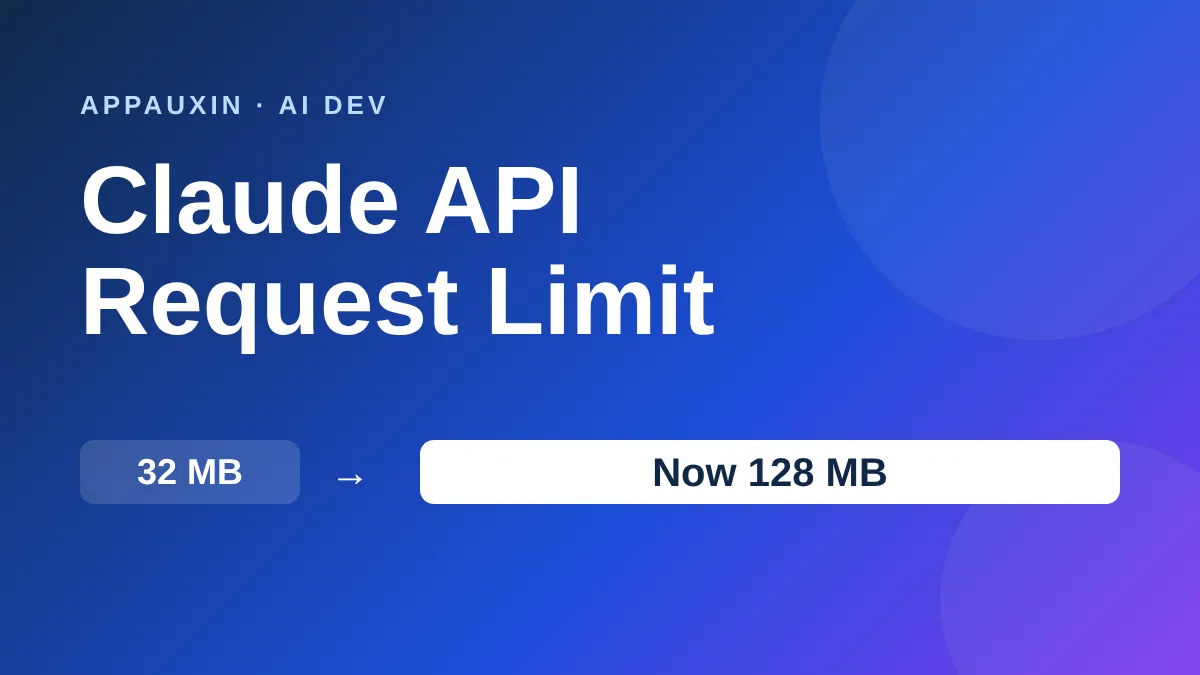
The Claude API request limit for Messages and Token Counting is now 128 MB, up from 32 MB. If you’ve ever hit a 413 error while sending big PDFs or image batches, that wall just moved a lot further away.
The catch is that it only applies to Anthropic’s own API. Cloud platforms like Bedrock still have their own, smaller caps.
Here are the numbers worth knowing before you change any code.
- Messages and Token Counting: 128 MB per request on the first-party API (previously 32 MB).
- Message Batches: 256 MB. Files API: 500 MB.
- Over the limit, you get a 413
request_too_largeerror. - Context-window limits still apply, so more bytes don’t mean more tokens.
The short version: you can send bigger payloads in one call, but the model’s context window hasn’t grown.
What the Claude API request limit change means for you
Request size is about bytes on the wire, not tokens. A request packed with base64 images, PDFs, or long tool results can blow past 32 MB long before it fills the model’s context.
That’s what the old cap punished. Base64 adds roughly a third to file size, so a 25 MB PDF could already be too big once encoded.
With the new ceiling, many of those requests now go through in a single call. You no longer need to split documents or rewrite your pipeline just to get under the line.
The change was reported in a daily AI news digest from The Neuron, and Anthropic’s API overview now lists 128 MB.
Every limit side by side: where 128 MB applies
| Endpoint | Max request size |
|---|---|
| Messages and Token Counting (first-party API) | 128 MB |
| Message Batches API | 256 MB |
| Files API | 500 MB |
| Sessions, Agents, Environments | 32 MB |
| Amazon Bedrock | 20 MB |
| Google Cloud (Google managed) | 30 MB |
| Claude Platform on AWS, Google Cloud (Anthropic managed), Microsoft Foundry | 32 MB (Messages and Token Counting) |
Notice the gap between the first-party API and the partner platforms. If you call Claude through Bedrock, nothing changed for you, and your ceiling is still 20 MB.
That matters if you built your app on one cloud and are thinking of switching. Check the platform’s page before you assume the bigger number carries over.
Bigger requests still don’t mean a bigger context window
This is the part people mix up. The request limit caps how many bytes you can send. The context window caps how many tokens the model can read.
A 100 MB request full of plain text would still be rejected for being too many tokens. The extra headroom helps most when your payload is heavy but not token-dense, like images or scanned pages.
If you’re building agents, you may also want to see how other tools handle large inputs. Our Cursor Agent SDK guide covers a similar trade-off on the coding side.
When you’ll still hit a 413 error
Even at 128 MB, a few situations can still trip you up. Check these first if you see request_too_large.
- You’re going through Bedrock, Google’s managed Claude, or another partner platform with a lower cap.
- You’re calling the Sessions, Agents, or Environments endpoints, which stay at 32 MB.
- You’re sending a pile of base64 files and forgot the encoding overhead.
When in doubt, upload large files once through the Files API and reference them, rather than resending them with every message.
Frequently Asked Questions
What is the new Claude API request limit?
It’s 128 MB per request for the Messages and Token Counting endpoints on Anthropic’s first-party API. It used to be 32 MB.
Does the 128 MB limit apply on Amazon Bedrock?
No. Anthropic’s docs list Bedrock at 20 MB and Google’s managed Claude at 30 MB. Anthropic-operated platforms support up to 32 MB for Messages.
Why do I still get a 413 error?
Your payload is likely over the limit for that endpoint or platform. Remember base64 makes files about a third bigger, so measure the encoded request, not the original files.
Does this increase the context window?
No. Token limits are separate, and your request still has to fit the model’s context window.
Should you change your code?
If you’re on the first-party API and you’ve been chunking files to dodge 413 errors, yes, simplify it. For everyone else, leave it alone, and don’t count on 128 MB until you’ve checked your platform’s own cap. Either way, use the Files API for anything you send more than once.
Leave a Reply