

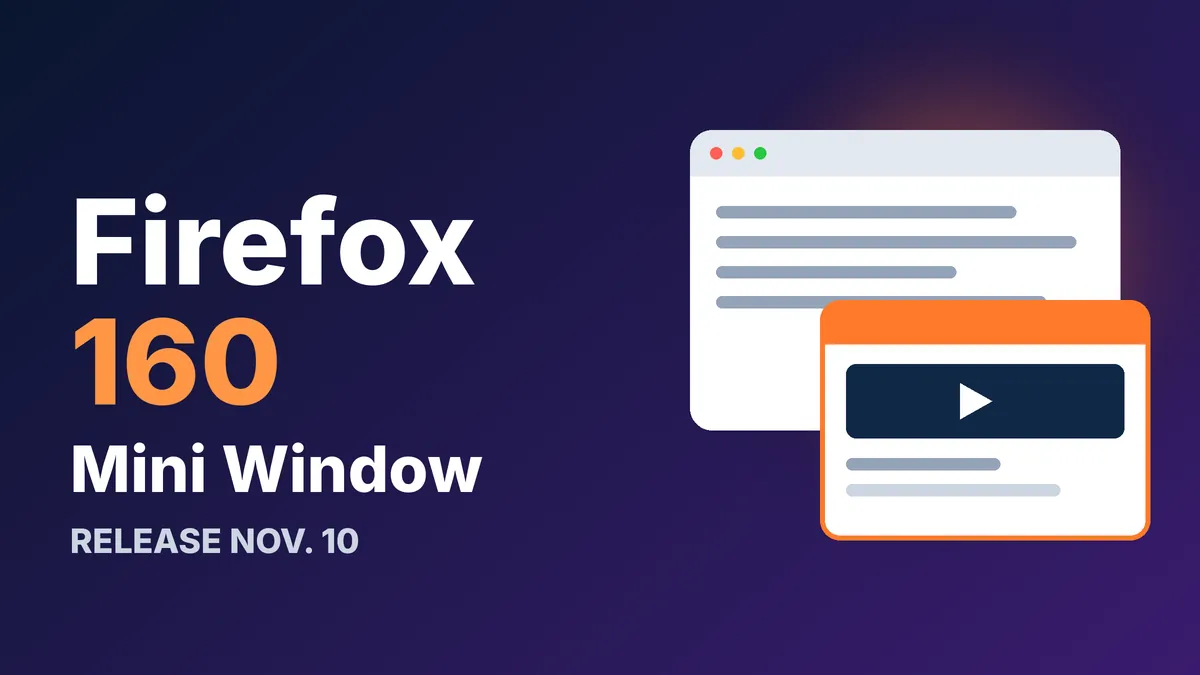
Firefox 160 is due on Nov. 10, and the headline feature is a floating Mini Window that keeps any tab, or just part of a page, on top of your other apps. Beta builds also add playback speed controls to Picture-in-Picture and support for MKV video files. Here’s what’s confirmed, what’s still beta, and how to get the update.
Here are the quick facts before we get into the details.
- Release date: Nov. 10, 2026, per Mozilla’s developer release notes on MDN
- Headline feature: a Mini Window that floats a tab or a cropped section of a page
- Video upgrades: Picture-in-Picture speed from 0.25x to 2.0x, plus MKV playback
- Cost: free, on Windows, Mac and Linux through the normal update
If you only skim one thing, skim that Mini Window line. It’s the part most people will actually notice.
What the Firefox 160 Mini Window does
Think of it as Picture-in-Picture for anything that isn’t a video. You right-click a tab and send it to a Mini Window, or you right-click a page and crop out one section to float. According to PiunikaWeb, the window leaves your main browser until you send it back or close it.
Mozilla pitches it for moments when you’re juggling several sources at once, like a live chat, reference notes or a long form. A recipe next to a timer, or a support chat next to the page you’re troubleshooting, are the obvious uses.
It’s labeled a beta, so expect rough edges. Early testers quoted by PiunikaWeb say closing the main Firefox window also closes any open Mini Windows. A staff reply on Mozilla’s forum also says an “Open in Mini Window” link option is on the team’s radar, but nothing is promised yet.
Picture-in-Picture gets speed controls, and MKV files finally play
The Firefox 160 beta adds a playback speed setting to the Picture-in-Picture player, ranging from 0.25x to 2.0x, Linux Today reports. That’s handy for lectures you want at 1.5x while you keep working in another window.
The same report says Firefox can now play Matroska (MKV) files that use FLAC, MP3 or PCM audio. That should save you a trip to a separate media player for downloaded videos. It also means you shouldn’t expect every MKV to work, since other audio formats aren’t listed.
There’s one more small change: you can drag history entries from the sidebar onto the tab strip to open them as new tabs.
Firefox 160 at a glance: what’s new and how sure we are
This table sorts each change by what it does and where the report comes from. All of it comes from beta coverage, so Mozilla’s final notes on release day are the last word.
| Change | What it does | Source |
|---|---|---|
| Mini Window | Floats a tab or a cropped part of a page above other windows | PiunikaWeb, Mozilla forum |
| PiP speed control | Plays video from 0.25x to 2.0x | Linux Today |
| MKV playback | Opens MKV files with FLAC, MP3 or PCM audio | Linux Today |
| History drag-and-drop | Drag sidebar history entries to the tab strip | Linux Today |
Mozilla’s own developer notes on MDN don’t list any user-facing changes yet, but they’re marked as a work in progress. That’s normal a day or two before release.
What’s in it for web developers
The MDN release notes focus on WebTransport. The constructor now accepts custom HTTP headers and a byte-stream option for datagrams, which lets you reuse one buffer instead of allocating a new one for every message.
One change can break code. exportKeyingMaterial() now requires a context argument and takes an outputLength, where it used to always return 32 bytes. Also, the old high-water-mark properties on datagram streams are gone, replaced by new buffer-limit properties.
Extension authors get a smaller tweak: runtime.PlatformInfo now reports "arm64" instead of "aarch64", matching Chrome.
How to update Firefox to version 160
Firefox updates itself in the background, but you can force a check. Open the menu, go to Help, then About Firefox, and let it download the new version. Restart when it asks.
On Linux, wait for your distro or Mozilla’s package to catch up, or use the Snap or Flatpak build if you use one. If you want a longer look at how recent Firefox releases rolled out, our Firefox 159 release date guide covers the last cycle, and the Nova redesign walkthrough explains the look you’ll see in the new version.
Frequently Asked Questions
When is the Firefox 160 release date?
Mozilla’s developer notes on MDN list Nov. 10, 2026. Rollout can take a few hours to reach everyone, so check About Firefox if you don’t see it right away.
What is the Firefox Mini Window?
It’s a floating window that stays on top of your other apps. You can send a whole tab into it, or crop a section of a page, and it works like Picture-in-Picture for non-video content.
Does Firefox 160 play MKV files?
Beta coverage says yes, for MKV files with FLAC, MP3 or PCM audio. Files with other audio formats may still not play.
Is the Mini Window on for everyone?
Mozilla calls it a beta, and the reports don’t say whether it’s switched on by default in the stable release. Check the right-click menu on a tab after you update.
Our take on Firefox 160
This is a modest release with one idea worth trying. The Mini Window could be a real time-saver if it works smoothly, but the closing-the-main-window quirk suggests it needs polish, so don’t build a workflow around it yet. Update anyway for the PiP speed controls and MKV support, and keep your expectations realistic until Mozilla’s release notes confirm what shipped.
Leave a Reply