

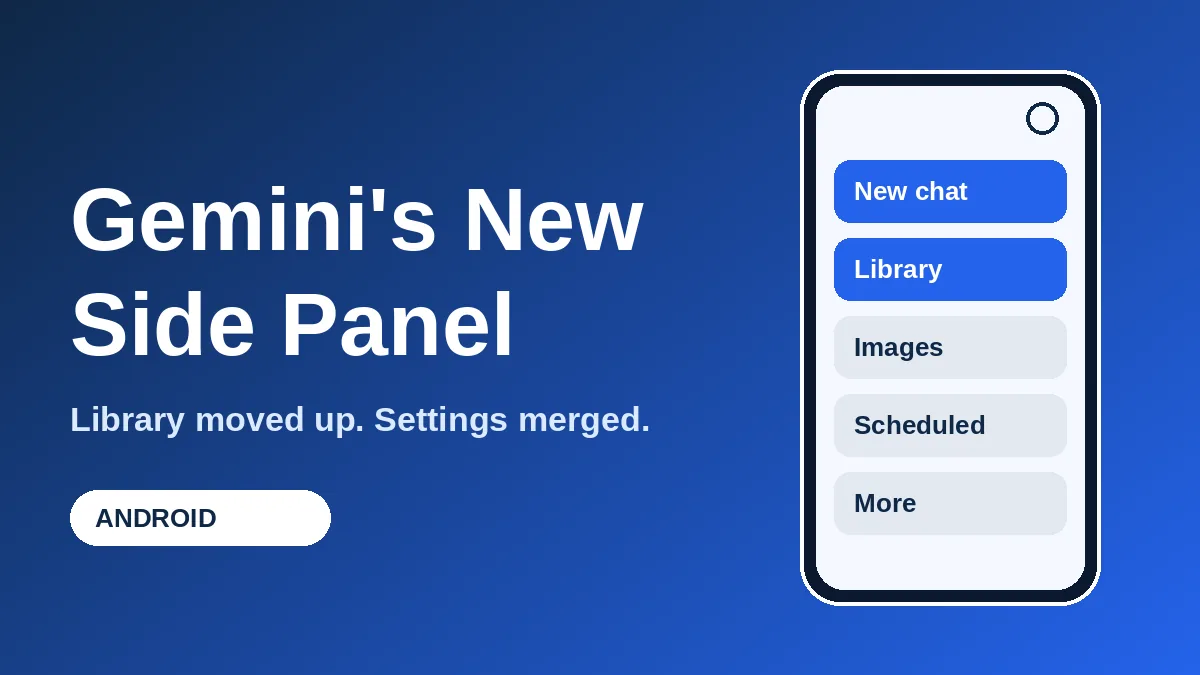
Open Gemini on your Android phone and the menu probably looks different. The Gemini Android side panel now puts New chat first and Library second, with Search tucked into the top-right corner. Settings also got merged into a single page, so you no longer hunt across two menus.
Here’s the short version before the details:
- Reported by 9to5Google on October 23, 2026.
- The side panel shows five items, and a “More” option expands the rest.
- Library moved from near the bottom to the second slot.
- Settings that used to be split across two places now share one page, with a new Theme option.
- It’s a server-side change, so there’s no separate app download to chase.
Skimmers can stop there. If you want to know where everything went and whether you have it yet, keep reading. None of this adds new AI abilities, so think of it as a tidy-up of how you get around the app.
What changed in the Gemini Android side panel
According to 9to5Google, the drawer you open from the left edge was reorganized. Search now sits in the top-right corner. New chat is still the first entry, and Library jumped up to second place instead of hiding near the bottom.
The panel also stops trying to show everything at once. It lists five items and puts the rest behind “More.” That keeps the menu short for people who only chat and rarely touch the extras.
The same redesign reached iOS, macOS and the web app the week before, alongside the Gemini 4 Argon launch, per the same report.
Where Library, Search and the rest of the menu went
If you’re on Google’s AI Ultra plan, the full list is longer than what everyone else sees. 9to5Google lists these entries for Ultra users: New chat, Library, Images, Scheduled, Daily brief, Customize, Students, Videos and Gems.
The table below sums up the moves that were reported.
| Item | What changed |
|---|---|
| Search | Now in the top-right corner of the panel |
| Library | Moved from near the bottom to second place |
| Menu length | Five items shown, the rest behind “More” |
| Account menu | Only handles switching accounts, Feedback and Help |
| Settings | One page instead of two separate places |
Search in the corner also frees the top of the list for the things you actually tap. It’s a familiar layout if you use other chat apps, which is probably the point: less learning, fewer wrong taps.
The practical win is Library. Anything you keep in Library is now one tap closer, and you no longer scroll past other entries to reach it.
One settings page instead of two
Before this, your preferences were split between the account menu and a separate “Gemini Settings” screen. Now the account menu is basically a switcher. The real controls live on one page.
That page is grouped into four parts, as 9to5Google describes it:
- Manage account and Usage limits
- Preferences, which now includes a Theme option
- Data & privacy
- Get support
Usage limits matter more than they sound. Google trimmed what the free tier gets recently, and our breakdown of the Gemini free tier and Flash-Lite change shows why you may want to check how much you have left.
One more thing to watch for is the new Theme option. It sits with your other preferences, so if you’ve been living with the default look, that’s where to change it.
Do you have the new Gemini app layout yet?
The report describes wide availability on Android after a server-side update. That means you shouldn’t need to hunt for an app update. Opening the app and swiping in from the left edge is the quickest check.
It doesn’t say whether every account or region sees every settings item. If your menu still looks old, force-close the app and reopen it once. If it still looks old, it likely hasn’t reached your account yet.
While you’re in the app, the newer Plus button is worth a look too. We covered how it lets you share screens and files mid-chat in Gemini Live.
Frequently Asked Questions
Where is the Library in the new Gemini app?
It’s now the second item in the side panel, right under New chat. It used to sit near the bottom of the list.
Do I need to update the Gemini app to get the redesign?
Probably not. The report says the rollout came through a server-side update, so it can appear without a new app version.
Why does my Gemini menu show fewer items than another person’s?
The panel shows five items and hides the rest under “More.” The full list reported by 9to5Google is for AI Ultra subscribers, so other plans may see a shorter set.
Where did the Gemini settings go?
They now sit on one settings page, grouped into account and usage limits, preferences, data and privacy, and support. The account menu only handles switching accounts, Feedback and Help.
Our take on the Gemini menu redesign
This is a small change that fixes a real annoyance. Putting Library second and gathering settings in one place saves taps you were making daily. It won’t change what Gemini can do, so don’t expect new powers, but if you use the app often you’ll feel the difference within a day. If you’ve ever opened Gemini just to find an old chat and wandered through menus, this is the fix you wanted.
Leave a Reply