

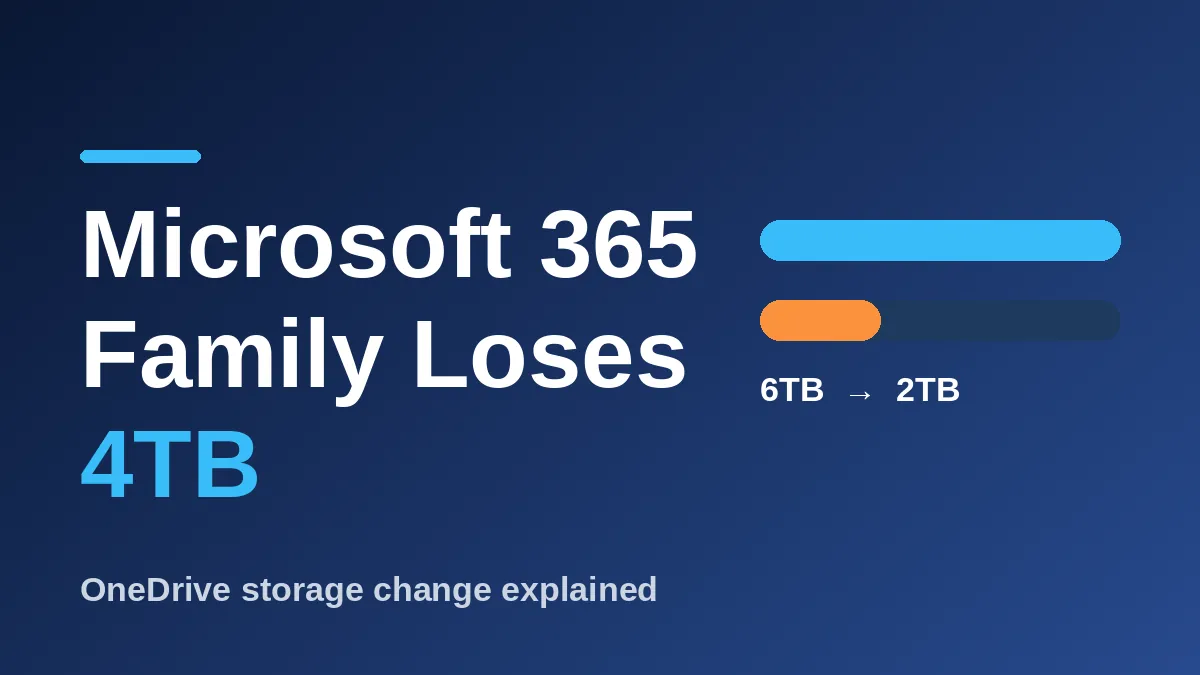
Microsoft 365 Family storage is shrinking from 6TB to a shared 2TB pool, and you pay the same price. For now, only new and upgraded plans are affected, and existing subscribers get a delay until mid-2027.
Here are the facts that matter most, based on reports from Windows Central and Office Watch:
- New Family and Premium plans get the smaller shared pool starting October 8, 2026.
- Existing Family and Premium plans change at the first renewal on or after May 2, 2027.
- Family storage drops from six separate 1TB allocations to one 2TB pool.
- Microsoft 365 Personal stays at 1TB for one person.
- The price doesn’t change.
If you already pay for a plan, nothing happens to your files today. But the clock is ticking, and the sooner you know how much you actually store, the better.
What changed with Microsoft 365 Family storage
Until now, each of the six people on a Family plan got their own private 1TB of OneDrive space. That added up to 6TB, but nobody could borrow from anyone else’s share.
The new model puts everyone into one pool. Each person’s files stay private unless they share them, but free space is open to the whole group. Microsoft says the shared setup is better because storage “is allocated to users who need it automatically,” as quoted by Windows Central.
The catch is simple math. A family of four with 500GB each used to fit comfortably. In a 2TB pool, that same family is already at the limit.
Who loses storage and who doesn’t
| Plan | Old storage | New storage | Affected? |
|---|---|---|---|
| Family | 6TB (6 x 1TB) | 2TB shared | Yes |
| Premium | 1TB per person | 2TB shared | Yes |
| Personal | 1TB, one person | 1TB, one person | No |
| Basic | 100GB, one person | 100GB, one person | No |
Office Watch notes that the Premium row is implied from the same per-person model, since Microsoft’s wording doesn’t spell out a number. Check your own plan page before you plan around it.
Windows Central puts the Family list price at $129.99 a year. That means you’d pay the same as before for one third of the space.
When the change reaches your account
Microsoft’s support wording, as quoted by Windows Central, says the change “generally takes effect” after your first renewal on or after May 2, 2027. It adds “unless an eligible plan change occurs earlier.”
That last part is the trap. According to Office Watch, upgrading, such as moving from Family to Premium, switches you to shared storage right away. Downgrading doesn’t trigger it early.
So don’t upgrade just to try a new Copilot feature until you’ve checked your numbers. We covered the AI side of Microsoft’s plans in our OneDrive Copilot event guide, and it’s worth reading before you change anything.
What to do before your renewal
You have months, not days, so there’s no need to panic. A few small steps now will save you a headache later:
- Add up OneDrive use across everyone on your plan, not just your own account.
- Write down your renewal date, since that’s when the shared pool starts.
- Empty the OneDrive Recycle Bin and remove duplicate phone photo backups.
- Decide whether big files, like family videos, belong on an external drive or another service.
Photos are usually the biggest chunk. If your phone backs up to more than one place, you may be paying for the same picture twice. Our guide on Samsung Gallery and Google Photos sync shows one way to rethink where your pictures live.
Office Watch also reports that going over the limit gives you up to a year of continued access, though Microsoft hasn’t said what happens after that. Treat it as a deadline, not a safety net. Some existing subscribers may also get bonus storage at renewal, but no amount has been announced.
Frequently Asked Questions
Is Microsoft 365 Family storage being cut right now?
Only for new and upgraded plans. Existing Family subscribers move to the 2TB shared pool at their first renewal on or after May 2, 2027.
Will Microsoft delete my files if I go over 2TB?
Microsoft hasn’t announced that. Office Watch reports that you can keep accessing files for up to a year when over quota, but the rules after that aren’t clear yet.
Does Microsoft 365 Personal lose storage too?
No. Personal stays at 1TB for one person, according to Office Watch.
Can I keep 6TB by renewing early?
Maybe, but it isn’t confirmed. Windows Central’s author reads Microsoft’s wording that way and advises checking with Microsoft first.
Should you stay on Microsoft 365 Family?
If your family stores under 2TB in total, you lose nothing that matters, and the shared pool may even help. If you’re a heavy photo and video household, start planning now: buy extra storage, move files to a drive you own, or compare other cloud plans before May 2027. Don’t wait for the renewal email to find out what you actually use.
Leave a Reply