

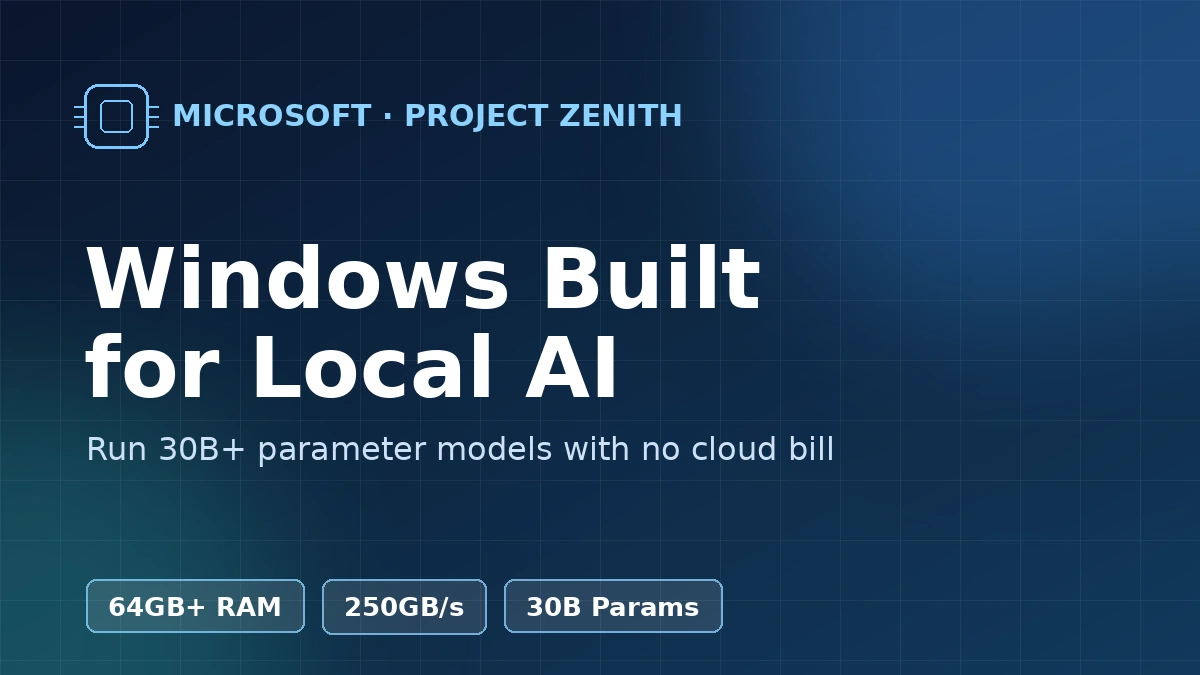
Microsoft just gave developers a reason to care about Windows again. Project Zenith is a stripped-down, ready-to-code version of Windows 11 built for one job: running big AI models on your own machine instead of renting them by the token in the cloud. It launched on September 4, and it needs serious hardware to work at all.
Here’s the gist before you scroll further.
- Announced: September 4, 2026, via the official Windows Developer Blog
- Minimum RAM: 64GB unified memory, with 250+ GB/s of memory bandwidth
- Launch hardware: AMD’s Ryzen AI Max+ 395 chip, inside the Ryzen AI Halo mini-desktop
- Price of that reference device: $3,999.99 at Micro Center
- What it’s for: running 30B-plus parameter AI models locally, without a cloud subscription
Why Project Zenith Needs So Much RAM
The 64GB floor isn’t Microsoft being cautious. It’s the recommended baseline for holding a 30-billion-parameter language model in memory with a usable context window, and 250GB/s of bandwidth is what keeps that model responding at a readable pace instead of stalling mid-sentence. The launch device actually ships with 128GB, giving you headroom for a model plus your usual editor, browser tabs, and containers running at the same time.
That’s a very different bar than a typical Copilot+ PC, which is tuned for smaller on-device tasks like live captions or image search rather than a real 30B-parameter model. Project Zenith is explicitly for people who want the bigger thing running locally, not the lightweight assistant features baked into ordinary Windows 11.
What’s Actually Different From Regular Windows 11
Microsoft describes it as a “distraction-free” build, which in practice means a lot of the default clutter is gone. File Explorer shows full file extensions and hidden files out of the box, and the forced Copilot integration that ships on standard Windows 11 installs has been removed entirely.
In its place is a machine that arrives pre-loaded for coding: Visual Studio Code, GitHub Copilot, Python 3.14+, Node 24+, WSL 2 with Ubuntu, and .NET 10 are all installed and configured before you ever open a terminal. The overall effect leans closer to a developer-tuned Linux box than the Windows most people know, which is very much the point.
Running AI Models Without the Cloud Meter Running
The pitch that matters most is cost. Cloud inference for frontier-scale models gets billed per token, and that adds up fast once you’re iterating on a project all day. Microsoft’s framing, echoed by outlets like Engadget, is that Project Zenith lets you run a 30B-plus parameter model “locally and unmetered” — no per-request bill once the hardware is paid for.
It’s a response to where the frontier keeps moving. Models like OpenAI’s GPT-6 Astra keep raising what “state of the art” costs to run at scale, and Project Zenith is Microsoft’s bet that plenty of developers would rather own a capable local model than keep paying for one somewhere else.
How Microsoft Is Keeping Local AI From Becoming a Security Mess
Running a powerful model with broad file access is exactly the kind of setup that makes security teams nervous, so Microsoft built in guardrails rather than leaving it wide open. The system uses OS-enforced identity checks and something Microsoft calls Microsoft Execution Containers, or MXC, to sandbox what an AI agent running locally can actually touch.
There’s also enterprise-grade agent manageability baked in, which matters if a company wants developers running local models without every machine becoming its own ungoverned island. It’s a reasonable acknowledgment that “unmetered AI on your desktop” and “no oversight at all” shouldn’t be the same thing.
Comparing Project Zenith to Standard Windows 11
Side by side, the two builds are aimed at different people entirely — one is for browsing and everyday apps, the other assumes you’re going to load a language model before lunch.
| Attribute | Standard Windows 11 | Project Zenith |
|---|---|---|
| Minimum RAM | 4GB | 64GB unified memory |
| Copilot integration | Enabled by default | Removed |
| Dev tools out of the box | None pre-installed | VS Code, Copilot, Python, Node, WSL2, .NET 10 |
| Local LLM support | Small on-device tasks only | 30B+ parameter models |
| Target user | General consumers | AI developers |
When You Can Actually Get It
Right now, Project Zenith only ships on the AMD Ryzen AI Halo mini-desktop, so this isn’t something you download and install over your existing setup this week. Microsoft has said it plans to bring the experience to more OEM hardware and additional silicon partners over time, but hasn’t committed to specific devices or dates beyond that.
If you’re not shopping for dedicated AI hardware, the more relevant news is still the mainstream Windows 11 26H2 rollout, which is what most people will actually be running this year. Project Zenith is a parallel track aimed squarely at a narrower audience.
Frequently Asked Questions
Is Project Zenith a completely separate operating system?
No. It’s a specialized configuration of Windows 11, not a new OS. Think of it as a purpose-built edition with different defaults, pre-installed tools, and a higher hardware bar, rather than something built from scratch.
Can I install Project Zenith on my current laptop?
Only if it meets the memory and bandwidth requirements, and most existing laptops don’t. The 64GB unified-memory minimum and 250GB/s bandwidth spec rule out the vast majority of machines sold before this announcement.
Do I need the AMD Ryzen AI Halo device specifically?
For now, yes, since it’s the only hardware Project Zenith officially ships on. Microsoft has signaled more devices are coming, but nothing else has been confirmed yet.
Does this replace Copilot+ PCs?
No. Copilot+ PCs are built for lighter, everyday on-device AI features, while Project Zenith targets developers running much larger models. The two are aimed at different jobs, not different generations of the same idea.
Is Project Zenith free?
Microsoft hasn’t published separate licensing terms for it, and it currently comes bundled with a specific piece of hardware rather than sold as a standalone download. Treat any pricing claim beyond the reference device’s cost as unconfirmed until Microsoft says otherwise.
Our Take
Project Zenith is a niche release dressed up as a bigger story, and that’s fine — it’s honest about who it’s for. If you’re not planning to run a 30-billion-parameter model on your own desk, none of this changes your Tuesday. But as the cost of frontier AI keeps climbing, betting on local hardware instead of a cloud bill is a genuinely useful option to have, and it’s worth watching whether Microsoft brings this down to more affordable machines before writing it off as a one-device experiment.
Leave a Reply