

Tag: Windows Insider
-

Windows 11 Speed Test in Quick Settings: What Microsoft Is Testing
Microsoft is testing a one-click internet speed test in Windows 11 Quick Settings, plus new phone controls. Here’s what’s confirmed and who can try it.
-

Windows 11 Photos App Is Splitting in Two: What Photo Viewer and OneDrive Photos Change
Microsoft is turning the old Photos app into a plain Photo Viewer and adding a new OneDrive-powered gallery. Here’s what you get and when.
-

Windows 11 Faster App Launches Begin With Edge: What Changes and When You’ll Get It
Microsoft’s latest Release Preview update skips a hidden helper process when you reopen Edge. Here’s what’s faster, what isn’t, and why you may not see it yet.
-

Magnifier Per-Monitor Zoom Is Coming to Windows 11: One Zoom Level for Each Screen
Windows 11 Magnifier can now keep a separate zoom level on each monitor. Here is what changed in Insider Beta and how to lock a view.
-
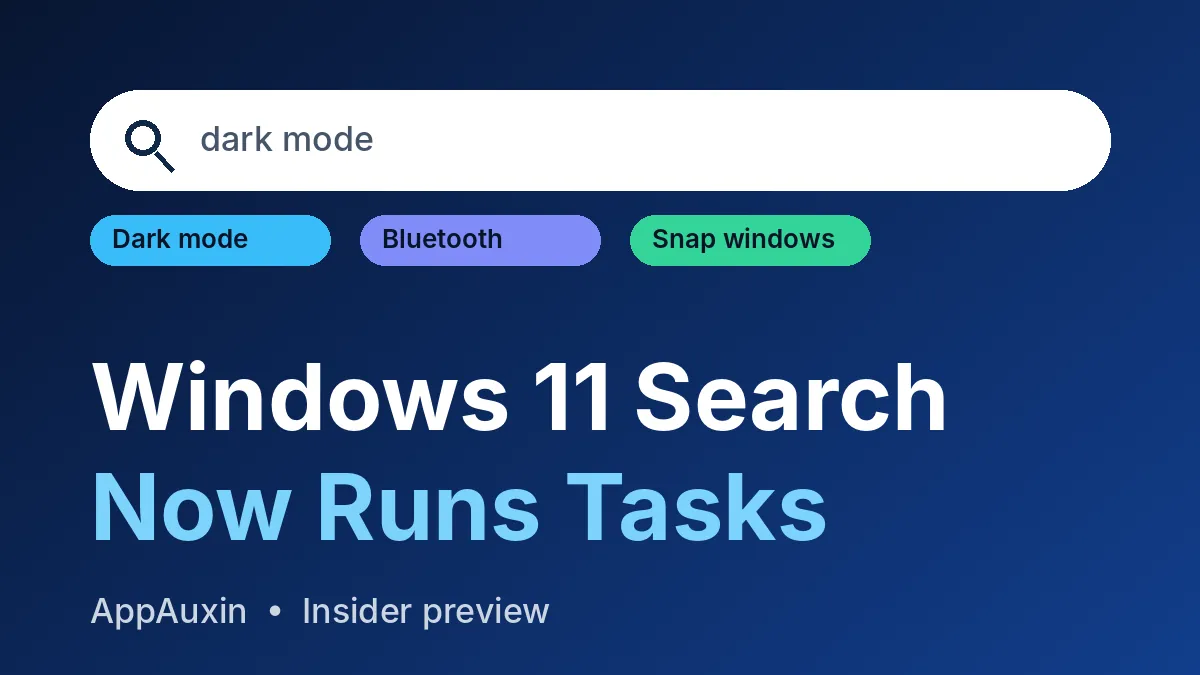
Windows 11 Search Can Now Change Settings for You: How to Try It
Microsoft is testing a rebuilt search box that can flip dark mode, Bluetooth and more right from the results. Here’s who has it and how to try it.
-

Windows Hello Brightness Setting Is Coming: Your Screen Will Light Up Your Face in the Dark
Microsoft is testing a Windows 11 option that brightens your screen during face sign-in. Here’s where it is and when to expect it.
-
Windows 11 Cloud Rebuild Reinstalls Windows Without a USB Drive: How It Works
Windows 11 can now wipe and reinstall itself from Windows Update, no USB stick needed. Here is how to start it and what it erases.
-
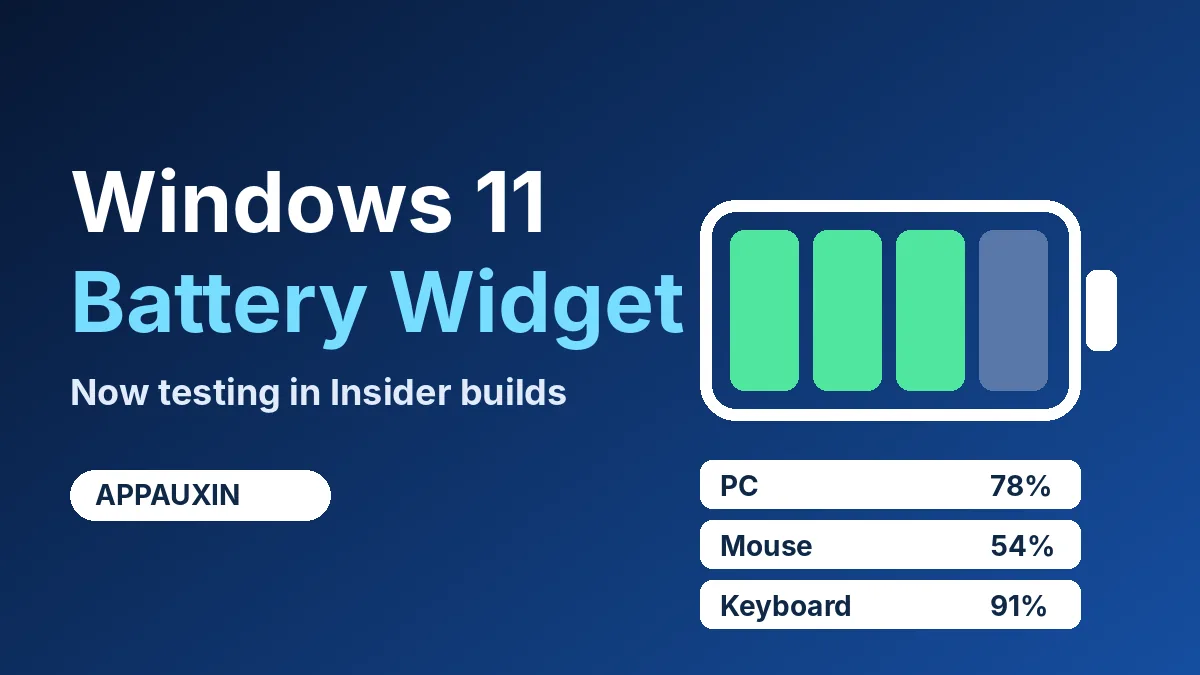
Windows 11 Battery Widget Is Rolling Out to Insiders: Here’s What It Shows
Microsoft is testing a Windows 11 battery widget that lists your PC and Bluetooth gear levels in one place. Here’s how to find it and when to expect it.
-
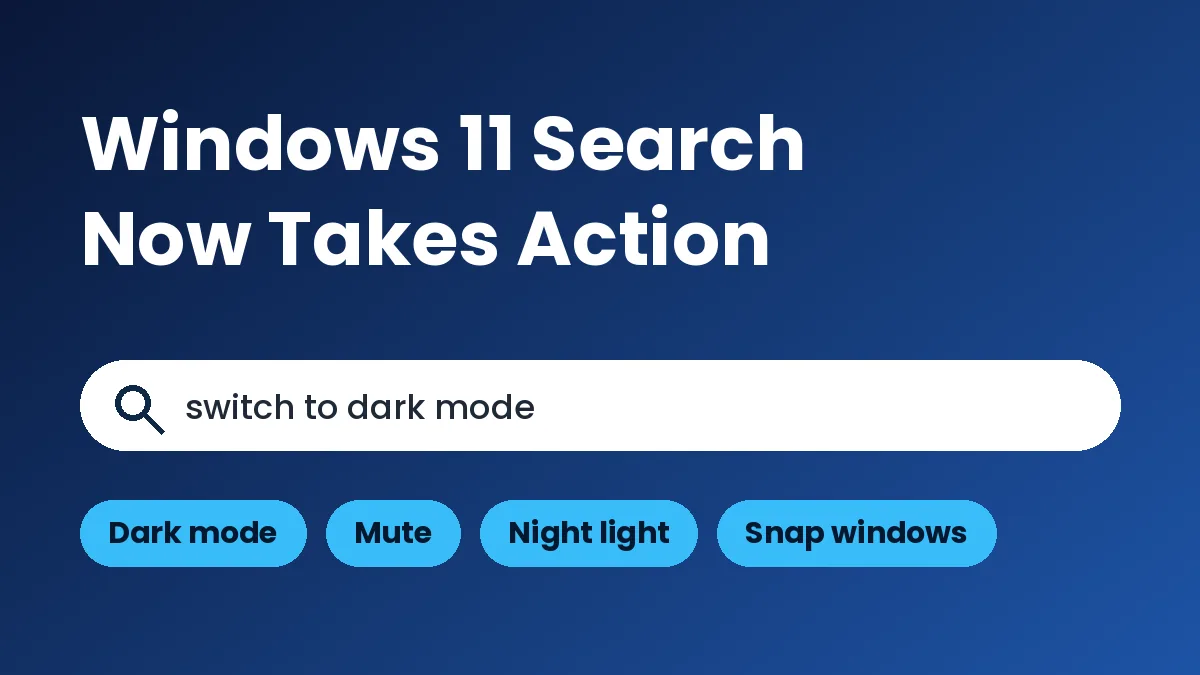
Windows 11 Search Actions Are Here: Toggle Dark Mode and More From the Taskbar
Microsoft’s new Windows 11 search can flip dark mode, mute audio and arrange windows from the taskbar. It’s in Insider testing now.
-
Windows 11 Properties Dialog Is Finally Getting Dark Mode: What’s Real So Far
That bright white box you see when you right-click a file is getting rebuilt. Here’s what Insiders have found, and what Microsoft hasn’t confirmed.