

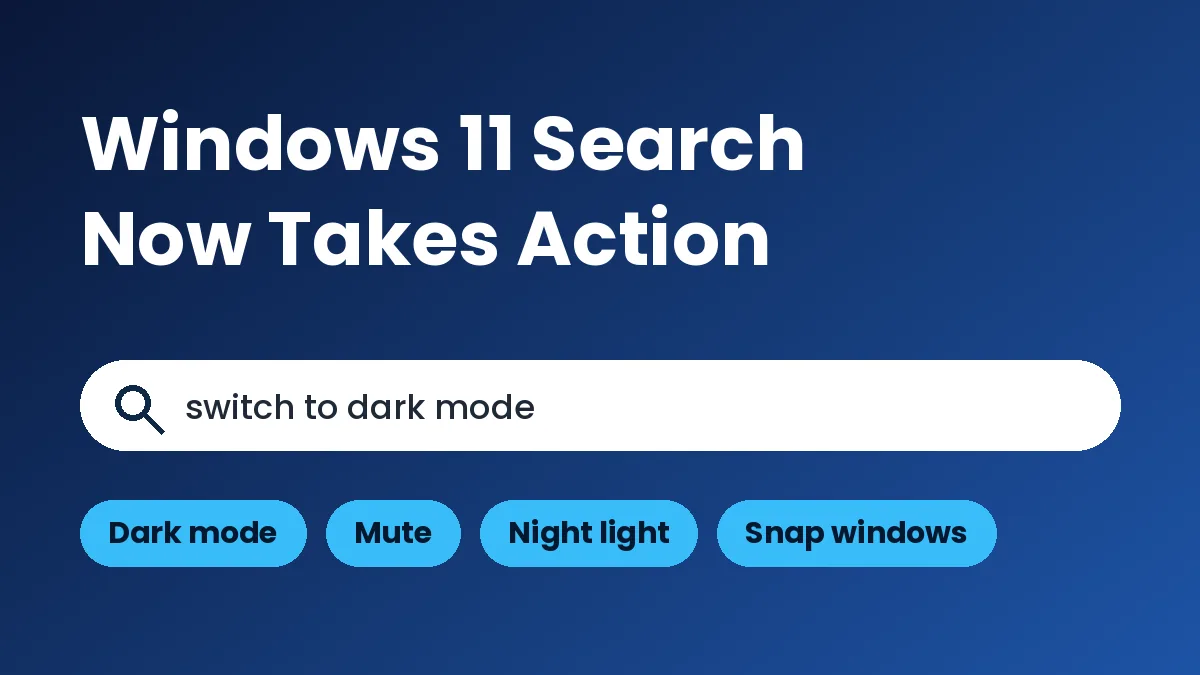
Windows 11 search actions are Microsoft’s newest attempt to make the taskbar search box do more than find files. Type a plain request like “switch to dark mode” and Search can flip the setting for you, no Settings app required. It started rolling out to Windows Insiders on October 7, 2026, and it is not on regular PCs yet.
Microsoft showed it at its October 7 Windows and Surface event, which we previewed earlier this week.
Here are the facts at a glance.
- Who gets it first: Windows Insiders on the Experimental channel, through a gradual rollout.
- Language: English only for now.
- Builds: 26340.9616 (Windows 11 26H2) and 28120.3181 (Experimental 26H1), according to NTCompatible.
- Public release: No date yet. Microsoft has only said “this fall” for the search actions.
If you don’t run Insider builds, you’re simply watching this one for now.
What Windows 11 search actions can do today
Microsoft says Search can now act on a request instead of just listing results. The first batch covers everyday toggles and window handling.
Examples named by Notebookcheck include switching to dark mode, turning on Night light, turning on Bluetooth, dimming the screen, muting audio, and minimizing all windows. If you’ve wanted a faster route to a theme change, our piece on automatic dark mode in Windows 11 covers the built-in schedule option.
Microsoft’s own pitch talks about “thousands” of quick actions. That describes the plan, though. The company itself calls the current set only the first, so expect a short list at the start.
How to try the new Windows Search early
You need to be an Insider on the Experimental channel, and even then the feature may not show up right away. Microsoft is using a controlled rollout.
NTCompatible says you can force it on once you have one of the two builds above. Go to Settings, then Windows Update, then Windows Insider Program, then Feature flags. Check for updates, restart, and turn on the “New Windows Search Experience” flag.
Insider builds can break things. Try this on a spare PC or a virtual machine rather than the laptop you need for work tomorrow. If you’re on a stable build, our Windows 11 26H2 guide explains what the regular release looks like.
A faster, simpler search window
The actions come with a rebuilt search window. Microsoft moved it to WinUI 3, which it says cuts resource use. Early testing showed gains in speed and memory, though no figures have been published.
The layout changes too. The old split view, with a results list and a large preview pane, becomes a single list. Some people will like the cleaner look. Others will miss the preview pane, so this is worth sending as feedback.
You can report problems in the Feedback Hub (Win + F) under Desktop Environment, then Search. Microsoft says it wants input on speed, result quality, stability and the interface.
Why Microsoft is pushing actions into Search
The event was built around “local AI,” the idea that your PC runs some AI models itself and borrows the cloud only when a task needs more power. Search actions fit that story. A command like “mute” doesn’t need a cloud round trip at all.
Engadget’s event report says Copilot will also be able to act on local files, but only with your permission. Microsoft added that it wants Windows to be the most secure platform for AI agents.
That security promise has a practical side. Per The Gadgeteer, Microsoft Execution Containers are now generally available on Windows 11, letting organizations limit which files and networks an agent can touch. Home users won’t configure that, but it shows where Windows is heading: more software acting for you, with fences around it.
What’s planned, and what isn’t real yet
Several features in the announcements are still promises. This table separates what is being tested from what is only planned.
| Feature | Status today | Source detail |
|---|---|---|
| Actions like dark mode, mute, night light | Testing in Experimental channel | Gradual rollout, English only |
| Window arranging and snapping | Testing in Experimental channel | Part of the first batch of actions |
| Sending a text from Search | Planned | Needs Phone Link and a connected phone |
| Inline document previews and richer web previews | Planned | Microsoft says later this year |
| Copilot inside taskbar Search | Planned, optional | Select markets later this year |
The takeaway: the dark mode and mute style of action is the part you can actually test. Texting from Search and Copilot in the taskbar are later.
The Copilot piece matters because it is optional. The Gadgeteer’s event coverage says Copilot in taskbar Search will reach select markets later this year, and a shortcut opens the full Copilot app.
Frequently Asked Questions
Can I use Windows 11 search actions on my PC today?
Only if you’re in the Windows Insider Program on the Experimental channel. Even then, the rollout is gradual, so you may need to enable the feature flag.
When will search actions reach everyone?
Microsoft hasn’t given a date. It has only said the search actions start this fall, so check Windows Update in the coming months.
Does it work in languages other than English?
Not yet. The first release supports English only.
Will Search send text messages for me?
That is planned through Phone Link, using a connected phone. It isn’t part of the first build.
My take: this is a small idea that could save real clicks, but only if the action list grows beyond a handful of toggles. Insiders should try it and report bugs. Everyone else can wait for the stable release, since nothing here is worth risking an unstable build for.
Leave a Reply