

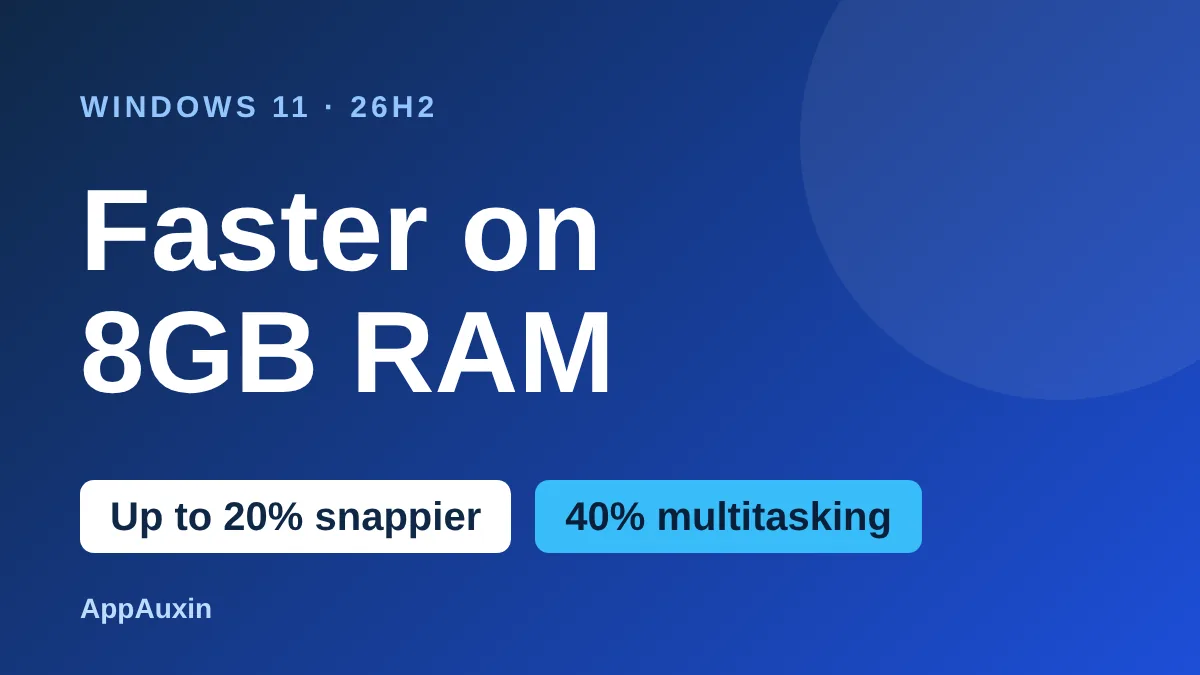
If you’re running Windows 11 8GB RAM hardware, Microsoft says your PC is about to feel quicker: up to 20% more responsive in everyday tasks and up to 40% faster in a heavy multitasking test. The catch is that you need Windows 11 26H2, build 26300.9818 or later, plus up-to-date Edge, Microsoft 365 and Teams.
The numbers come from Microsoft’s own announcement by Windows chief Pavan Davuluri, published November 3, 2026. They’re best-case lab and telemetry figures, so treat them as a ceiling rather than a promise.
Quick Facts
- Who it’s for: Windows 11 PCs with 8GB of memory.
- Minimum build: Windows 11 26H2, build 26300.9818 or later.
- Claimed gains: up to 20% more responsive, up to 40% faster multitasking.
- Also needed: current versions of Edge, Microsoft 365 and Teams.
The list above is the whole story in ten seconds. The rest of this post covers what actually changed under the hood and how to check you’ve got it.
What Microsoft changed on Windows 11 8GB RAM PCs
The biggest change is memory compression. Windows can now keep up to 2GB more of your active data in RAM instead of pushing it out to slower storage. In practice, an app or browser tab you left open is less likely to reload when you come back to it.
Windows also gets pickier about what runs while you work. When you click Start, search, or open Settings, it briefly prioritizes that request and pauses background jobs like search indexing.
Microsoft also trimmed specific memory hogs, which the next table lays out. The reasoning is simple: the same AI data center boom that has pushed up DRAM prices has made 8GB laptops common again, so the OS has to live within that budget.
| Change | What Microsoft says |
|---|---|
| Memory compression | Up to 2GB more active data stays in RAM |
| Start, search, Settings, right-click | Up to 20% more responsive vs. the January 2026 build |
| Edge launch | Up to 33% faster; needs Edge 150 or later |
| Teams | Efficiency Mode on by default; up to 20% faster launch |
| Widgets | Loads only when opened; saves roughly 200MB while closed |
| Edge inactive tabs | Sleep after 15 minutes instead of two hours |
| Committed memory | Up to 900MB less growth in multitasking tests |
Of that 900MB, Microsoft says Microsoft 365 apps account for about 360MB. That’s why updating Office matters as much as updating Windows.
How the 40% multitasking claim was tested
Per Microsoft, the 40% figure comes from a demanding workflow on an HP OmniBook 3 with 8GB of RAM and a Snapdragon X Plus chip. According to TechSpot’s write-up, that workflow ran 20 Edge tabs, a 4K video, large Office files, Outlook and File Explorer all at once.
That’s a stress test, not a typical Tuesday. If you mostly browse and write documents, the 20% responsiveness number is the more realistic one to expect, and even that was measured against January’s build.
Microsoft itself says 16GB and 32GB machines will still perform better. Eight gigabytes remains tight for 4K editing and running local AI models.
How to get the Windows 11 8GB RAM improvements
You don’t need a special download, but you do need to be on the right release. Here’s the path Microsoft describes.
- Update to Windows 11 version 26H2, build 26300.9818 or later.
- Open Settings > Windows Update, turn on the option to get the latest updates as soon as they’re available, then select Check for updates.
- Keep Microsoft Edge, Microsoft 365 and Teams updated, since some gains arrive through app updates or the Microsoft Store.
To confirm your build, press Win + R, type winver and hit Enter. If you haven’t moved to 26H2 yet, our Windows 11 26H2 install guide walks through it.
What’s still coming
Microsoft says this is a first round. Planned work includes smarter memory compression, shared web engines for Search and Widgets, and leaner WinUI 3 apps such as File Explorer and Notepad.
It also promises lower memory reservation for hardware and more help for third-party developers. No dates were given, so don’t expect all of it next month.
If search is the thing that bugs you most, the Windows 11 search redesign now in Release Preview is a separate change worth watching alongside this one.
Frequently Asked Questions
Does my 8GB Windows 11 PC need a new build?
Yes. Microsoft lists Windows 11 26H2, build 26300.9818 or later, as the requirement. Some improvements also depend on updated Edge, Microsoft 365 and Teams.
Will 16GB PCs see these gains?
Not mainly. The changes target machines with 8GB or less, and Microsoft says larger-memory PCs will still outperform them.
Is the 40% faster claim real?
It’s real for one specific Microsoft lab test on one laptop. Your own results will depend on what you run, so expect less than the headline number.
Why does Microsoft care about 8GB PCs now?
Memory prices have climbed because AI data centers are soaking up DRAM supply, so more budget laptops ship with 8GB. Microsoft wants Windows to behave on them.
Our take
This is a useful, unglamorous fix, and it’s aimed at the right problem. If you own an 8GB machine, update to 26H2 and Office this week and see whether Start and File Explorer feel snappier. But if you’re shopping for a new laptop, don’t let these numbers talk you out of 16GB; software tuning narrows the gap, it doesn’t close it.
Leave a Reply