

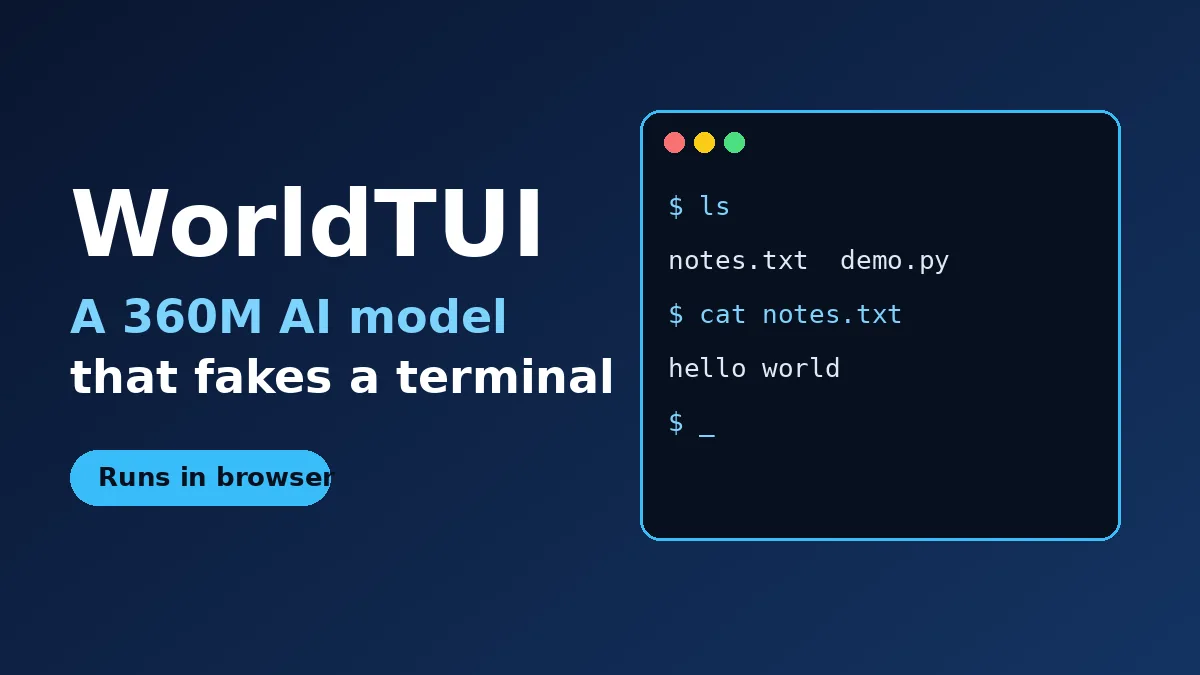
WorldTUI is a 360M-parameter AI model that acts like a Linux terminal, but there is no shell, no filesystem, and no real commands behind it. According to his write-up, the model just predicts what the screen should look like after every keypress. It runs in your browser, and it is a fun look at what tiny models can fake.
Here is the short version of what you need to know before you try it.
- Built by Simon Edwardsson, co-founder of V7, and published October 21, 2026
- About 360M parameters, roughly 208 MB after int4 quantization
- Runs locally in a WebGPU browser demo (Chrome or Edge work best)
- Weights are not released yet; the author says they are coming “soon”
Think of it as a research toy, not a tool you would use for real work. That is what makes it interesting.
How WorldTUI fakes a terminal
A normal terminal runs your command and prints the result. WorldTUI skips the running part. It sees a snapshot of the screen, then a stream of keypresses, and it writes the next screen.
The screen is a simple grid of characters. The model’s output is row rewrites plus a cursor position, and a special COPY operation shifts rows cheaply when you scroll. A WAIT token also gives it a sense of time, so a game like snake can move on its own.
The decoding is grammar-constrained, which means every answer is a valid screen update. The model can be wrong, but it can’t produce garbage that breaks the display.
What it’s built on and how it was trained
The base is Qwen2.5-Coder-0.5B, a small coding model that has already seen a lot of command-line text. The author trimmed its mostly unused embedding table, which took it from about 494M down to about 360M parameters.
Training data came from real programs running in Docker containers. That gave about 336,000 synthetic sessions, or roughly 2B tokens, with random usernames, hostnames, terminal sizes, and even a 1.2% typo rate to mimic real typing.
The author then added a self-correction pass, inspired by a method called DAgger, so the model learns to repair its own mistakes. The whole job took about 75 GPU-hours on a single RTX 4090.
Does the WorldTUI terminal model actually work?
Partly. On the author’s own ShellBench test of 106 commands, WorldTUI scored 80. Prompted versions of two similar small models scored 52 and 60.
| Test | WorldTUI | Prompted Qwen2.5-Coder-0.5B | Prompted Qwen3-0.6B |
|---|---|---|---|
| ShellBench (106 commands) | 80 | 52 | 60 |
| Memory readbacks (13 tests) | 9 correct | 2 correct | 3 correct |
Memory is the weak spot. The author admits that lines you append to a file often don’t show up in a later cat, and that nested folders can go wrong. He calls it “obviously a pretty weak world model.”
Python also works for simple math but makes things up on harder code. Tools that need the internet, like lynx, don’t work at all since the training containers had no network.
How fast is the browser demo?
Faster than you might expect. On an M4 Mac, a single keypress takes about 60 ms. A big update, such as opening a man page, takes about 0.9 seconds.
That speed comes from decoding rows in parallel. On the RTX 4090, it cut 95th-percentile latency for large frames from 6.7 seconds to 0.87 seconds.
The demo uses custom WebGPU shaders to unpack the 4-bit weights. It needs a desktop browser and a physical keyboard. The author saw Firefox run about 20 times slower than Chrome, and he doesn’t know why yet.
Why a tiny terminal model matters
Nobody needs a fake terminal when a real one is free. The point is the idea underneath: a small model that tracks state and predicts what an interface will do next.
The author’s next ideas include training on thousands of random generated apps, to see whether a model can learn an unfamiliar app from context. That could matter for testing software and for agents that need to practice on a safe stand-in.
It also fits a wider trend of small models doing useful work on your own device. We saw a similar spirit in the Recursive Flint local coding model, and in DeepSeek’s open-source DeepInfer release.
Frequently Asked Questions
Is WorldTUI a real terminal?
No. There is no shell or filesystem behind it. The model guesses the next screen from your keypresses, so the output can be wrong. Try typing pythoon in the demo to see it improvise.
Can I download the WorldTUI model?
Not yet. The author says he will post the weights soon and add a link to his write-up. No license has been stated at the time of writing.
What do I need to run the demo?
A desktop browser with WebGPU, ideally Chrome or Edge, plus a physical keyboard. Phones should work but are very slow, and Firefox is much slower than Chrome.
What is WorldTUI built on?
It is a fine-tuned version of Qwen2.5-Coder-0.5B, trimmed to about 360M parameters and quantized to int4 for the browser.
Our take
Don’t expect WorldTUI to replace your terminal, and don’t trust a single line it prints. Treat it as a neat proof that a 208 MB model can hold a believable interface in its head. If the weights and license land as promised, it will be worth a weekend of tinkering for anyone curious about small models.
Leave a Reply