

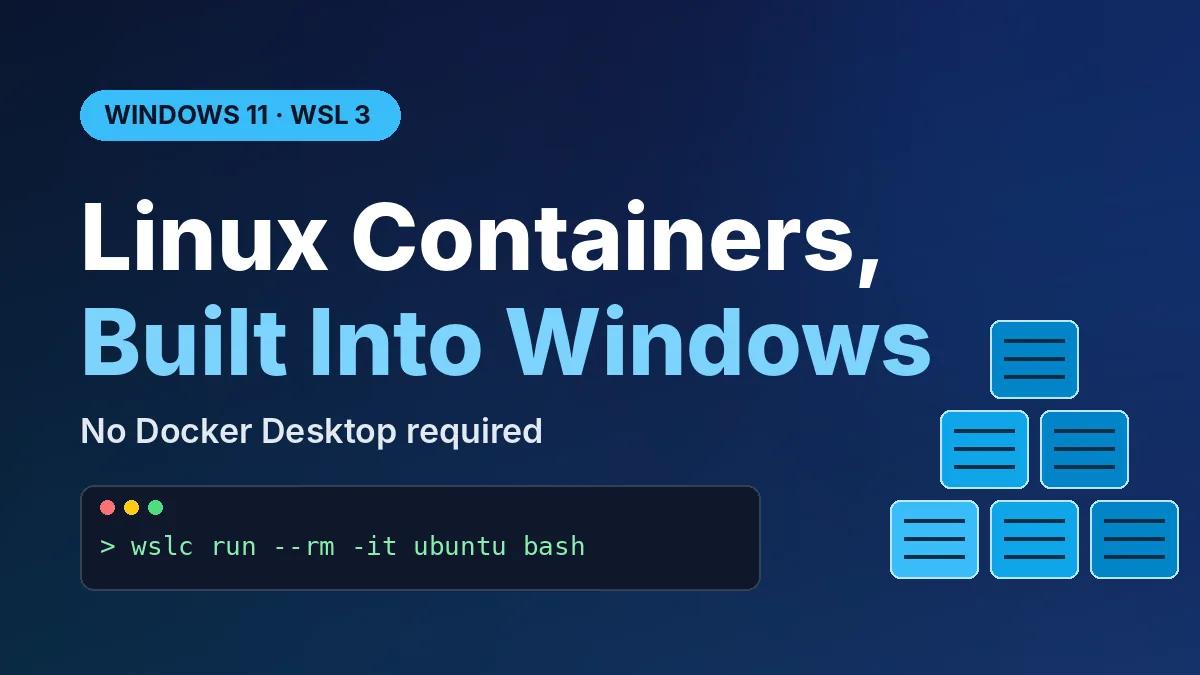
Want to run Linux containers on your PC without installing Docker Desktop first? Now you can. WSL Containers went generally available on September 29, 2026, so Windows 11 can create, run, and manage Linux containers straight from the Windows Subsystem for Linux with one new command: wslc.
Here’s what you get at a glance:
- Released: September 29, 2026, as part of WSL 3.0.1
- How to get it: run
wsl --update(the pre-release flag is no longer needed) - New CLI:
wslc.exe, with Docker-style commands - Price: free, built into WSL
- Missing for now: Compose support, which Microsoft says is next
What WSL Containers Actually Changes on Your PC
Until now, running a container on Windows meant installing a separate engine. For most people that was Docker Desktop, which brings its own VM, background services, and licensing rules for larger companies.
WSL Containers moves that job into WSL itself. Microsoft’s Windows Developer Blog describes it as a built-in way to build and run Linux containers, with no extra container engine to set up.
If you’ve never used containers, think of one as a sealed lunchbox for an app. Everything it needs comes packed inside, so it runs the same way on your laptop, a coworker’s PC, or a cloud server.
How to Turn On WSL Containers in Two Minutes
The setup is short, as long as you already have WSL. Open PowerShell or Windows Terminal and follow these steps:
- Run
wsl --updateto pull the latest WSL release. - Run
wsl --versionand check that it shows version 3.0.1 or newer. - Test it with
wslc run --rm -it ubuntu:latest bash -c "echo Hello world".
If “Hello world” prints, your container runtime works. The --rm flag deletes the test container when it exits, so nothing is left behind.
Never installed WSL? Run wsl --install first, restart, and then do the steps above. Microsoft’s setup notes are aimed at Windows 11, so that’s the safest place to try it.
The wslc Commands You’ll Use Most
Microsoft built wslc to feel familiar if you’ve touched Docker before. According to BleepingComputer, it even ships with a container.exe alias for people who’d rather type generic container commands.
| Task | Command | What it does |
|---|---|---|
| Run a container | wslc run |
Starts a container from an image |
| List containers | wslc container ps |
Shows what’s running |
| Restart | wslc container restart |
Restarts a stuck container |
| Copy files | wslc container cp |
Moves files in or out of a container |
| Watch activity | wslc events |
Streams live container events |
| Check setup | wslc system info |
Prints runtime and system details |
That covers the daily basics. For anything more advanced, run wslc --help to see the full list.
What’s New Since the Preview
WSL Containers first appeared as a preview back in June. The GA release fills in many of the gaps early testers ran into.
The main additions are:
- Container health checks and real-time event streaming
- Network management and mount support
- Custom storage locations, so images don’t have to live on your C: drive
- An API for C, C++, and C# apps that want to manage containers directly
Speed got attention too. Microsoft says a new virtiofs file system makes Windows file access from Linux up to twice as fast, though that’s Microsoft’s own figure, not an independent benchmark.
Developer tools are already on board. VS Code Dev Containers can use wslc as the default driver, and Aspire supports it as well, per BleepingComputer.
WSL Containers vs Docker Desktop: Should You Switch?
Microsoft isn’t trying to kill Docker Desktop. As Windows Central puts it, Docker Desktop is still an option, but WSL Containers needs less software to install and manage.
| Feature | WSL Containers | Docker Desktop |
|---|---|---|
| Cost | Free, built into WSL | Free for personal use; paid plans for larger businesses |
| Extra install | None beyond WSL | Separate app and services |
| Compose files | Not yet (in development) | Yes |
| Enterprise controls | Intune policies, Defender for Endpoint | Docker’s own admin tools |
| GUI dashboard | No, command line only | Yes |
The big gap is Compose. If your project spins up several services from a compose.yaml file, stay on Docker for now. Microsoft says Compose is the most-requested feature and its next focus, with the goal of running existing files unchanged. There’s no release date yet.
Why IT Teams Will Like This Release
Companies get two Intune switches. Admins can turn the feature off entirely, or limit image pulls to an approved list of registries instead of all of Docker Hub.
Microsoft Defender for Endpoint can also see container processes, files, and network activity. That’s a big deal for security teams that have been nervous about developers running unknown images on work laptops.
It also fits Microsoft’s wider push to make Windows a better home for developers. The same thinking shows up in Project Zenith, Microsoft’s developer-focused Windows build for local AI, and it may come up again at the Microsoft October 7 event.
Frequently Asked Questions
Is WSL Containers free?
Yes. It’s part of WSL, which is free, and there’s no separate license to buy.
Do I need Docker Desktop to use WSL Containers?
No. WSL Containers has its own runtime and CLI, so you can run Linux containers without Docker installed. You can still keep Docker Desktop if your workflow depends on it.
Does WSL Containers support Docker Compose?
Not yet. Microsoft says Compose support is its next priority, but it hasn’t given a date.
How do I check if I have WSL Containers?
Run wsl --version in PowerShell. If it shows 3.0.1 or later, you have it, and wslc should work right away.
Can I run Windows containers with wslc?
No. As the name suggests, WSL Containers is for Linux containers. Windows containers still need Docker or another Windows container runtime.
The Bottom Line
If you mostly run one container at a time for testing, a database, or a dev environment, try WSL Containers today. It’s free, takes two minutes, and drops a whole app from your setup. But if your work depends on Compose files or you like a visual dashboard, keep Docker Desktop for now and check back once Microsoft ships Compose support.
Leave a Reply