

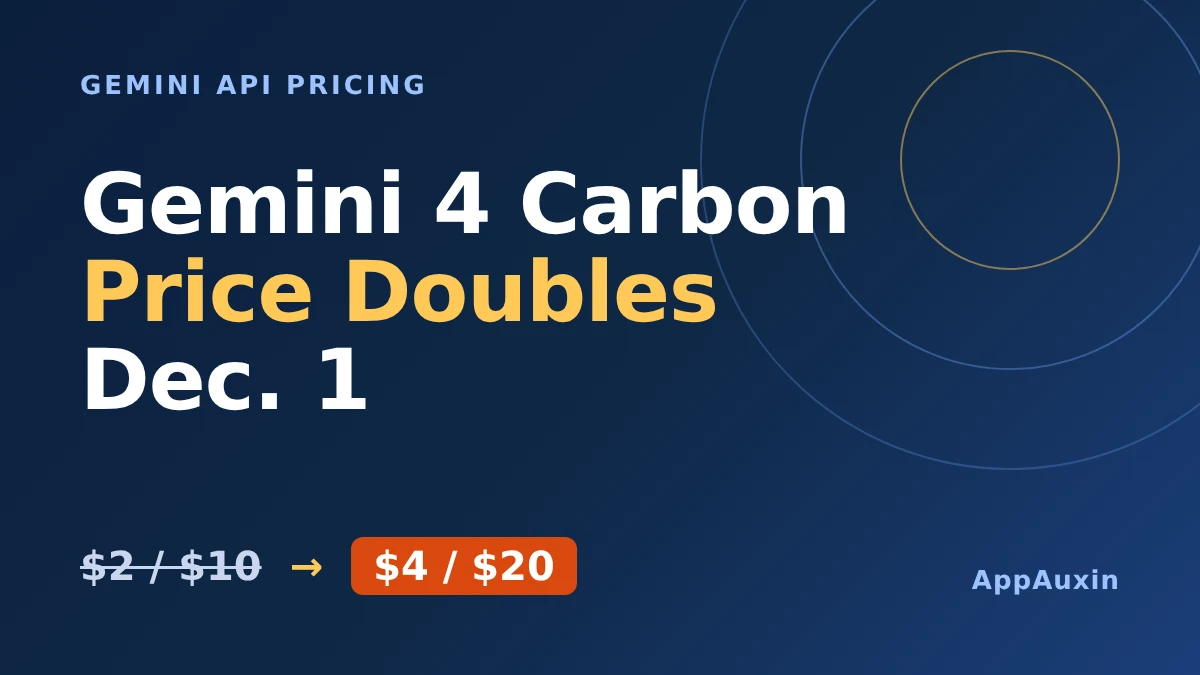
Gemini 4 Carbon pricing doubles after Nov. 30, when the introductory rates of $2 per million input tokens and $10 per million output tokens climb to $4 and $20. If you build on Google’s newest top model, you have under two weeks to decide whether it’s worth the new bill.
Here’s the short version before the details:
- Introductory price: $2 input and $10 output per million tokens, through Nov. 30, 2026.
- New price: $4 input and $20 output per million tokens, starting Dec. 1.
- Who can use it: paying developers and enterprises in Google AI Studio and Gemini for business, plus Google AI Ultra subscribers in the Gemini app.
- The catch: Carbon is built for the hardest jobs, and Google itself points most people to Gemini 4 Argon.
Those four points cover what most readers need. The rest of this post explains why the real increase can be bigger than the headline number, and how to keep it in check.
Gemini 4 Carbon pricing: what changes on December 1
Google announced Carbon on Nov. 10 at the same per-token price as Gemini 4 Argon, but only as an introductory deal. After Nov. 30, the public Carbon model costs twice as much, and Google’s footnote names no exception for existing users.
The table below shows the full price list as laid out by Apidog’s pricing breakdown. Prices are per million tokens on the Standard tier unless noted.
| Price type | Through Nov. 30 | From Dec. 1 |
|---|---|---|
| Input | $2.00 | $4.00 |
| Output (including thinking tokens) | $10.00 | $20.00 |
| Cached input | $0.10 | $0.20 |
| Batch and Flex (input / output) | $1 / $5 | $2 / $10 |
| Priority (input / output) | $3.60 / $18 | $7.20 / $36 |
Every line doubles, so there’s no tier where the old price survives. If your budget was built on the intro rates, it needs a rewrite.
Why your bill can grow by more than the price hike
Carbon doesn’t just cost more per token after Nov. 30. It also uses more tokens per task, because Google says it spends extra effort to “explore thoroughly, reason deeply, and run extended verification loops.”
That matters because thinking tokens are billed at the output rate, according to Apidog. On Artificial Analysis’s Intelligence Index, Carbon produced about 1.8 times the output tokens of Argon (205 million versus 113 million) and scored higher, 60 versus 50. That’s one benchmark, so your own workload will differ.
Apidog’s illustrative examples show the effect. A single chat call with 2,500 thinking tokens costs roughly $0.036 now and $0.072 later, which turns 10,000 calls a month from $360 into $720. A 40-turn agent run goes from about $4.29 to $8.58.
Google makes the opposite case on cost per task. It says Carbon ranked first on CursorBench 4.0, Perplexity’s WANDR and Zapier’s AutomationBench at more than twice the cost efficiency of the next-best external model. Those are Google’s own figures, and some come from pre-release evaluations, so test before you trust them.
Carbon or Argon: which one should you pay for?
Google is unusually direct here. It says Argon “remains the ideal choice for the majority of software engineering and knowledge work,” and positions Carbon for the hardest tasks.
| Question | Gemini 4 Carbon | Gemini 4 Argon |
|---|---|---|
| Google’s intended use | The hardest, longest-horizon tasks | Most software engineering and knowledge work |
| Tokens used per task | About 1.8x Argon on one benchmark | Baseline |
| Honesty benchmark (375 tasks) | 92% passed | 70% passed |
| Per-attempt attack breach rate | 0.8% | 3.1% |
| Intro price per million tokens | $2 in / $10 out | $2 in / $10 out |
The safety and honesty numbers come from Google’s announcement, and Google says robustness “remains an area for continued improvement.” If a wrong answer is expensive for you, such as in security audits or tricky architecture work, Carbon’s extra tokens may pay for themselves.
For routine coding and summarizing, Argon is the safer spend. If you mostly need speed and low cost for agent loops, Google’s Gemini 4 Hydrogen is worth a look. It launched Nov. 12 at $1.50 input and $7.50 output, and we covered how it compares in an earlier post.
Five ways to soften the increase
You can’t avoid the new rate, but you can change how much of it you pay. These are the levers that matter most:
- Move non-urgent jobs to Batch or Flex, which cost half the Standard rate.
- Lower the thinking level where the task allows it, since thinking tokens bill as output.
- Keep prompts stable so implicit caching can kick in. Apidog notes that only implicit caching is supported.
- Route routine requests to Argon or Hydrogen and reserve Carbon for the hard ones.
- Run a real workload through Carbon this week, while it still costs $2 and $10, and record the cost per task.
That last step is the one most teams skip. A week of real numbers beats any benchmark when you decide whether to stay on Carbon after the price changes.
If you run multi-agent coding in Google Antigravity, our explainer on the /swarm feature covers how that workflow spends tokens. Carbon in Antigravity is available to Google AI Ultra subscribers.
Frequently Asked Questions
When does Gemini 4 Carbon pricing go up?
Google says the introductory price applies through Nov. 30, 2026. The higher $4 and $20 rates apply after that, which in practice means from Dec. 1.
Is Gemini 4 Carbon free to use?
No. Per Apidog, it isn’t on the free tier. Google says scientists can apply for free access for six months, subject to eligibility and capacity.
Does a Google AI Ultra subscription cover API costs?
No. Ultra subscribers get Carbon in the Gemini app, AI Mode in Search and Google Antigravity, but API calls are billed separately per token, according to Apidog.
Will Carbon cost more than Argon after the change?
Almost certainly per task, since Carbon uses more tokens. Google’s announcement doesn’t spell out Argon’s price after Nov. 30, so check the pricing page before you budget.
The practical verdict
Treat Carbon as a specialist tool rather than a new default. Use the next two weeks to measure it on your hardest tasks at the cheap rate, then keep it only where the extra accuracy saves you real rework. For everything else, Argon or Hydrogen will do the job for far less.
Leave a Reply