

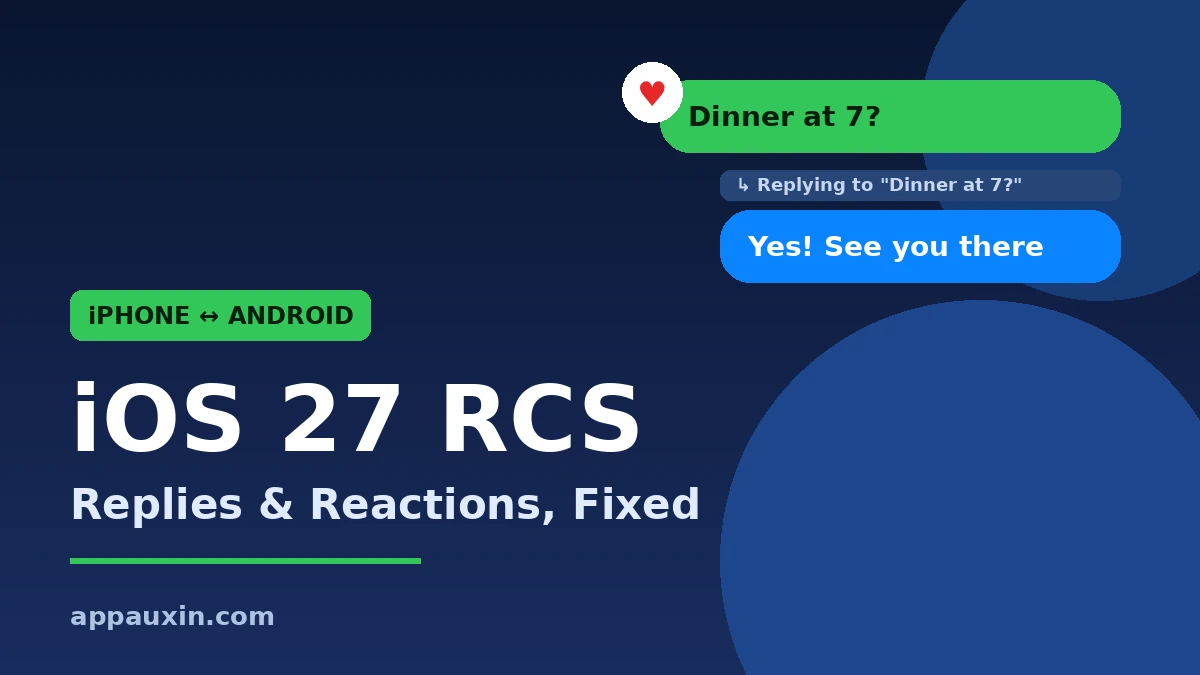
If you text Android friends from an iPhone, group chats just got a lot less messy. iOS 27 RCS support now handles inline replies and real Tapback reactions, so your Android contacts see a heart on their photo instead of a clunky “Loved an image” text. Here’s what changed, what you need, and what still doesn’t work.
Quick Facts:
- What’s new: inline (threaded) replies and proper Tapback reactions in iPhone-to-Android RCS chats.
- Who gets it: anyone on iOS 27 texting someone who uses Google Messages, as long as both carriers support RCS.
- Encryption: end-to-end encrypted RCS arrived earlier, in iOS 26.5 on May 11, 2026, and is on by default.
- Price: free. RCS rides on your data plan or Wi-Fi like iMessage.
- Still missing: cross-platform editing and unsending aren’t on Apple’s supported list yet.
What iOS 27 RCS Actually Fixes in Your Android Chats
The first fix is inline replies. Long-press any message, tap Reply, and your answer is threaded to that exact bubble. On the Android side, Google Messages shows the original message right above your reply, so nobody has to guess what “yes, that one” means.
The second fix is reactions. Before, tapping a heart on an Android friend’s photo sent them a separate text describing your reaction. Now they see the actual emoji attached to the photo, just like they would from another Android phone.
These are small things on paper. In a busy family group with three iPhones and two Pixels, they’re the difference between a readable chat and a pile of “Emphasized…” spam.
Why This Took So Long
Apple first added RCS in iOS 18, but only the basics. The standard behind replies and reactions, RCS Universal Profile 2.7, was published back in June 2024. Apple just didn’t switch those parts on until this year.
According to 9to5Google, the features first showed up in iOS 27 beta 2 in June. Now that iOS 27 is out, 9to5Mac reports that Apple’s own iOS 27 user guide lists read receipts, typing indicators, Tapbacks, inline replies, and high-resolution photos and videos as supported RCS features.
iPhone-to-Android Texting: Before and After
Here’s how cross-platform texting has changed across the last few iOS releases.
| Feature | Old SMS/MMS | iOS 18 to 26.4 RCS | iOS 27 RCS |
|---|---|---|---|
| High-res photos and video | No | Yes | Yes |
| Typing indicators and read receipts | No | Yes | Yes |
| End-to-end encryption | No | From iOS 26.5, supported carriers | Yes, supported carriers |
| Inline replies | No | No | Yes |
| Tapbacks shown as emoji | No (text only) | Partial | Yes |
| Edit or unsend | No | No | Not yet |
The big jump is in the last two rows. Replies and reactions are what made iPhone-to-Android group chats feel broken, and those are now handled properly.
How to Make Sure RCS Is Working on Your iPhone
You don’t need to turn on anything new for replies and reactions. But if your Android chats still look like old-school SMS, run through these checks.
- Update to iOS 27 in Settings > General > Software Update.
- Go to Settings > Apps > Messages and make sure RCS Messaging is switched on.
- Look at the text box in an Android chat. It should say “Text Message • RCS,” not just “Text Message.”
- Ask your Android friend to update Google Messages from the Play Store and keep RCS chats enabled.
- Check for a carrier settings update in Settings > General > About. A prompt appears there if one is waiting.
If both sides check out and it still falls back to SMS, your carrier is the likely blocker. RCS support, and especially encrypted RCS, still depends on carrier rollout.
Is Your Android Chat Encrypted Now?
Possibly. Google’s official announcement says end-to-end encrypted RCS began rolling out on May 11, 2026, for iPhones on iOS 26.5 with supported carriers and Android users on the latest Google Messages. It’s on by default for new and existing chats.
You can tell by the small lock icon in the conversation. If you don’t see it, the chat still works, but it isn’t protected end to end. For anything truly private, an app with encryption everywhere is still the safer pick. Our guide to WhatsApp’s new Restricted Chat mode covers one way to lock down sensitive talks even further.
On the Android side, Google keeps tweaking its app too. If your friends notice their replies behave differently, the recent Google Messages swipe gesture change is probably why.
Frequently Asked Questions
Do Android users need to do anything to see my replies and reactions?
They just need an up-to-date Google Messages app with RCS chats turned on. Replies will show the quoted message above them, and your Tapbacks appear as emoji reactions.
Can I edit or unsend a message to an Android phone in iOS 27?
Not yet. The RCS standard supports it, but Apple’s supported feature list for iOS 27 doesn’t include editing or unsending in cross-platform chats.
Does RCS cost extra on my phone plan?
No. RCS uses mobile data or Wi-Fi, the same as iMessage. If you’re on Wi-Fi, it won’t touch your data at all.
Why do some Android chats still show up as green SMS bubbles without RCS?
Usually one side has RCS turned off, or a carrier doesn’t support it yet. Green bubbles stay green either way; the text box label tells you whether you’re on RCS or plain SMS.
Are more RCS features coming in iOS 27.2?
Apple hasn’t announced any. You can follow what is confirmed for the next update in our iOS 27.2 release date guide.
The Bottom Line
This isn’t a flashy update, but it’s one you’ll feel every day if you have even one Android friend. Install iOS 27, confirm RCS is on, and nudge your Android contacts to update Google Messages. The bubbles are still green, but for the first time, mixed group chats actually behave like modern messaging.
Leave a Reply