

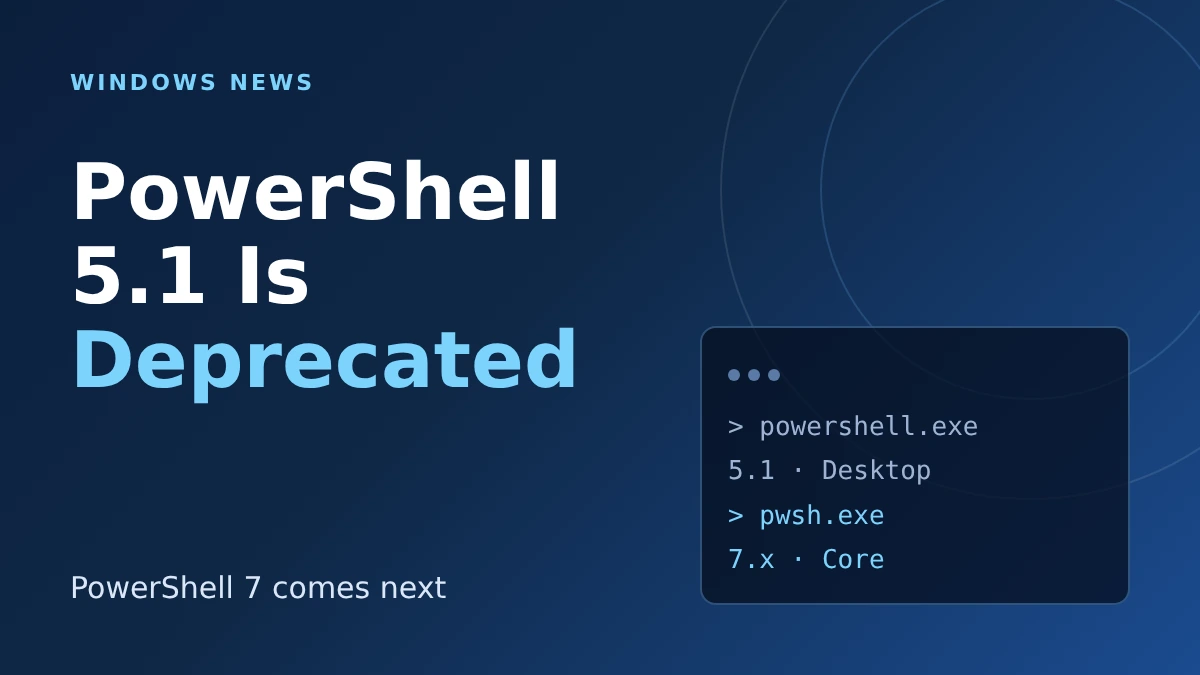
The PowerShell 5.1 deprecation is now official. Microsoft said on November 17 that PowerShell 7 will ship with the next version of Windows, and Windows PowerShell 5.1 will get security fixes but no new features. Nothing breaks today, but if you run scripts, scheduled tasks or installers, you now have a to-do list.
Here is the short version before the details:
- Windows 11 26H2 and Windows Server 2025 are the last releases to include 5.1 enabled by default.
- Your existing scripts keep running, and 5.1 stays in Windows for now.
- PowerShell 7 installs side by side with 5.1, so you can test without switching.
- Microsoft will remove 5.1 from a future Windows version, with advance notice.
That list is the whole story for most home users: you do not have to do anything this week. The rest of this post is for anyone who automates things on Windows.
What Microsoft actually announced about PowerShell 5.1
The news comes from two Microsoft pages published on November 17: a PowerShell team blog post and a Windows support article, KB5137172. Together they say PowerShell 7 is the upgrade path for the older Windows PowerShell.
“Deprecated” has a narrow meaning here. Windows PowerShell 5.1 is no longer in active development, but it remains supported and keeps getting security updates under the lifecycle of whichever Windows version you run.
Microsoft also says PowerShell 7 will be delivered as an MSIX package, which means it can update through the Microsoft Store instead of waiting for a big Windows release. It is built to run next to 5.1, not replace it overnight.
PowerShell 5.1 deprecation timeline: what changes and when
Microsoft laid out three stages. The table below shows what each one means for a typical PC.
| Stage | What happens to Windows PowerShell 5.1 | What it means for you |
|---|---|---|
| 2026 (now) | Deprecated. Windows 11 26H2 and Windows Server 2025 are the last to include it enabled by default. | No action required. Security updates continue. |
| Next Windows version | Becomes a Feature on Demand, enabled by default on new installs. PowerShell 7 ships in the box. | Fresh installs still have 5.1, but you can turn it off or on as an optional feature. |
| A future Windows version | Removed. Timing depends on usage data and will be announced in advance. | Anything that still needs 5.1 must be updated or must install it separately. |
Microsoft has not named the next Windows version or its date. According to Windows Central, it is scheduled for the end of 2027, but treat that as reporting rather than a Microsoft commitment.
If you are on 26H2 today, our look at what Windows 11 26H2 really changes covers the rest of that release.
How to tell whether your scripts use PowerShell 5.1
Microsoft recommends finding everything that depends on 5.1 first, including scripts, scheduled tasks, installers, management agents and tools that launch powershell.exe. The two versions are easy to tell apart once you know where to look.
| Check | Windows PowerShell 5.1 | PowerShell 7 |
|---|---|---|
| Program that runs it | powershell.exe |
pwsh.exe |
$PSVersionTable.PSEdition |
Desktop | Core |
| Version declared in a script | A #Requires line may pin it |
A #Requires line may pin it |
Open a prompt, run the edition command, and you know which one you are in. Then search your scheduled tasks and script folders for powershell.exe, because that is where hidden dependencies usually live.
Where PowerShell 7 can still trip you up
Microsoft is upfront that the move is not painless. Many scripts run unchanged in PowerShell 7, some need edits, and some may need to stay on 5.1 because the two versions behave differently in places.
The PowerShell team also lists gaps it is still closing with the MSIX package, tracked in its public issue list:
- Running as the SYSTEM account, which affects scheduled tasks, services, device-management scripts and remoting.
- DISM cmdlets, such as
Add-WindowsCapability. - Machine-wide settings, such as the all-users profile.
That is exactly the territory where IT admins run unattended jobs, so test those first. Microsoft says compatibility tooling for inventory, script analysis and migration guidance is planned, but it is not here yet.
On the same blog, Microsoft lists PowerShell 7.7 as generally available on November 10, so you can start testing with a current release today.
A sensible way to prepare without breaking anything
You do not need a migration project, just a habit. Install PowerShell 7 next to 5.1, run a copy of each important script in it, and note which ones fail.
Write any new automation for PowerShell 7 from the start, since that is where Microsoft says new features will go. Leave working 5.1 jobs alone until you have tested a replacement.
Regular Windows users can skip all of this. If you only open PowerShell to paste a fix from a forum, the next version of Windows will handle that for you. For other housekeeping, our guide to the new Windows 11 App Updates page shows how Microsoft is trying to cut manual maintenance.
Frequently Asked Questions
Is Windows PowerShell 5.1 being removed right now?
No. It is deprecated, which means no new features, but it still ships with Windows and still gets security updates. Microsoft says removal comes in a future Windows version with advance notice.
Will my existing PowerShell scripts stop working?
Not because of this announcement. Microsoft says existing scripts, scheduled tasks and services keep running on 5.1, and you move to PowerShell 7 when you are ready.
What is the difference between powershell.exe and pwsh.exe?
According to Microsoft, powershell.exe runs Windows PowerShell 5.1 and pwsh.exe runs PowerShell 7 or later. You can also check $PSVersionTable.PSEdition, which shows Desktop for 5.1 and Core for 7.
Do I need to install PowerShell 7 now?
You do not have to, but installing it now is a low-risk way to test your scripts. It runs side by side with 5.1, so it will not replace what you already use.
My take: treat this as a heads-up, not an emergency. Spend one afternoon listing what still calls powershell.exe, test the three or four jobs you cannot afford to lose in PowerShell 7, and ignore the rest until Microsoft publishes a removal date.
Leave a Reply