

Tag: Windows 11 Settings
-
Windows 11 App Permissions Will Let You Block the Camera and Mic App by App
Microsoft’s Insider Beta lets you allow or deny camera, microphone and location for each desktop app. Here’s how it works and when to expect it.
-

Windows 11 Phone Link Preview Lets You Read Texts in Start Without Picking Up Your Phone
Microsoft’s November update lets you hover over a recent text in the Start menu to read it. Here’s who gets it and how to switch it off.
-
Windows 11 Restore Summary Shows What Your Backup Actually Brought Over
A new Windows 11 screen finally lists what your backup restored to a new PC. Here is where to find it, why it vanishes after a week, and who gets it.
-

The Windows 11 Right-Click Menu Is Finally Customizable: How to Turn It On
Microsoft’s new File Explorer menu is shorter and faster, and you can choose what shows up. Here’s how to find it, tweak it, and bring the old one back.
-
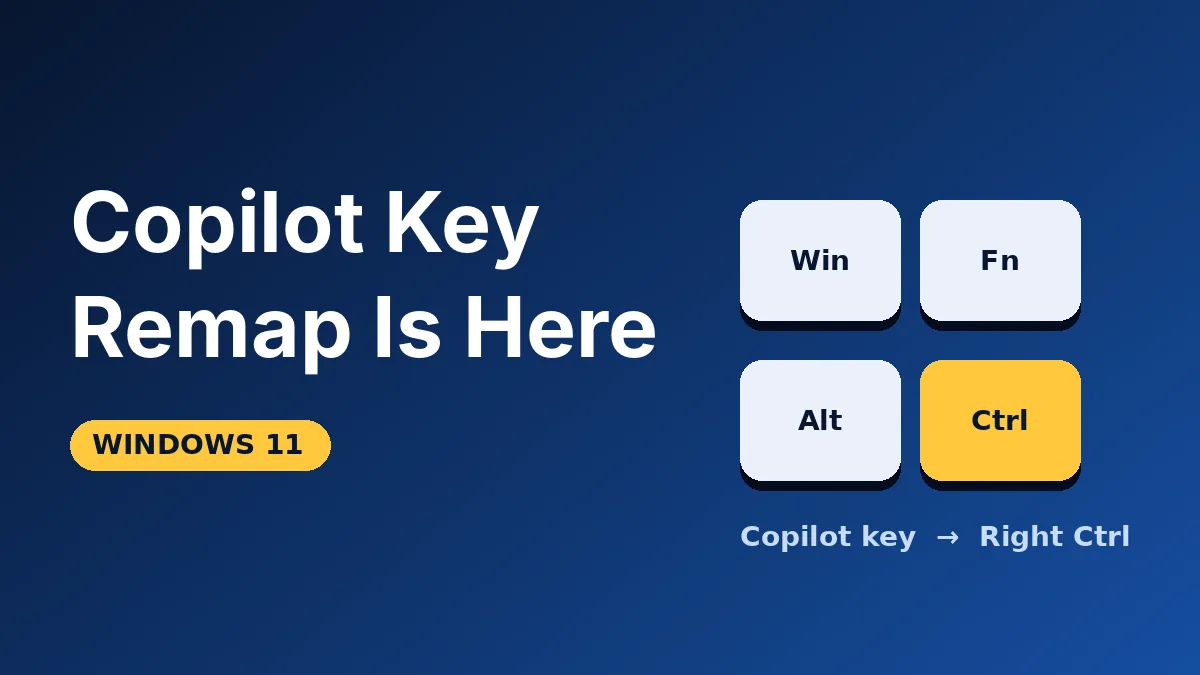
Copilot Key Remap in Windows 11: Turn It Back Into Right Ctrl or Menu
Hate the Copilot button on your laptop? Windows 11 now lets you turn it into Right Ctrl or the Context Menu key. Here’s where to find the setting.
-
Windows 11 Quick Settings Phone Controls: Silence or Ring Your Android From the PC
Windows Insiders can now silence or ring a linked Android phone from Quick Settings. Here’s how it works and who can try it.
-

Windows Hello Low Light Sign-In Is Back: Your Screen Will Brighten to Read Your Face
Face sign-in failing in the dark? Windows 11 will briefly boost your screen brightness to light your face. Here is who gets it and how to switch it on.
-

Windows 11 Touchpad Scrolling Adds One-Finger and Auto-Scroll: How to Turn It On
Windows 11’s October update adds one-finger edge scrolling and auto-scroll to the touchpad. Here’s where the switch is and why yours may be missing.