

Tag: Windows 11 Update
-
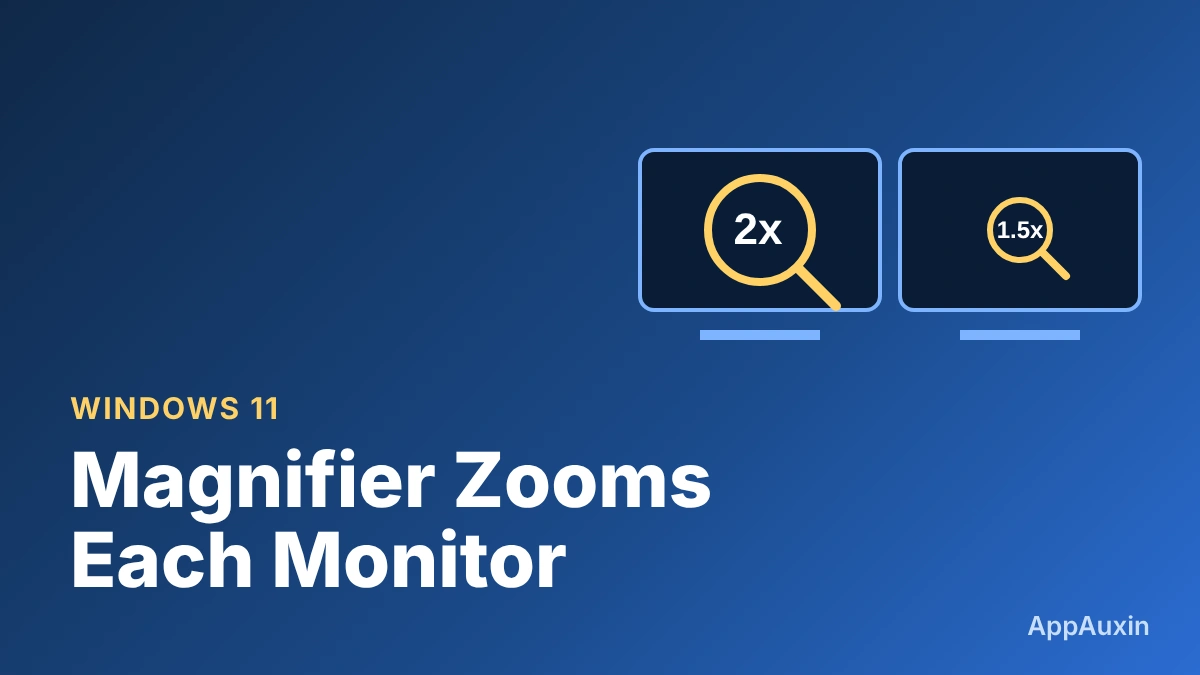
Windows 11 Magnifier Finally Zooms Each Monitor Separately: How to Use the New Controls
Magnifier finally treats multiple screens as separate: zoom each one on its own, freeze a view, and switch to a theme that keeps photos intact.
-
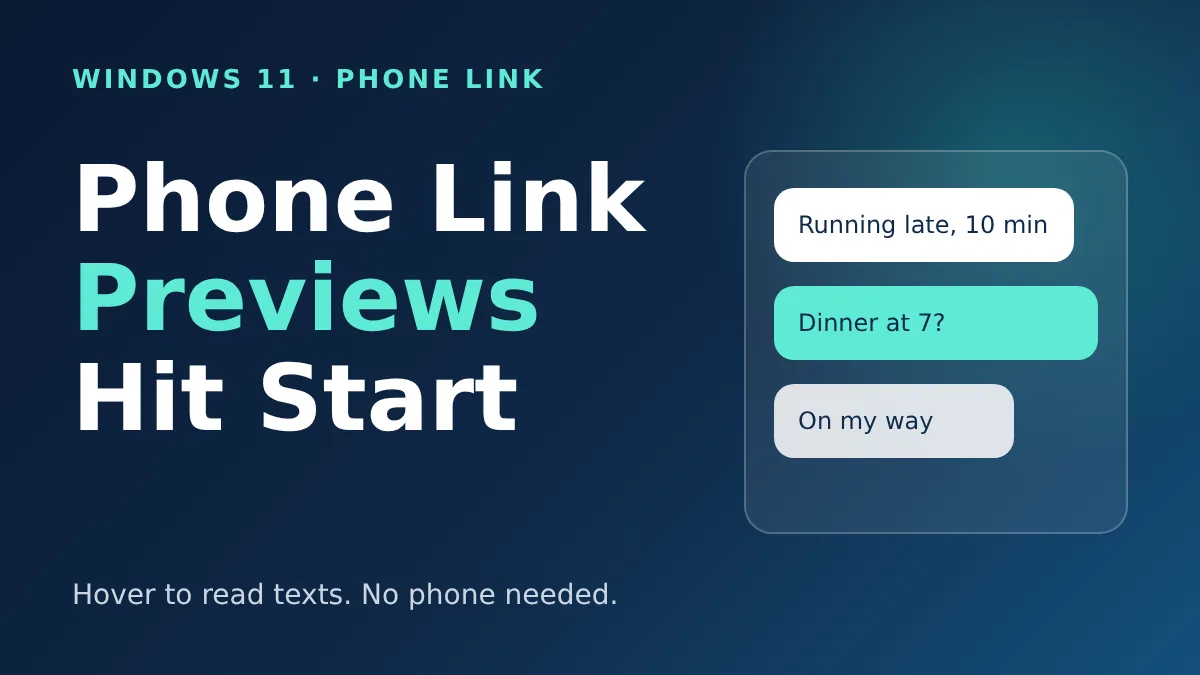
Windows 11 Phone Link Preview Lets You Read Texts in Start Without Picking Up Your Phone
Microsoft’s November update lets you hover over a recent text in the Start menu to read it. Here’s who gets it and how to switch it off.
-
Windows 11 Memory Integrity Is Turning On by Itself: What to Know
Microsoft is enabling a kernel-protection feature on more Windows 11 PCs through updates. Here’s who gets it and how to check yours.
-

The Windows 11 Right-Click Menu Is Finally Customizable: How to Turn It On
Microsoft’s new File Explorer menu is shorter and faster, and you can choose what shows up. Here’s how to find it, tweak it, and bring the old one back.
-

Windows 11 Cloud Rebuild Reinstalls Your PC Without a USB Drive: What to Know First
Microsoft’s new Cloud Rebuild can reinstall Windows 11 and your drivers from the cloud, even when the PC won’t boot. Here’s how it works and what to back up.
-

Edge Now Opens Up to 33% Faster on Windows 11: What You Need to Check
Microsoft says Edge now launches about 15% faster, and up to 33% when your PC is busy. Here is what you need and how to check.
-
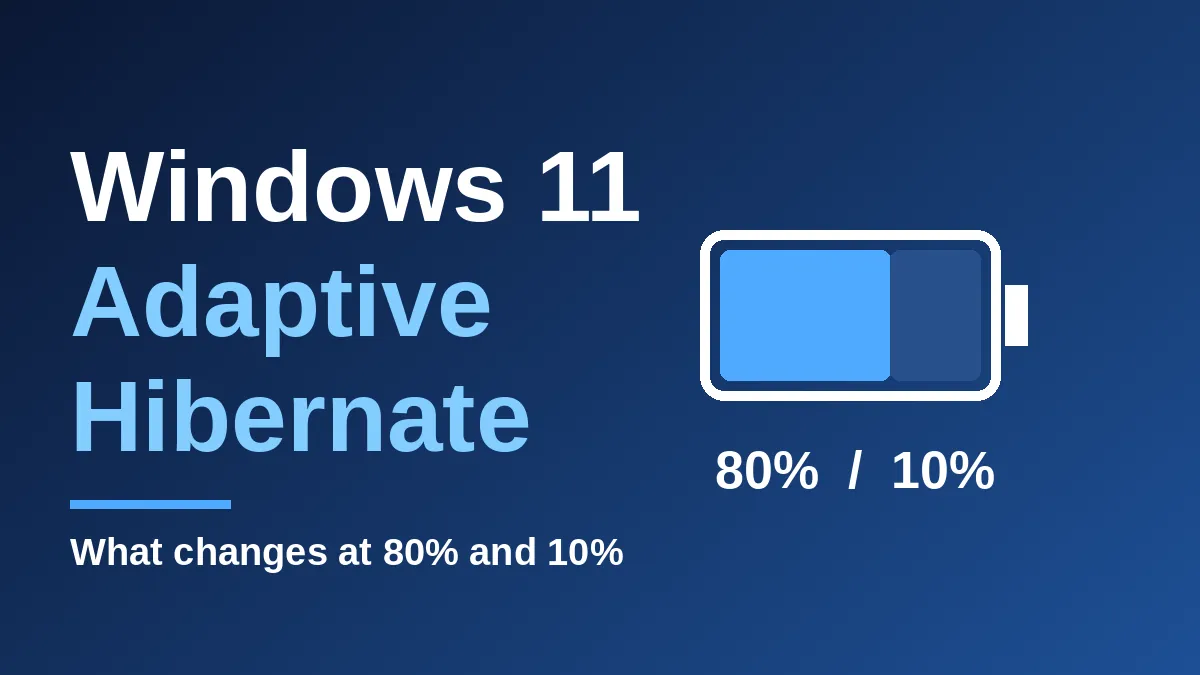
Windows 11 Adaptive Hibernate Is Changing: What Happens at 80% and 10% Battery
Windows 11 is retuning when your laptop hibernates: less often above 80% battery, sooner below 10%. Here’s what to expect.
-
Windows 11 26H2 Is Now Available for Everyone: How to Get It in 5 Minutes
Microsoft’s Windows 11 26H2 update is rolling out to all eligible PCs. It is tiny, quick to install, and resets your support clock.
-
Windows Security Redesign Is Coming: What Changes in the Windows 11 App
Microsoft is giving the Windows Security app a Windows 11 makeover. Here’s what’s new, who has it, and what to do while you wait.
-
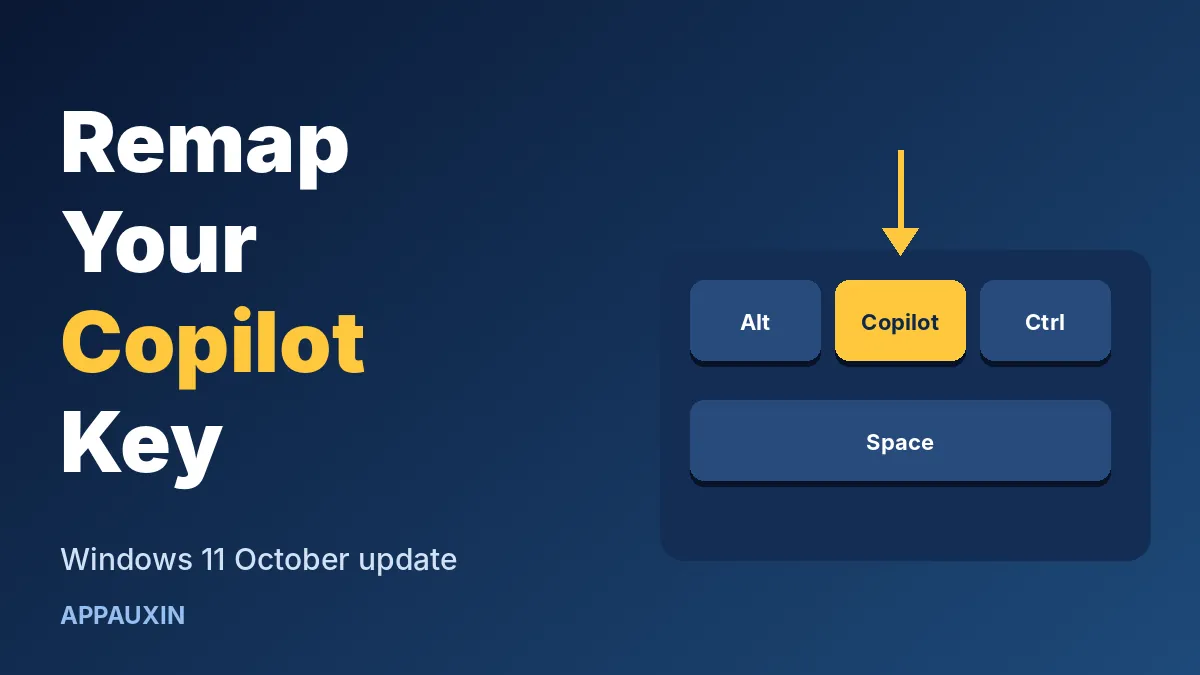
You Can Finally Remap the Copilot Key in Windows 11 — Here’s How
Windows 11’s October update lets you swap the Copilot key for Right Ctrl or Context Menu. Here’s where the setting lives and what to watch for.