

Tag: Windows Update
-
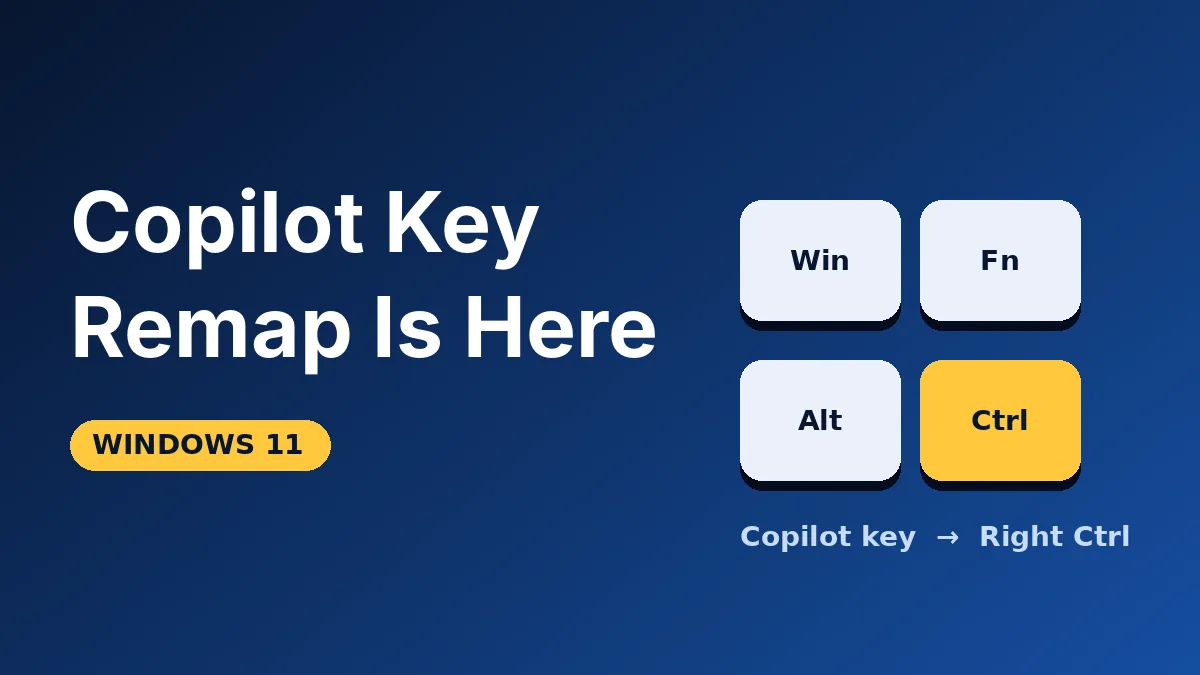
Copilot Key Remap in Windows 11: Turn It Back Into Right Ctrl or Menu
Hate the Copilot button on your laptop? Windows 11 now lets you turn it into Right Ctrl or the Context Menu key. Here’s where to find the setting.
-
November 2026 Patch Tuesday Lands Nov. 10: What to Check Before You Update
Microsoft’s next big Windows update batch is days away. Here’s what it should fix, what’s still broken, and how to get ready.
-
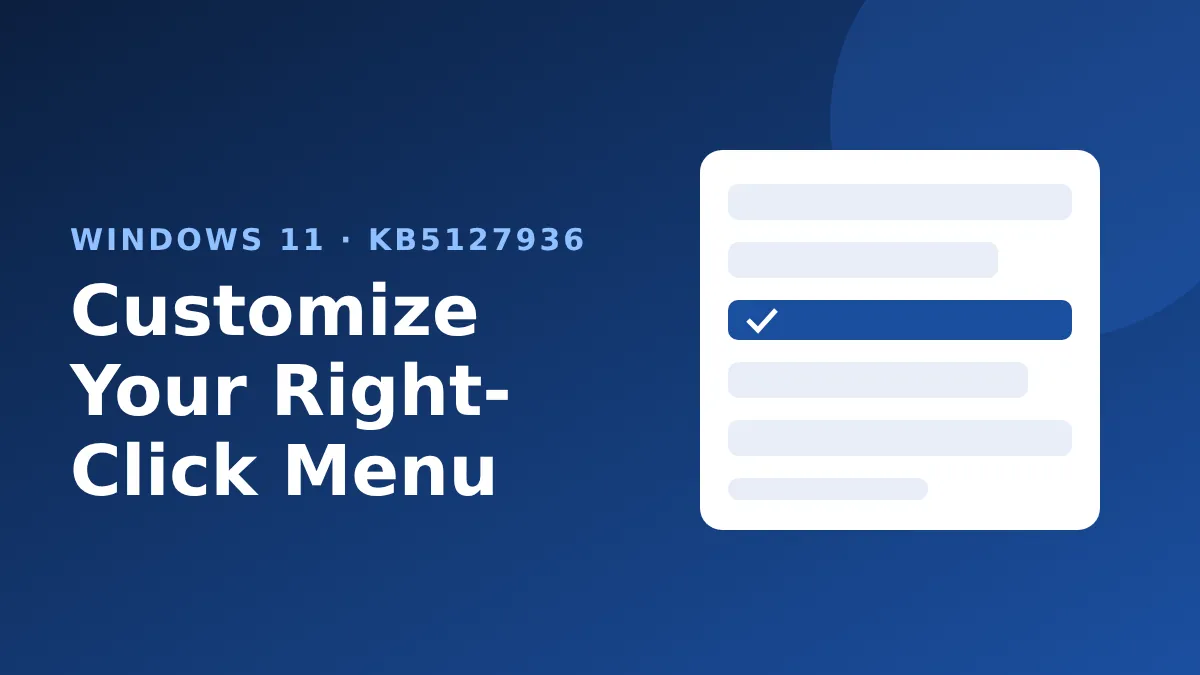
Windows 11 Right-Click Menu Is Finally Customizable: What KB5127936 Changes
A new Windows 11 update lets you trim the right-click menu, restore the classic one, and more. Here’s what KB5127936 changes and when you get it.
-
Smart App Control Grayed Out After the October Windows Update? Here’s the Fix
A Windows 11 security update left some PCs unable to turn on a key protection. Here’s who is hit and how to fix it.
-
Windows 11 26H2 Is Rolling Out: What Changes and How to Install It
Microsoft’s yearly Windows update is here, and it installs in minutes. Here’s what’s new, who needs it, and how to get it.
-
Secure Boot Certificate Expired October 19: How to Check Your PC Now
A key Windows boot certificate expired on October 19. Here’s how to check your PC in a minute and what to do if it missed the update.
-
Windows 11 KB5127936: Customizable File Explorer Menu and Cloud Rebuild Explained
Microsoft’s optional October preview update lets you tidy the File Explorer right-click menu and reinstall Windows from the cloud. Here’s what’s new and what to check first.
-
File Explorer Preview Is Back for Downloaded Files in Windows 11
Windows 11’s October update brings back previews for downloaded PDFs. HTML files still get a warning first. Here’s what changed and how to get it.
-
Windows 11 26H2 Is Out: Who Can Install It and How to Get It Now
Windows 11 26H2 is a small update with one restart. Here is who can install it, how to get it, and why 24H2 users should not wait.
-

Windows 11 October 2026 Update: Copilot Key Remap, Touchpad Scrolling and What’s Gone
KB5127648 lets you remap the Copilot key, open apps maximized and scroll with one finger. It also removes PC-to-PC Migration.